38
Navigation mode
The navigation address previously
selected is added to the selected address
book entry.
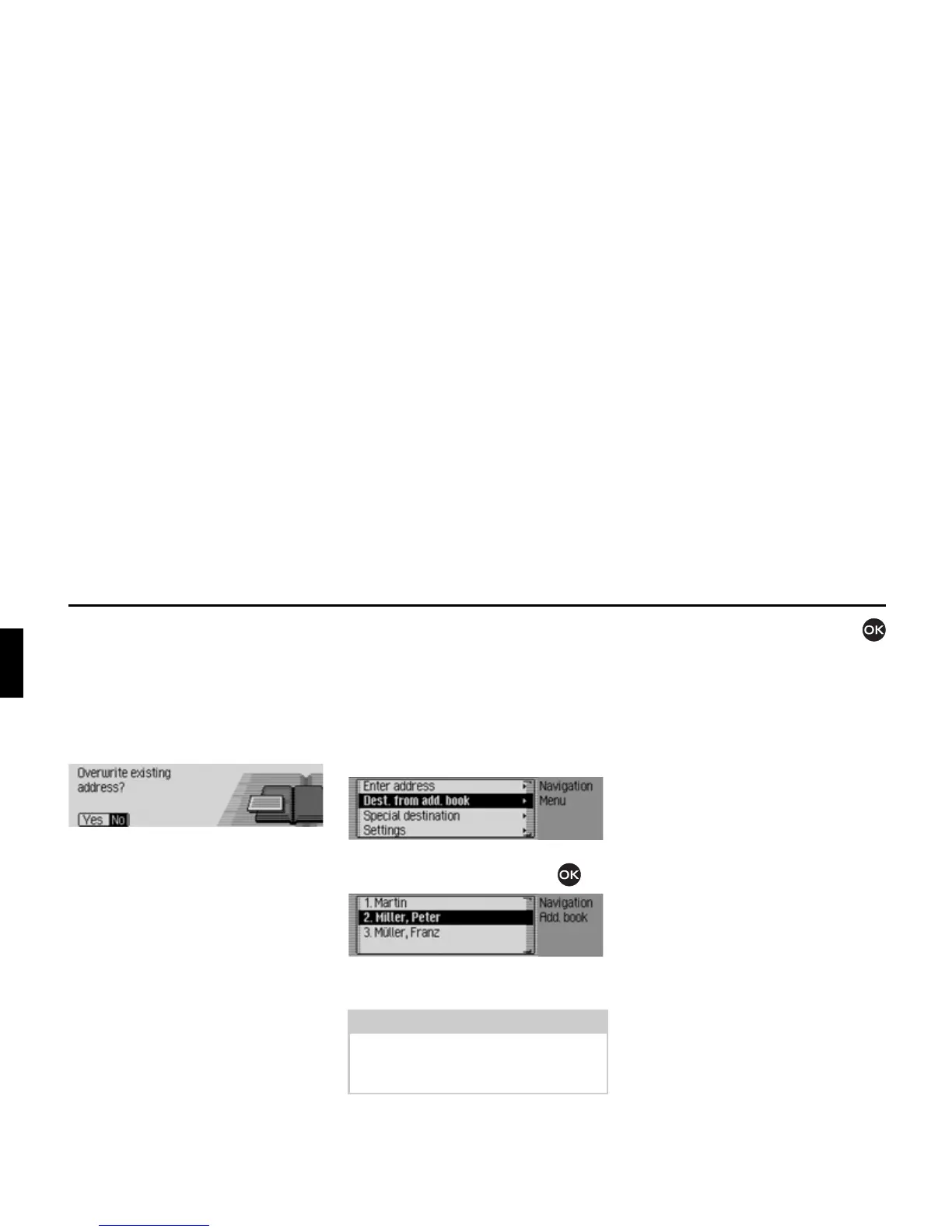
If the selected address book entry already
contains an address, the following prompt
appears:
X In the prompt, select <HV to overwrite
the existing address or
1R to retain the
address.
If you select
<HV, the existing address
will be overwritten.
Selecting a destination from the
address book
You can find a destination in the address
book and start navigation to it.
X In the Navigation main menu, select
the
'HVWIURPDGGERRN entry.
X Confirm your selection by pressing
the rotary control/push button .
The address book entries which support
navigation appear.
X Turn the rotary control/push button
and then press the rotary control/push
button to select the required entry.
Route guidance to this destination will
be started immediately.
Note:
If there are more than 9 entries in the
address book, the data entry menu for
locating the required name appears.
2035
2036















 To Next Page