122
Settings
Activating/ deactivating Bluetooth*
You can activate or deactivate
Bluetooth.
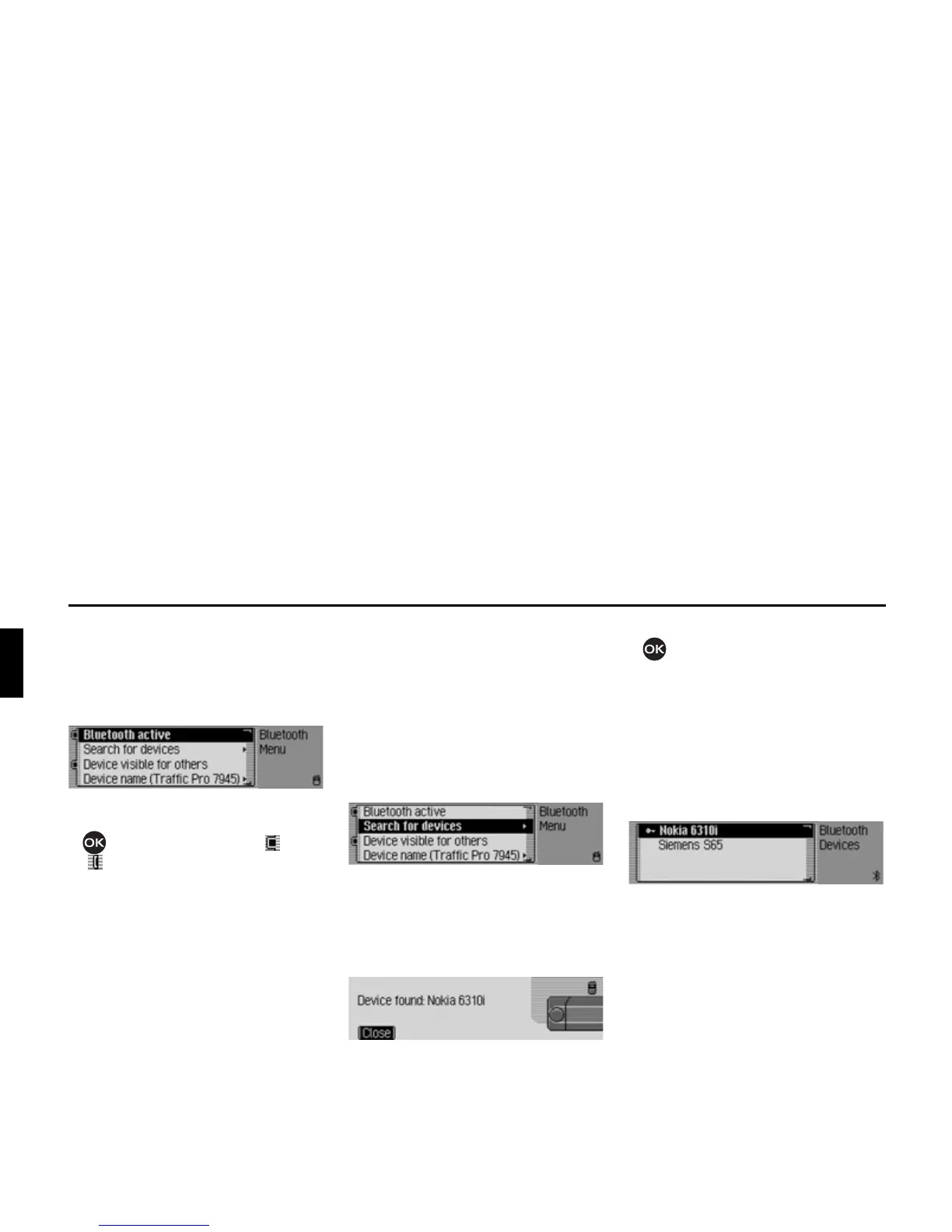
X Call up the Bluetooth settings.
X Select the %OXHWRRWKDFWLYH entry.
X Press the rotary control/push button
to switch Bluetooth on ( ) or off
().
Searching for Bluetooth devices*
Use this function to start a Traffic Pro
search for Bluetooth devices within the
transmission/ reception range.
All the devices (including those already
connected etc.) are displayed as a result
of the search.
X Call up the Bluetooth settings.
X Select the 6HDUFKIRUGHYLFHVentry.
The device displays
6HDUFKLQJ IRU
%OXHWRRWKGHYLFHV
.
If a device is found the following
information is displayed, for example.
X Press the rotary control/push button
to cancel the search.
If you do not cancel the search it will
continue to run.
If other devices are found, further
messages will be displayed concerning
those devices.
The devices found are displayed in a list
after the search has been completed.
You can then connect/ disconnect the
devices as described in “Connecting and
disconnecting devices*” auf Seite 117.















 To Next Page