113
Address book
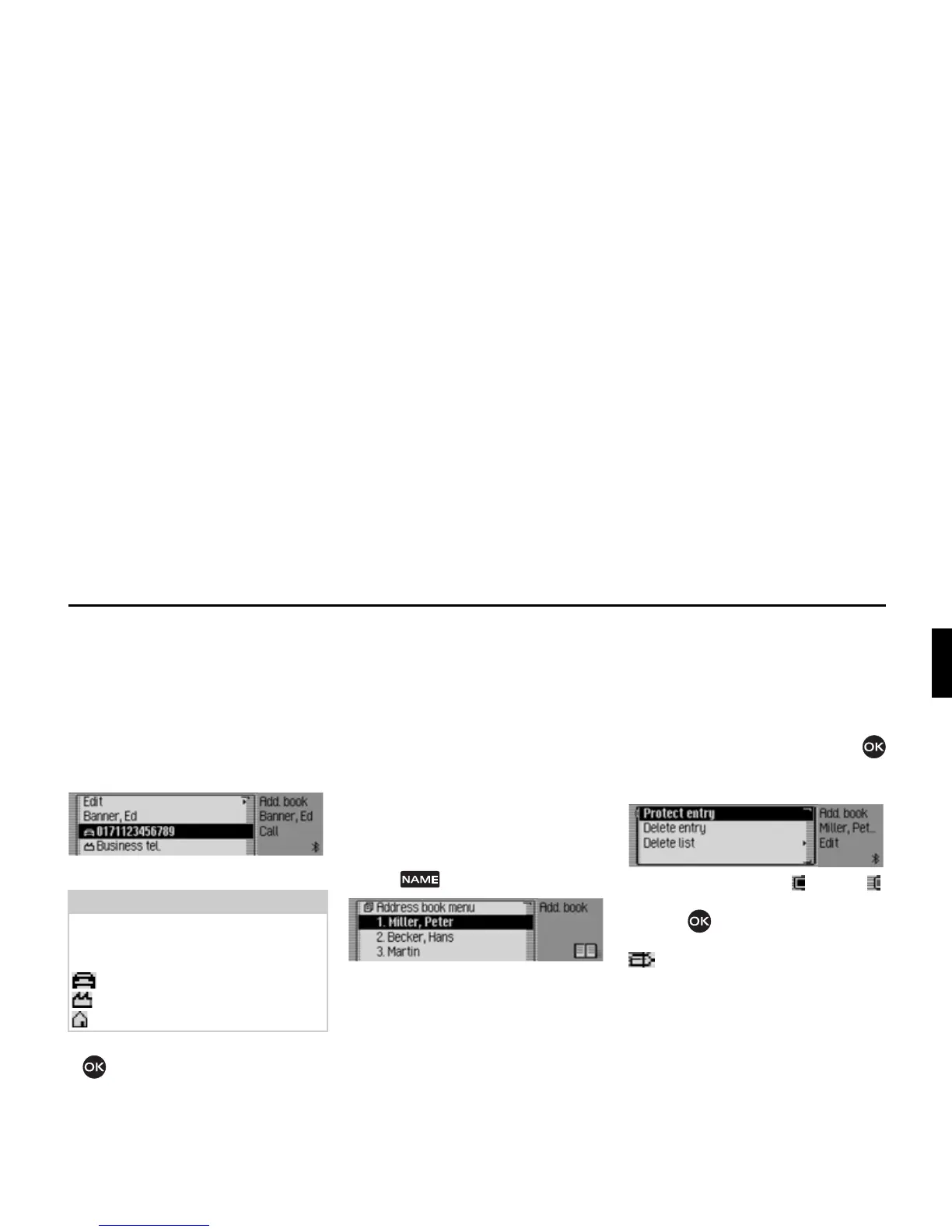
Calling an address book entry*
From the address book you can start a
call to a telephone number stored in the
address book.
X Find the address book entry
containing the telephone number you
wish to call.
X Select the desired telephone number.
X Press the rotary control/push button
.
The call to the required number will be
established.
Fast access functions
The last 20 address book entries used in
the address book appear here.
You may:
• Protect the fast access entries, i.e. the
entry will not be deleted when the
maximum number of entries is
reached. The oldest unprotected entry
will be deleted.
• Delete individual fast access entries.
• Delete the entire fast access list.
X Press .
The address book fast access function
appears.
Protecting an entry
X Call up the address book fast access
function.
X In the Fast Access menu which
appears, select the address book entry
to be protected.
X Press the rotary control/push button
until a menu appears.
X Select the 3URWHFWHQWU\ entry.
X Switch protection on ( ) or off ( )
by pressing the rotary control/push
button .
Protected entries are identified by the
symbol.
Note:
Up to three telephone numbers can be
saved. These are marked with different
symbols.
stands for the mobile number.
stands for the business number.
stands for the private number.















 To Next Page