34
Navigation mode
• 4XLFNURXWH
With this setting, the route with the
shortest possible travel time to the
destination is calculated.
•
6KRUWURXWH
With this setting, the route with the
shortest possible distance to the desti-
nation is calculated.
•
$YRLG PRWRUZD\, $YRLG WXQQHO,$YRLGWROO
and$YRLGIHUU\
You can use these entries for example
to exclude ferries or motorways from
the route calculation. The Traffic Pro
will then attempt to calculate a route
which does not contain any motor-
ways or ferries.
Saving/Deleting route options
X In the Route Options menu, select
5HDG\.
X Confirm your selection by pressing
the rotary control/push button .
or
X Press .
You can now start route guidance
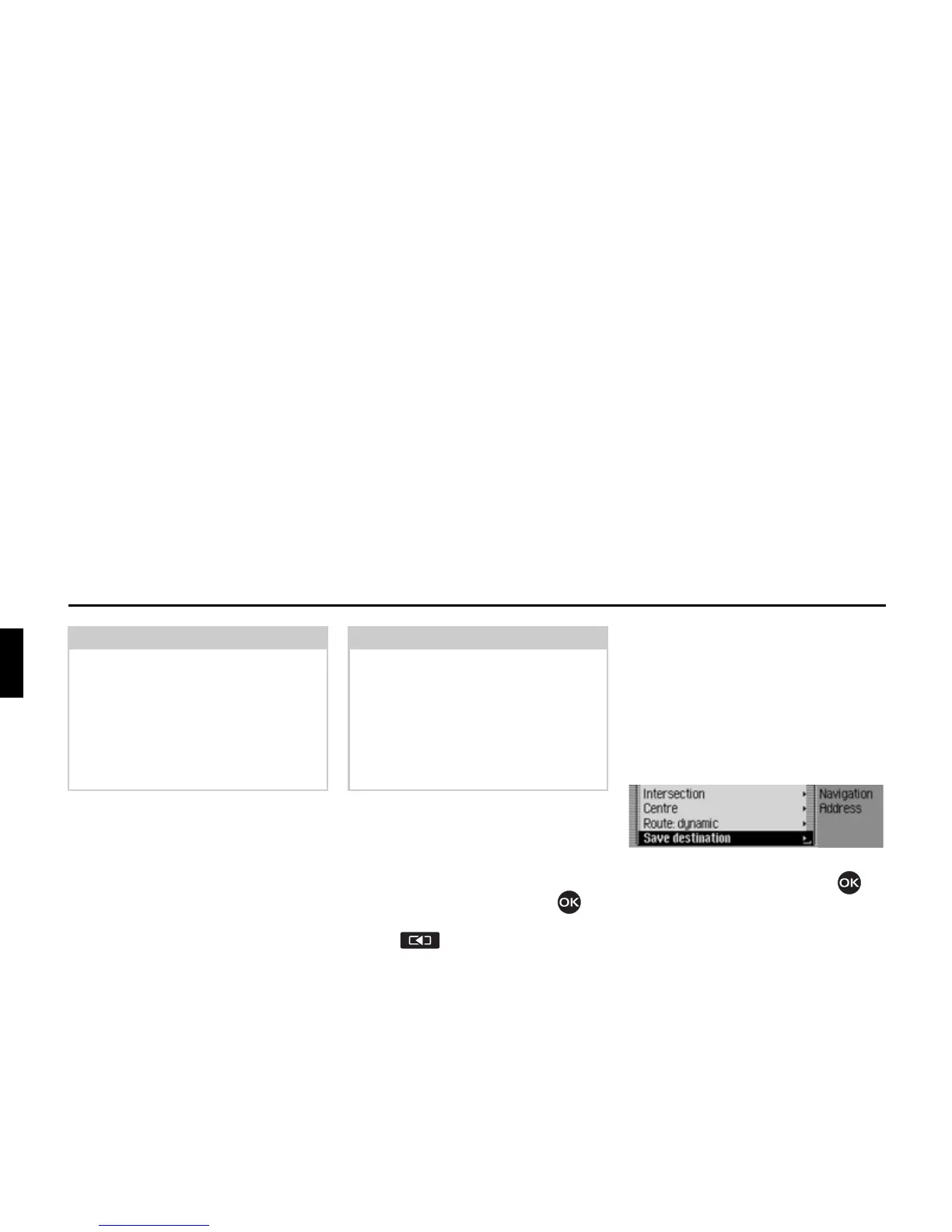
Saving a destination
Once you have entered a destination,
you can save it in the address book. This
may be useful if you wish to travel to
this destination again at a later date.
X In the Enter Destination menu, select
6DYHGHVWLQDWLRQ.
X Confirm your selection by pressing
the rotary control/push button .
Proceed as described in “Saving an entry
in the address book” on page 36.
Notes:
• Dynamic route guidance is not possi-
ble in all countries at present.
• When new route calculations are
made with active dynamic route guid-
ance, the Traffic Pro may request the
navigation CD (if it is not already
inserted).
Notes:
• Routes without motorways can only
be calculated for short distances (up
to 200 km depending on digitalisation
density).
•Even if
$YRLGWROO is selected, toll roads
(e.g. in Switzerland or Austria) will
be included in the route calculation.
2027















 To Next Page