165
Voice mode
• Select a stopover as destination.
Say the command Enter special
destination or Special destination.
• Select a stopover from the fast access
list.
Say the command Rapid access or
[Select] [destination] via rapid
access.
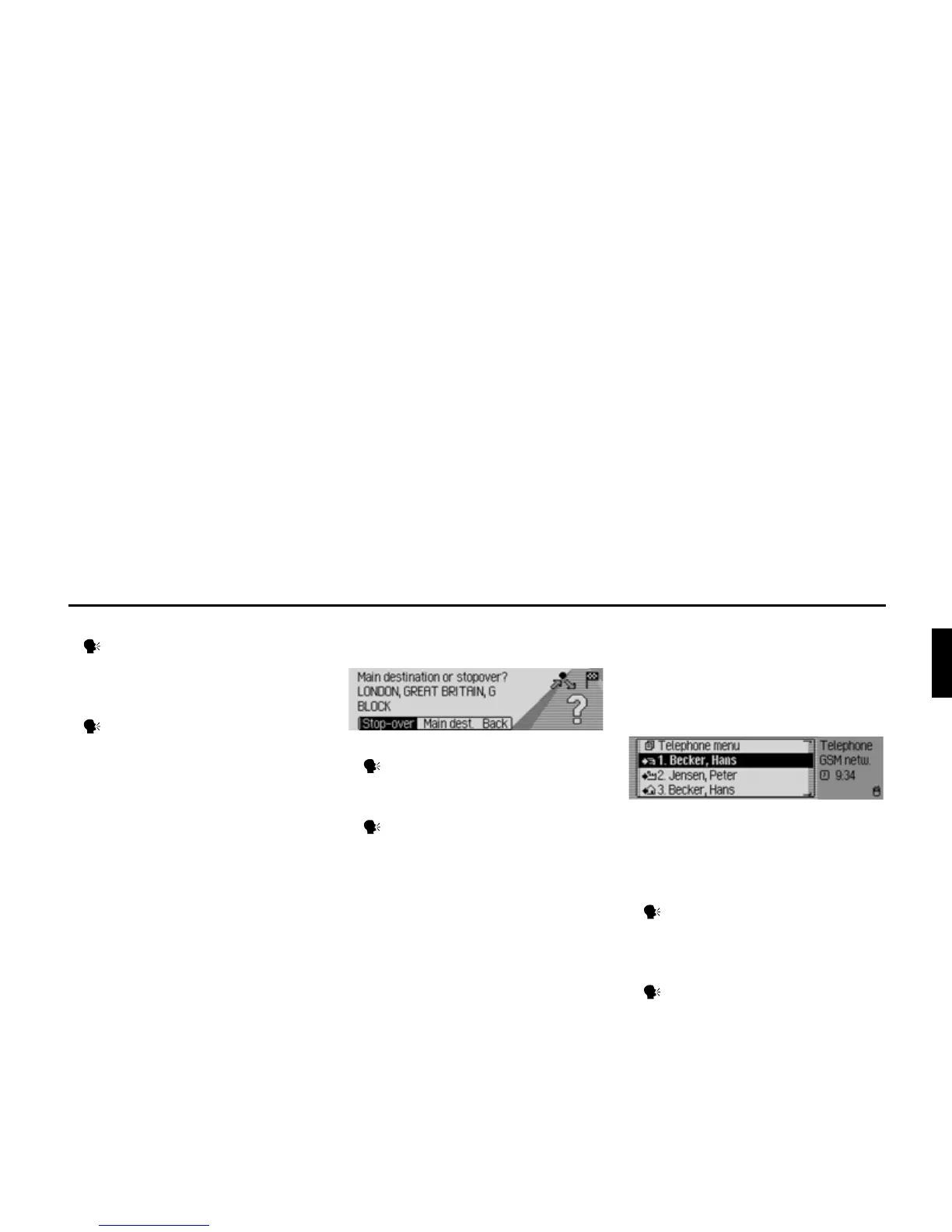
Prompt: Is the new destination a main
destination or a stopover?
• Set as main destination.
Say the command Main destina-
tion or Enter main destination.
• Set as stopover.
Say the command Stop-over or
Enter stop-over.
Commands for telephone
mode*
Commands for telephone fast
access mode*
In telephone fast access mode, the
following commands are available:
• Calling up the Telephone main menu
(page 89).
Speak the command Telephone
menu or Open telephone [menu].
• Calling up the input menu for a
telephone number (page 90).
Speak the command Dial number
or Enter [telephone] number.
2096
5001
*Only available for the Traffic Pro with Bluetooth® wireless technology.















 To Next Page