129
Settings
Calling up the system settings
X Press .
X Turn the rotary control/push button
counter clockwise until
6\VWHP
VHWWLQJ
appears at the top right of the
display.
X Press the rotary control/push button
.
X Turn the rotary control/push button
to select one of the following options:
$XGLR,
([WHUQDOGHYLFH,
'LVSOD\EULJKWQHVV,
'D\QLJKWGHVLJQ,
5HVHWIXQFWLRQV,
'LUHFWLRQRIURWDU\DFWXDWRU or
&ORFN
X Confirm your selection by pressing
the rotary control/push button .
Audio
The Audio section includes system
settings for audio mode.
GAL (speed dependent volume)
GAL is a control circuit on the Traffic
Pro. This control circuit automatically
increases the volume of the Traffic Pro
depending on the speed of the vehicle.
You can define the extent to which the
volume should be increased depending
on the speed of the vehicle here.
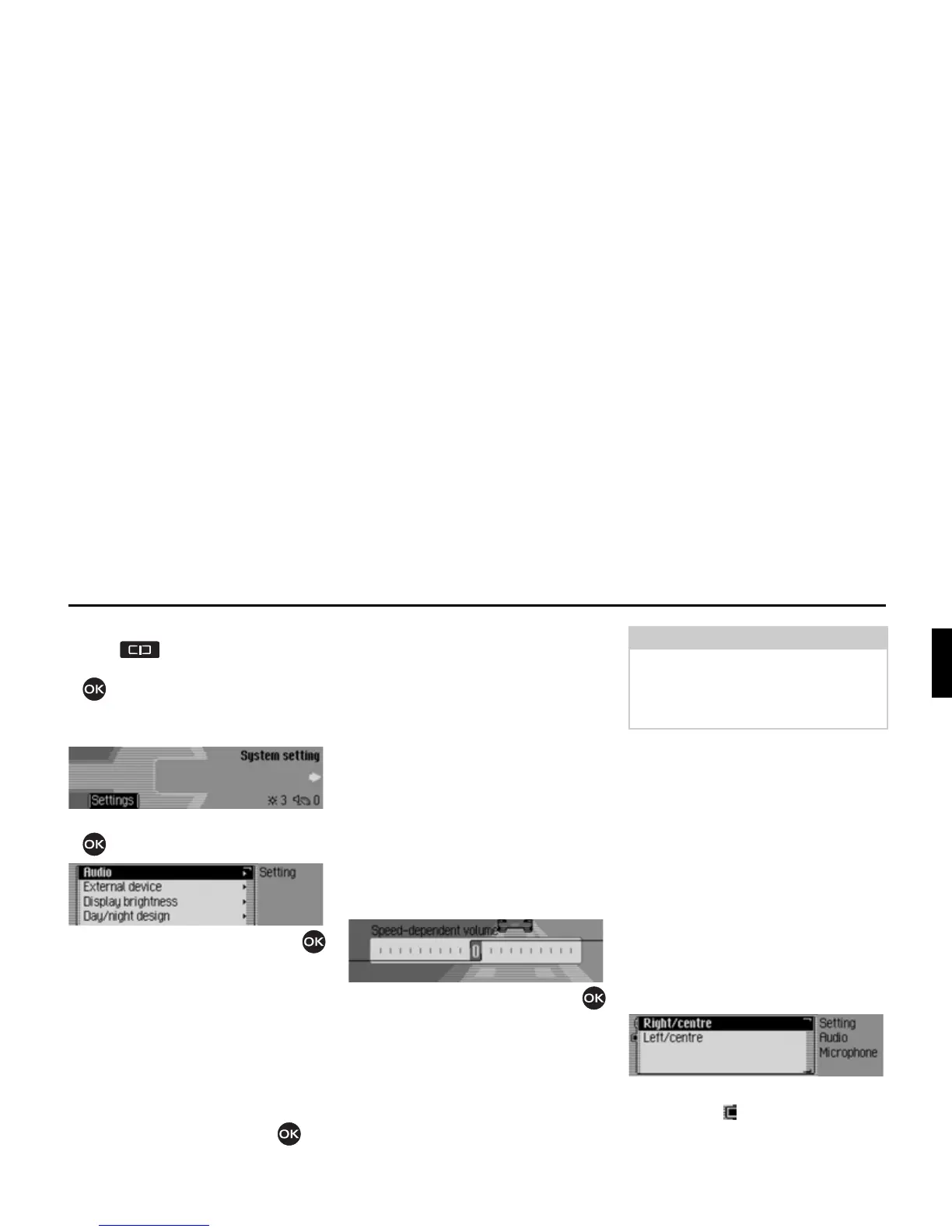
X Select $XGLR in the system settings.
X Select 6SHHGGHSHQGHQWYROXPH.
X Turn the rotary control/push button
to select the required value.
Settings for left-hand/ right-hand
drive vehicles
Navigation announcements and
telephone calls/ voice mode
announcements are transmitted via
different loudspeakers. Using this
function you can specify whether your
car is a left-hand drive or right-hand
drive vehicle and therefore set the
transmission accordingly.
X Select $XGLR in the system settings.
X Select ,QVWDOODWLRQSRVLWLRQRIPLFURSKRQH.
X Select between 5LJKWFHQWUH and /HIW
FHQWUH
(on = ).















 To Next Page