121
Settings
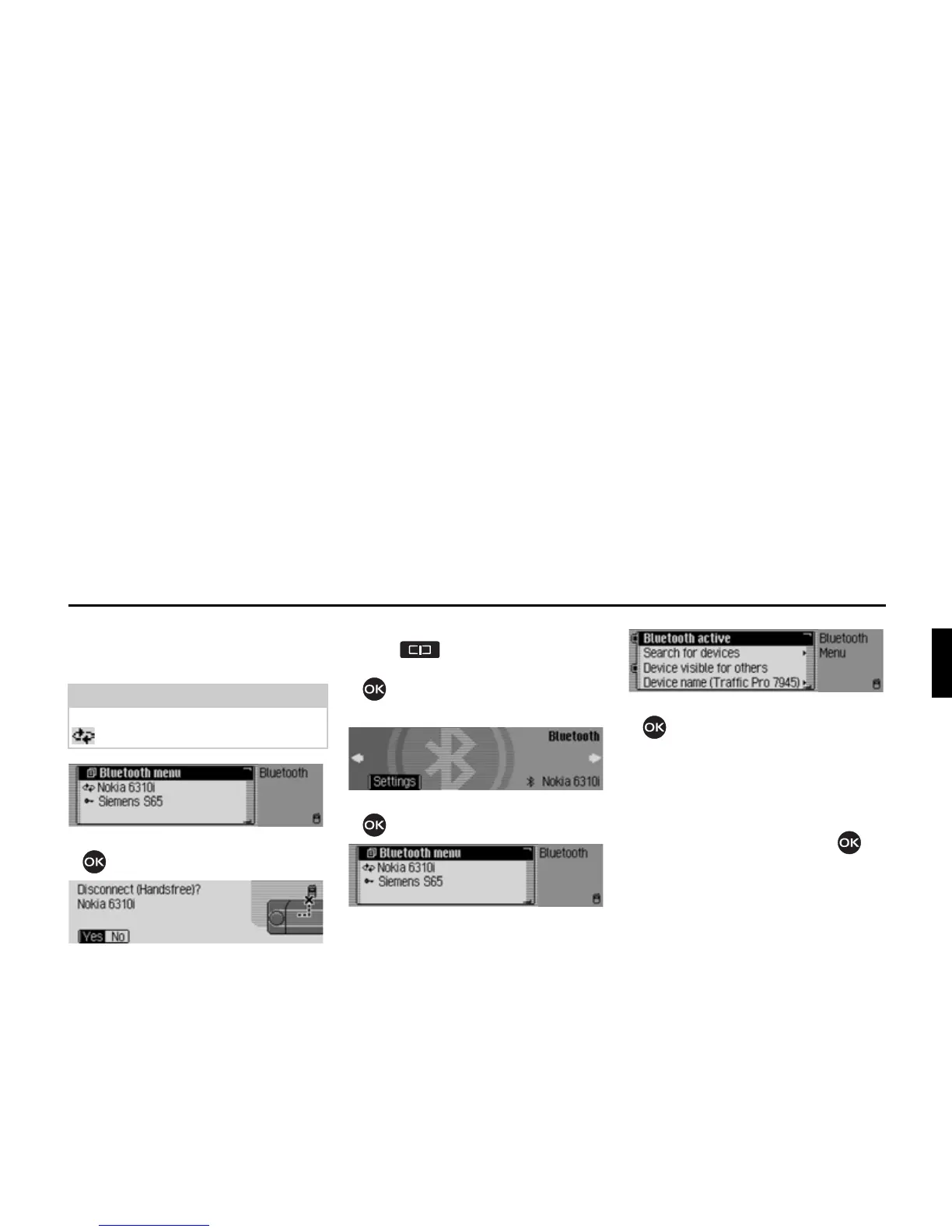
Disconnecting devices*
X Select the device to be disconnected
from the device list.
X Press the rotary control/push button
.
X Select <HV to disconnect or 1R not to
disconnect.
If
<HV is selected, the Traffic Pro will
disconnect the required device.
Calling up Bluetooth settings*
X Press .
X Turn the rotary control/push button
anti-clockwise until
%OXHWRRWK
appears at the top right of the display.
X Press the rotary control/push button
.
The Bluetooth device list is displayed.
X Select the %OXHWRRWKPHQX entry.
X Turn the rotary control/push button
to select between
%OXHWRRWKDFWLYH,
6HDUFKIRUGHYLFHV,
'HYLFHYLVLEOHIRURWKHUV and
'HYLFHQDPH.
X Confirm your selection by pressing
the rotary control/push button .
Note:
A connected device is identified by the
symbol.















 To Next Page