167
Voice mode
Commands in the Fast Access/ Edit
Telephone Numbers menu*
• Switch entry protection on/ off
(page 99).
Switch on:
Speak the command Protect entry
on.
Alternative commands:
Activate protect entry or Activate
protect address.
Switch off:
Speak the command Protect entry
off.
Alternative commands:
Deactivate protect entry or Deactivate
protect address.
• Deleting an entry (page 99).
Speak the command Delete entry
or Delete address.
• Deleting the entire list (page 99).
Speak the command Delete list or
Delete entire list.
• Saving a fast access telephone number
in the address book.
Speak the command Save to the
address book.
Alternative commands:
Save [number] to address book, Save
[number] in the address book, Save
[entry] to address book or Save
[entry] in the address book.
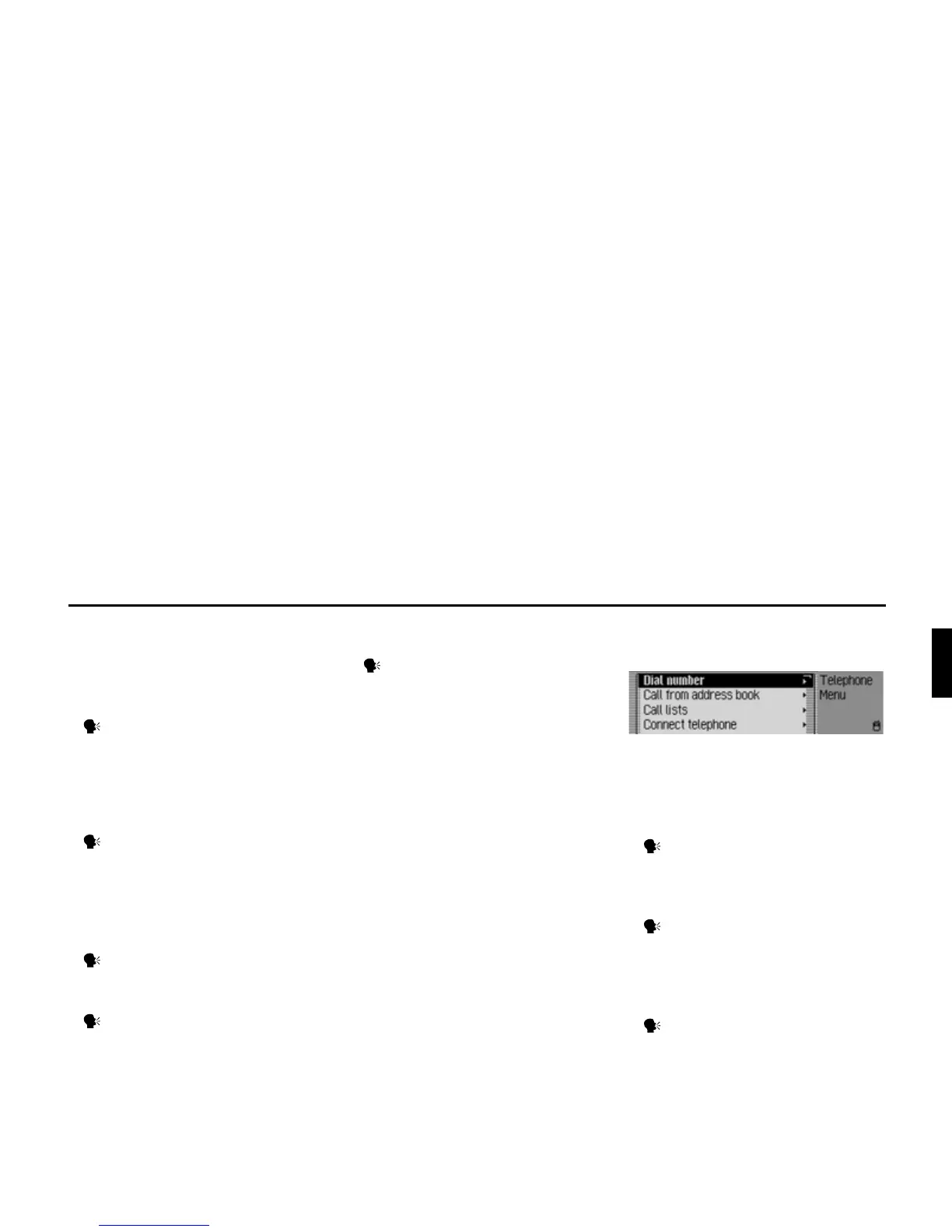
Commands for the Telephone
main menu*
In the Telephone main menu, the
following commands are available:
• Calling up the input menu for a
telephone number (page 90).
Speak the command Dial number
or Enter [telephone] number.
• Selecting a telephone number from the
address book (page 91).
Speak the command Call from
address book or [Call] number from
[the] address book.
• Calling up the Call Lists menu
(page 92).
Speak the command Call lists or
Open call lists.
5004
*Only available for the Traffic Pro with Bluetooth® wireless technology.















 To Next Page