163
Voice mode
POI categories (page 39)
• Motorway junction
Say the command Motorway
intersection or Motorway exit.
• Motorway exits
Say the command Motorway junc-
tion, Motorway slip road or Motor-
way access road.
•Railways
Say the command Train station,
Central train station or Main station.
•Airports
Say the command Airport or Air-
field.
•Hotels
Say the command Hotel or Motel.
• Hospitals
Say the command Hospital.
• Options for parking
Say the command Car park.
Alternative commands:
Multi-storey, Layby or Parking site.
• Restaurants
Say the command Restaurant.
• Petrol stations
Say the command Petrol station.
Commands for the
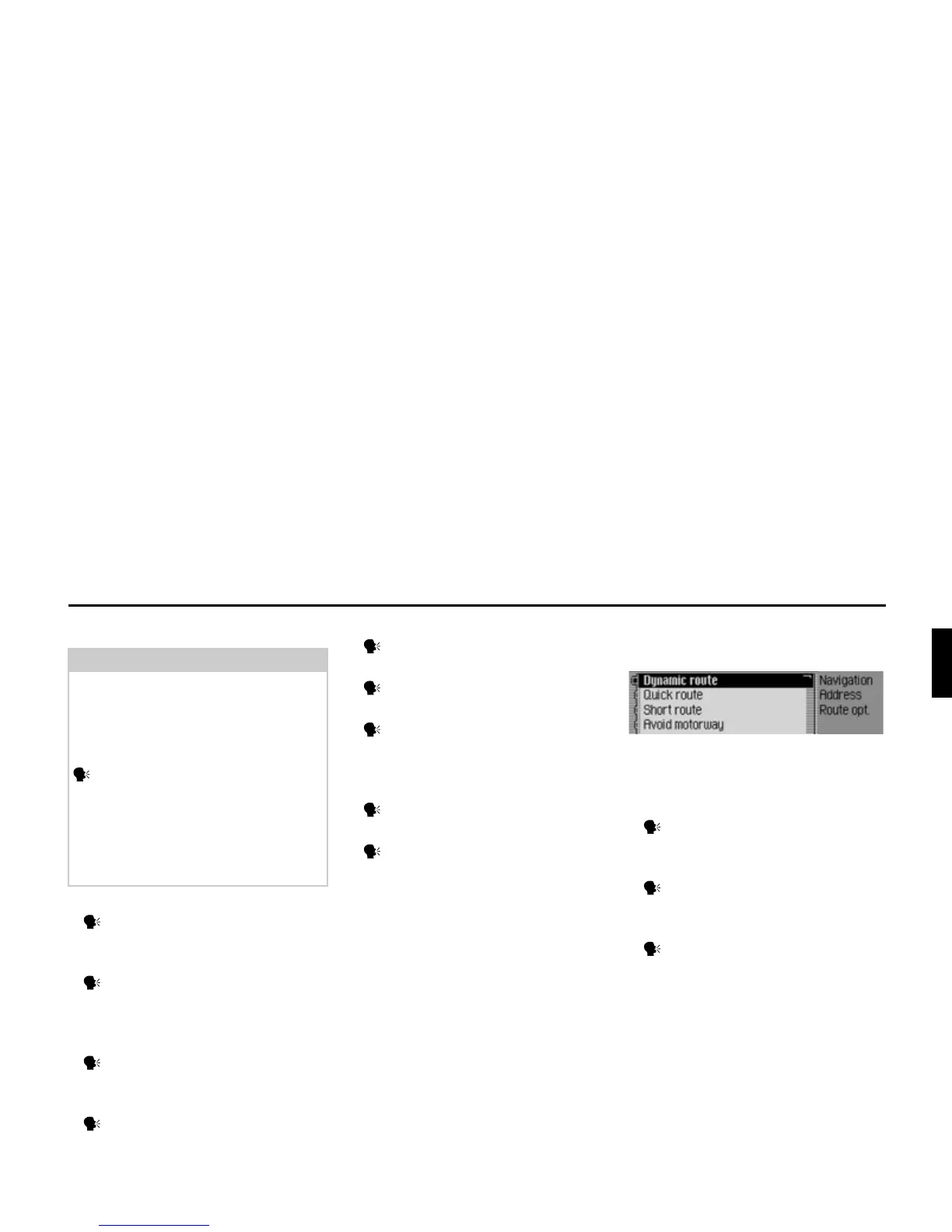
Route Options menu
In the Route Options menu, the following
commands are available (page 33):
• Set dynamic route calculation.
Say the command Dynamic or
[Select] dynamic route.
• Set fast route.
Say the command Quick or
[Select] quick route.
• Set short route.
Say the command Short or [Select]
short route.
Note:
The POI categories specified here are
not commands in their own right. They
can be used in conjunction with the
commands In vicinity and In vicinity of
destination.
E.g. speak the commands Train
station and In vicinity of destination
one after the other.
A selection list will then be displayed
showing the railway stations in the
destination area.
2026















 To Next Page