142
Voice mode
Example for entering a
telephone number*
The following description assumes that
you are in the status display for radio
mode.
You wish to dial the telephone number
“07241345678”.
X Press the rotary control/push button
.
You will hear a signal tone Ò.
X Speak the command Communica-
tion.
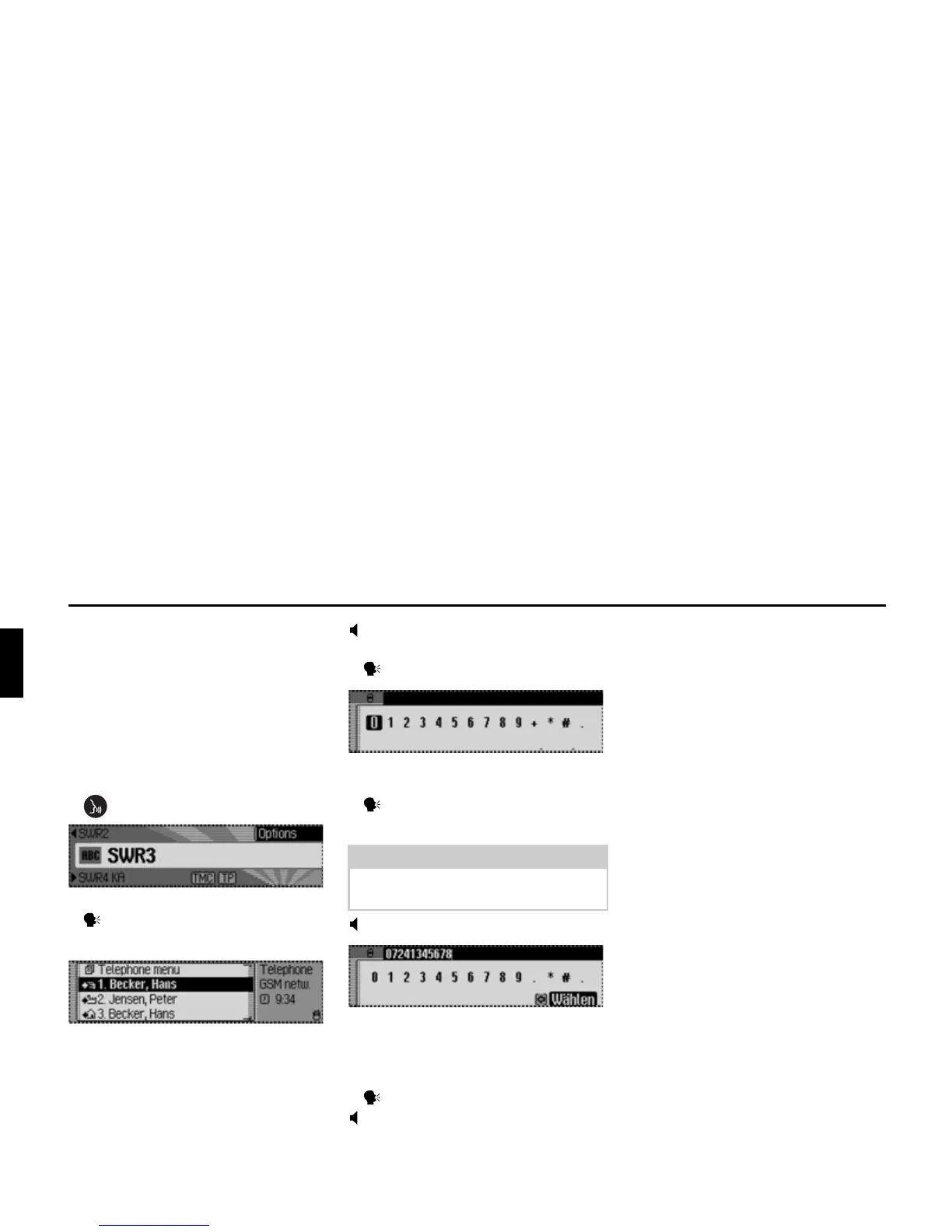
The Telephone fast access menu
appears.
Communication
You will hear a signal tone Ò.
X Speak the command Dial number.
The input menu for a telephone number
appears.
X Speak the telephone number
0 - 7 - 2 - 4 - 1 - 3 - 4 - 5 - 6 - 7 - 8.
07241345678
The input menu for the telephone
number spoken appears.
You will hear a signal tone Ò.
X Speak the command Dial.
The number will be dialled
Connection will be made to the tele-
phone number spoken.
General commands
General commands are commands that
are common to different operating
modes.
For example, you can always call up
online help.
A description of how to navigate on-
screen lists also appears below.















 To Next Page