*Only available for the Traffic Pro with Bluetooth® wireless technology. 97
Telephone mode*
End call
Select
+DQJ XS in the Options menu to
end the active call. See “Ending a call”
on page 96.
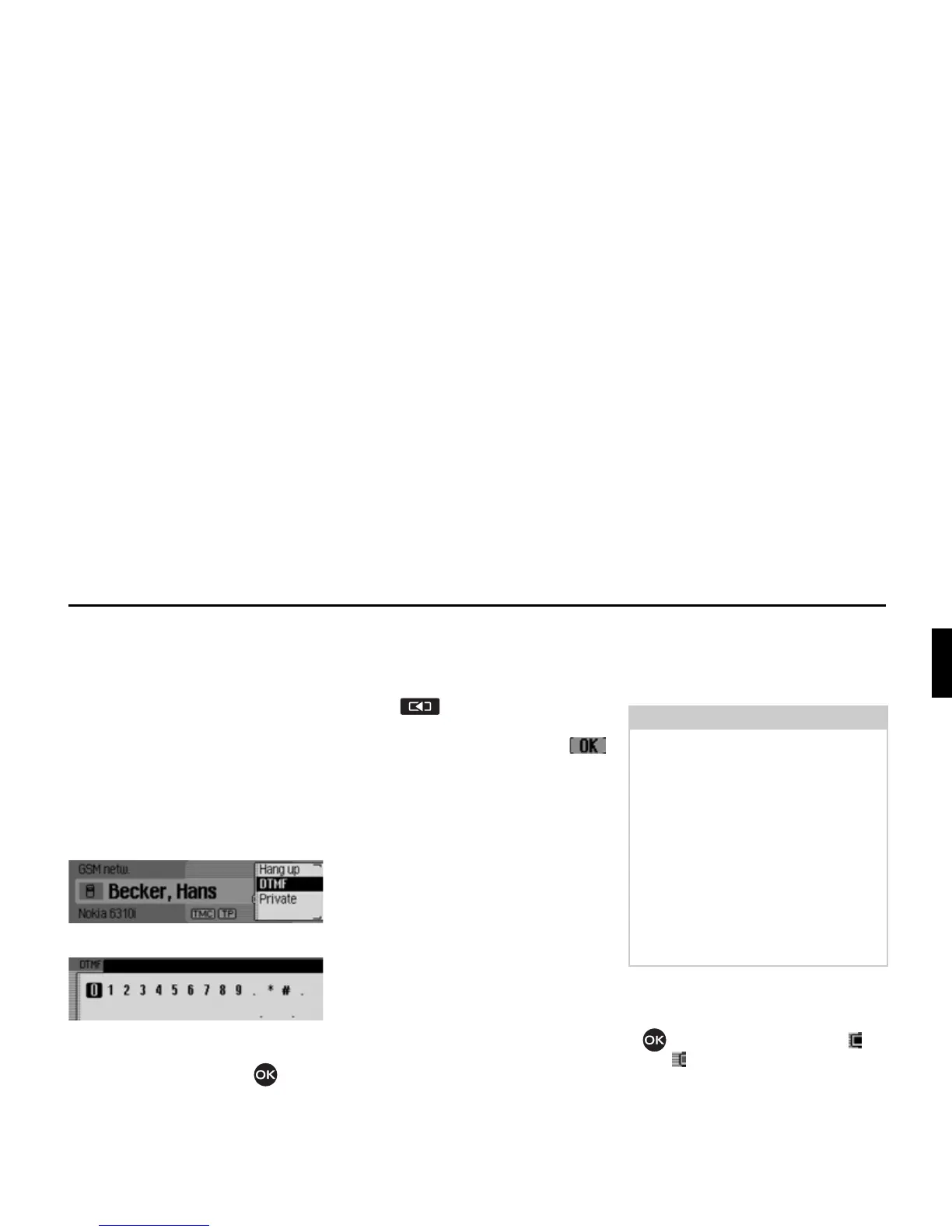
DTMF
So-called DTMF dialling tones can be
transmitted. For example, these tones
are required to retrieve information from
an answering machine.
X Open the Options menu.
X Select the '70) entry.
X Enter the required sequence of
numbers by turning and pressing the
rotary control/push button .
The entries must not be confirmed. The
individual DTMF tones will be sent
immediately after selection.
X Press to exit the input menu.
or
X In the input menu, select the
symbol.
Private
You can divert calls received via Traffic
Pro to the mobile phone. The hands-free
unit is then deactivated.
X Open the Options menu.
X Select the 3ULYDWH entry.
X Press the rotary control/push button
to switch the function on ( ) or
off ( ).
Notes:
• With some mobile phones, the
connection from the mobile phone to
the Traffic Pro will be interrupted
when this function is activated. If this
is the case you will have to reconnect
the mobile phone to the Traffic Pro as
described in “Connecting and
disconnecting devices*” on
page 117.
• If, at the end of the call, the function
3ULYDWH was activated, it will be
deactivated again for the next call.















 To Next Page