96 *Only available for the Traffic Pro with Bluetooth® wireless technology.
Telephone mode*
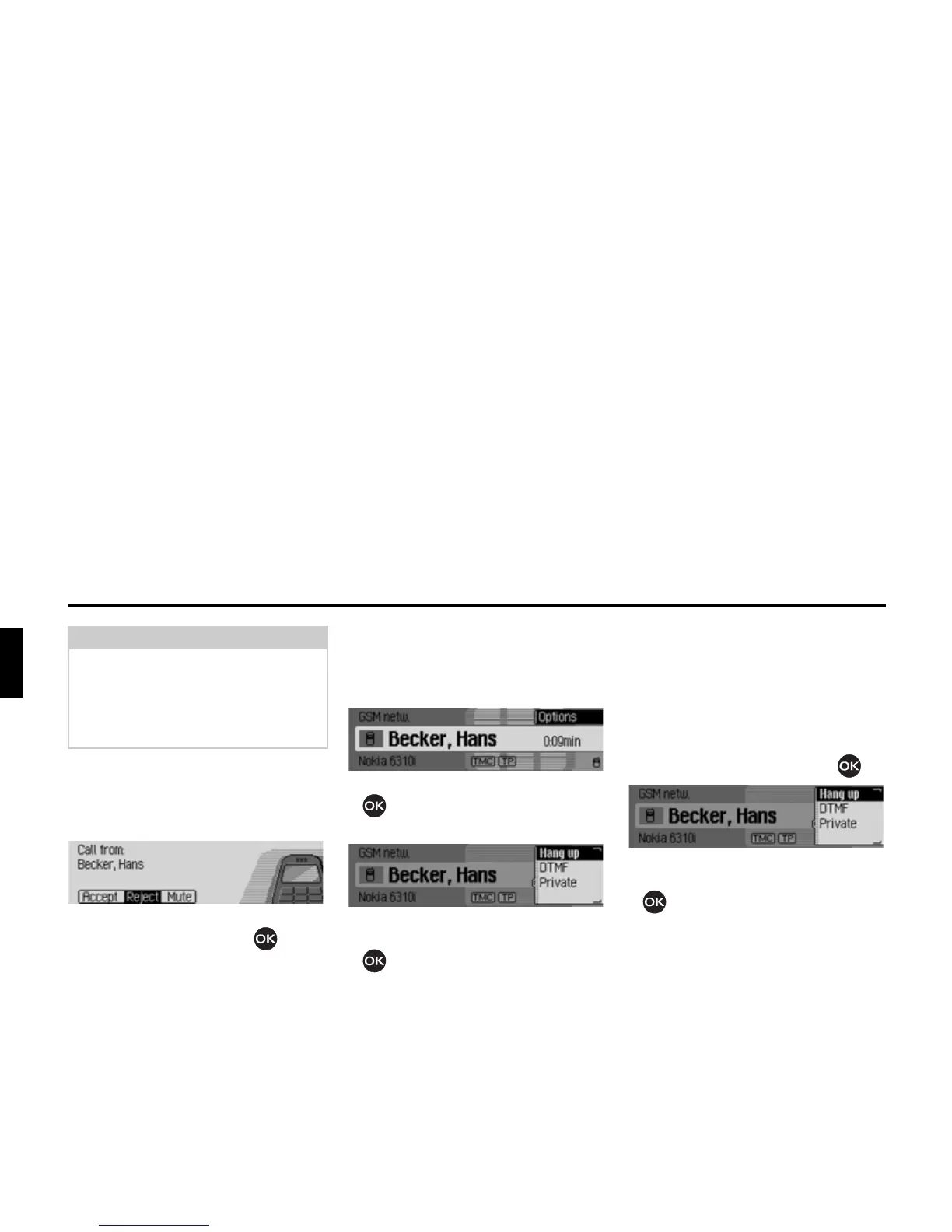
Rejecting a call
You can reject an incoming call. The
person calling will hear a busy signal.
X Select the 5HMHFW entry and press the
rotary control/push button .
The call will be rejected. The status
display of the previously active radio or
media source will be shown.
Ending a call
Active calls can be terminated. For this
purpose, status display must be first be
accessed.
X Press the rotary control/push button
.
The Options menu appears.
X Select the +DQJXS entry.
X Press the rotary control/push button
.
The call is terminated.
Options menu
The Options menu can be displayed
during an active call. You can end the
call, send DTMF tones or divert the call
to the mobile phone.
X In the Telephone status display, press
the rotary control/push button .
The Options menu appears.
X Turn the rotary control/push button
to select between
+DQJXS,
'70) and
3ULYDWH.
Note:
Selecting
0XWH deactivates the signal
tone and the previously active source,
radio or media, will be reactivated.
However the call will be indicated until
the caller ends the call.















 To Next Page