66
Radio mode
Voice entries
You can delete or listen to voice entries
assigned to the station. You can also
activate or deactivate the voice dialogue
for creating new voice entries (see also
page 74).
X In the Radio main menu, select 9RLFH
HQWULHV
.
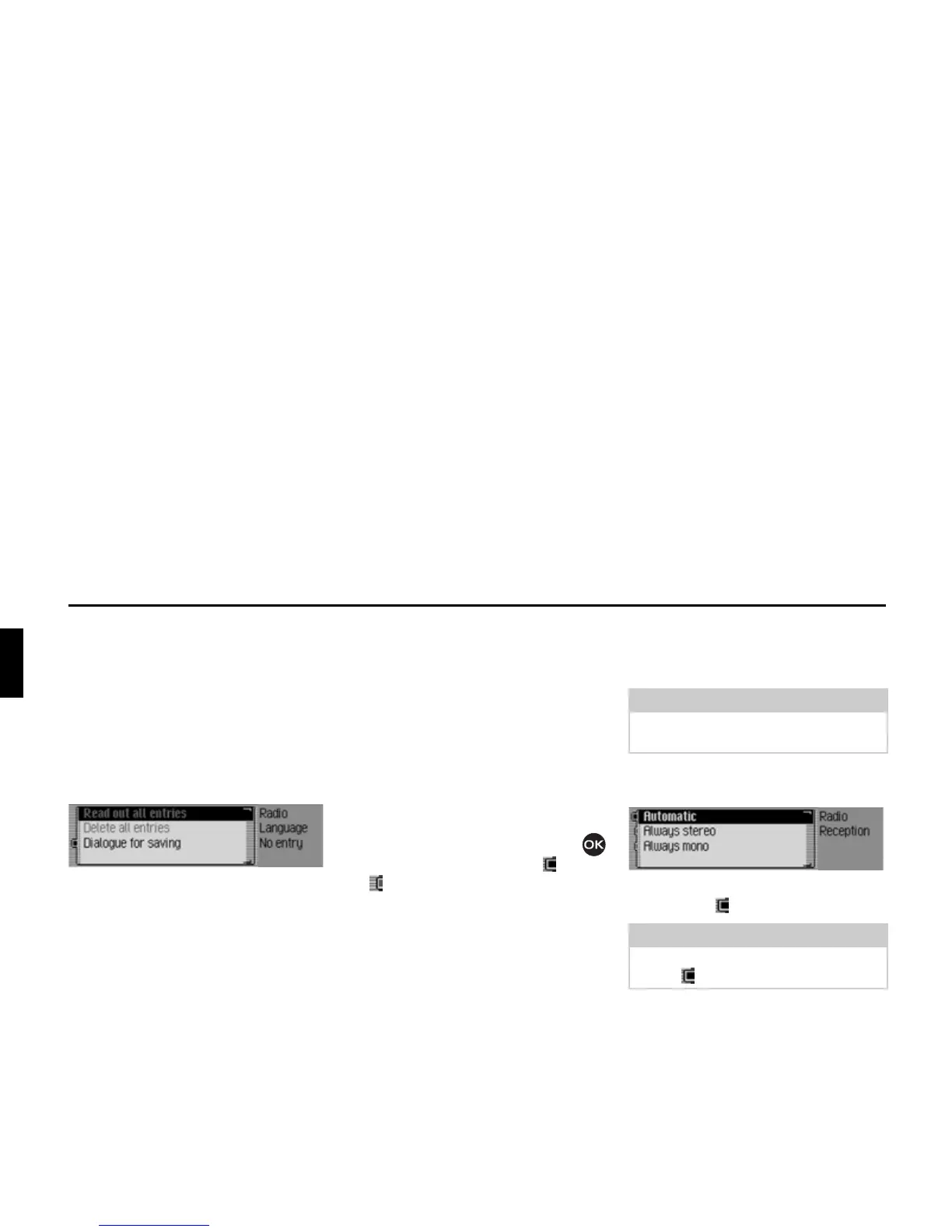
X Select 5HDGRXWDOOHQWULHV, 'HOHWH DOO
HQWULHV
or 'LDORJXHIRUVDYLQJ.
• 5HDGRXWDOOHQWULHV
Select 5HDGRXWDOOHQWULHV to listen to all
voice entries associated with radio sta-
tions.
•
'HOHWHDOOHQWULHV
If 'HOHWHDOOHQWULHV is selected, a prompt
will appear asking you to confirm
whether or not all voice entries should
actually be deleted.
Select
<HV to delete the voice entries or
1R to continue without deletion.
•
'LDORJXHIRUVDYLQJ
If the function is active, when a station
is stored, an automatic dialogue will
appear for assigning a voice entry.
Turn the rotary control/push button
to switch the function on ( ) or off
().
Reception optimisation
You can select one of three settings to
suppress reception-related interference.
X In the Radio main menu, select 5HFHS
WLRQRSWLPLVDWLRQ
.
X Select $XWRPDWLF, $OZD\VVWHUHR or $OZD\V
PRQR
(on = ).















 To Next Page