98 *Only available for the Traffic Pro with Bluetooth® wireless technology.
Telephone mode*
Fast access telephone functions
In fast access mode the last 20 numbers
or names which have been dialled,
answered or rejected will be displayed in
chronological order.
You may:
• Call numbers and names listed in fast
access mode directly.
• Protect the fast access entries, i.e. the
entry will not be deleted when the
maximum number of entries is
reached. The oldest unprotected entry
will be deleted.
• Delete individual fast access entries.
• Delete the entire fast access list.
• Save an entry from the fast access list
in the address book.
X Press .
X The telephone fast access function
appears.
Direct calling
X Call up the telephone fast access
function.
X Turn the rotary control/push button
and then press the rotary control/
push button to select the required
number or name from the list.
The call connection to the required
person will be started immediately.
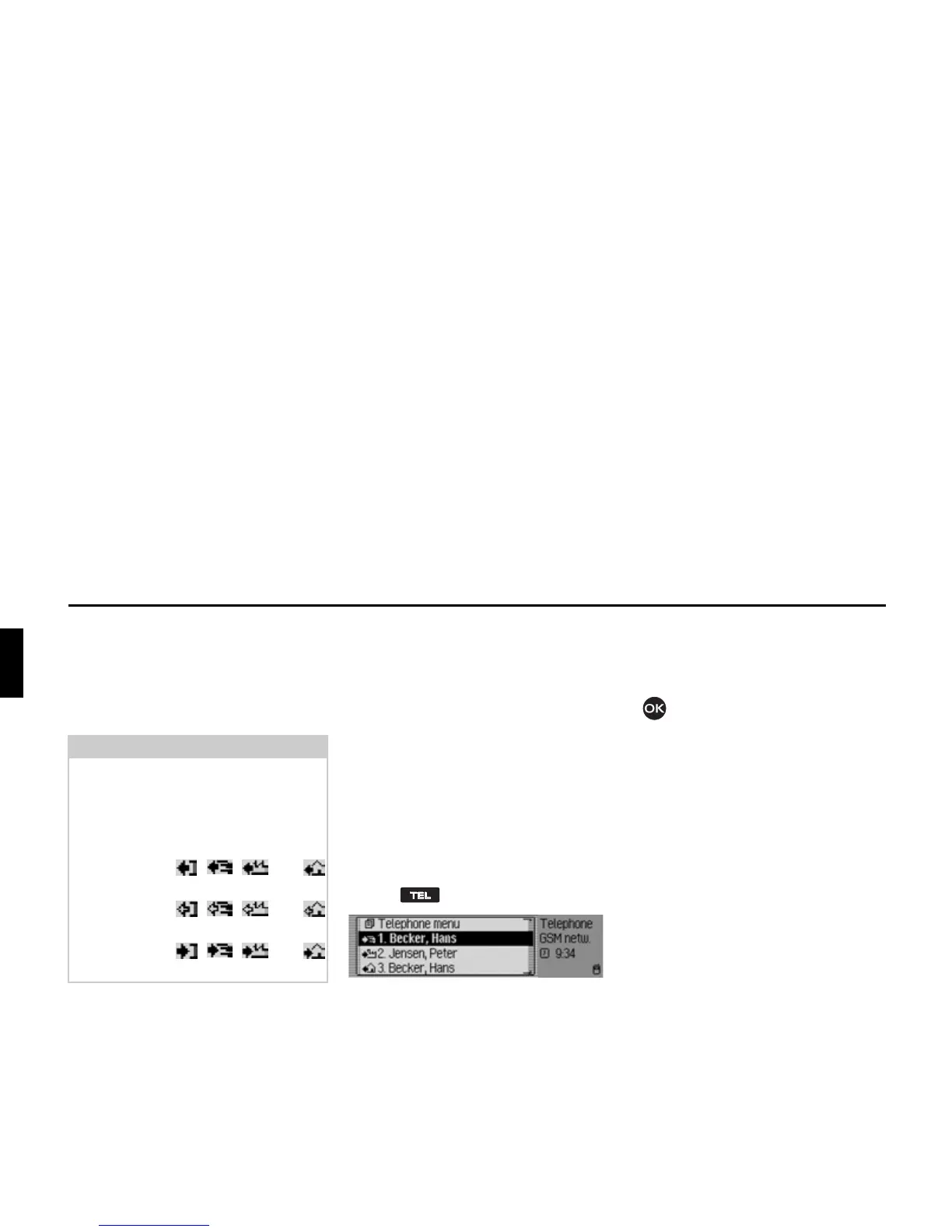
Notes:
The fast access entries have been given
symbols (the symbols are displayed in
following order – number not in
memory, mobile phone number,
business number, private number).
• The symbols , , and
stand for answered calls.
• The symbols , , and
stand for rejected calls.
• The symbols , , and
stand for outgoing calls.
5001















 To Next Page