126
Settings
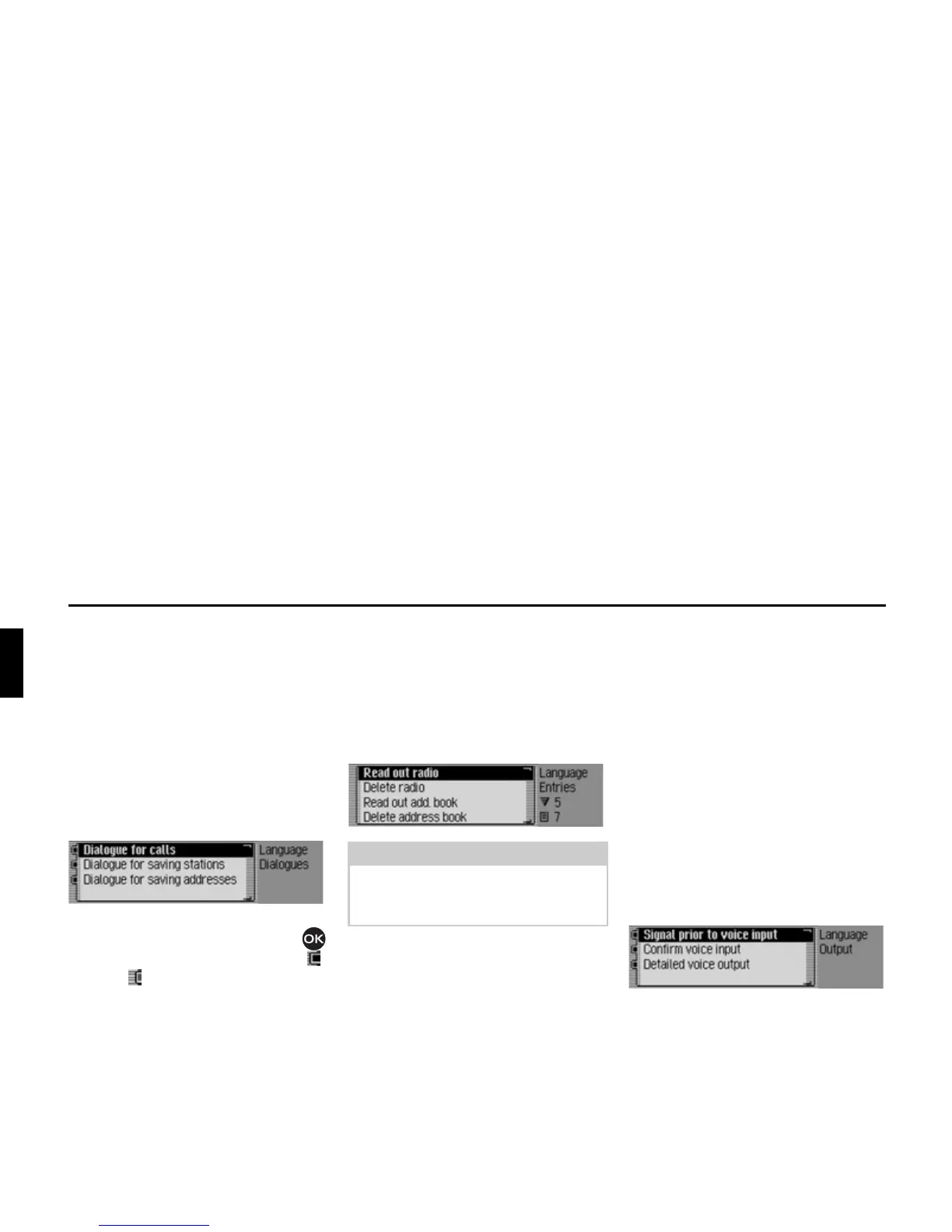
Automatic dialogue
You can specify which events should
trigger automatic voice dialogue. Auto-
matic dialogues are automatic queries
from the Traffic Pro after particular
events, for example whether a voice
entry is to be created after a radio station
has been stored.
X Select $XWRPDWLF GLDORJXHV in the voice
mode settings.
X Next, select the required event.
X Turn the rotary control/push button
to switch the required function on ( )
or off ( ).
Voice entries
You can use this function to read out and
delete all voice entries already stored for
the radio and address book functions.
X Select 9RLFHHQWULHV in the voice mode
settings.
Reading out:
X Select 5HDGRXWUDGLRor 5HDGRXWDGG
ERRN
.
The selected voice entries are read out.
Deleting:
X Select 'HOHWH UDGLR or 'HOHWH DGGUHVV
ERRN
.
X When the next prompt appears, select
<HV to delete the entry or 1R not to
delete.
Entries will be deleted or retained on the
basis of the selection.
Voice output
You can configure voice outputs for the
Traffic Pro here.
X Select 9RLFH RXWSXW in the voice mode
settings.
X You may now select the 6LJQDOSULRUWR
YRLFHLQSXW
, &RQILUPYRLFHLQSXW and 'HWDLOHG
YRLFHRXWSXW
functions.















 To Next Page