162
Voice mode
• Start route guidance to destination.
Say the command Start route
guidance or Start navigation.
• Save destination in address book
(page 36).
Say the command Save to the
address book or Save [number] in the
address book.
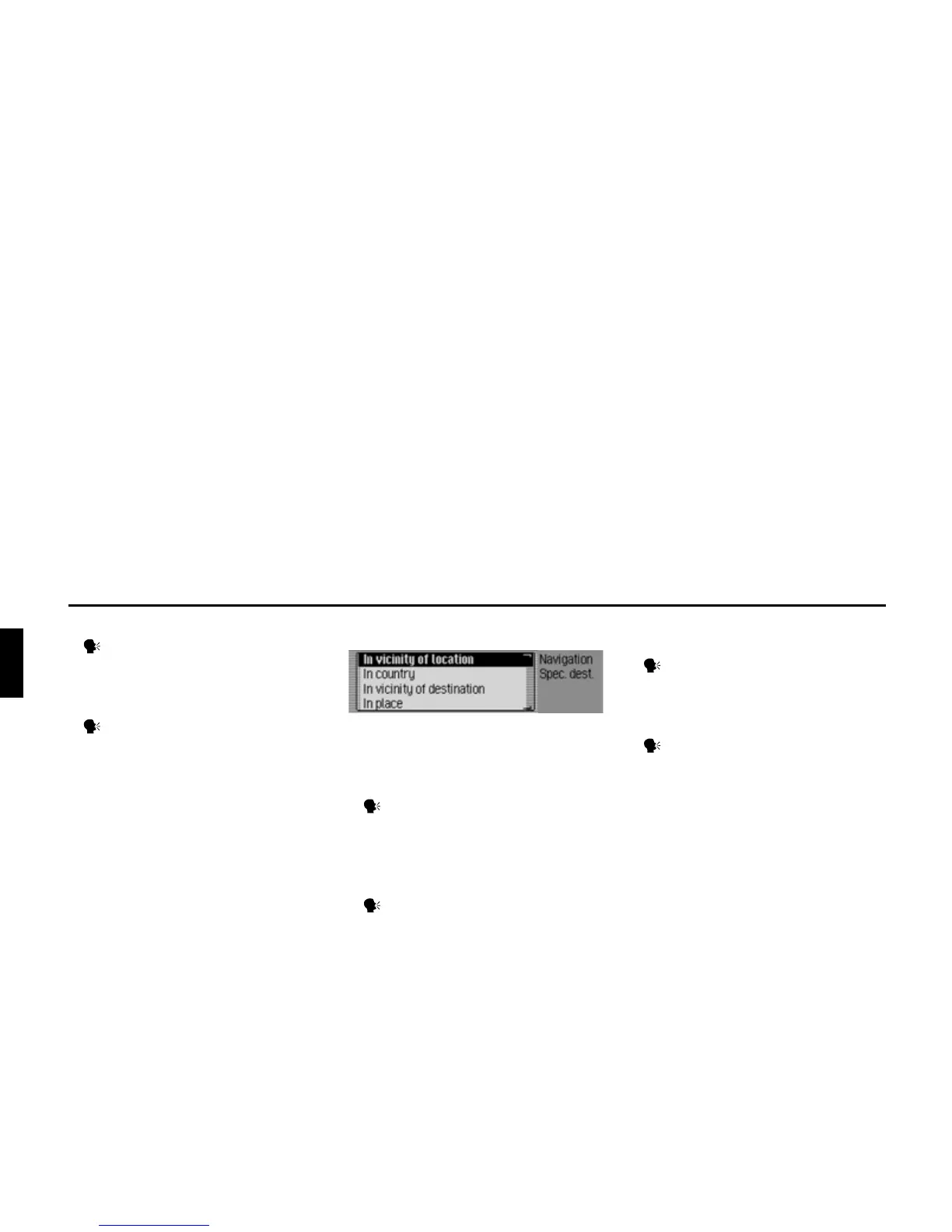
Commands for the POI menu
In the POI menu, the following com-
mands are available:
• Select local POI (page 40).
Say the command Special destina-
tion [in] [the] vicinity or [Special des-
tination] [in [the]] surrounding area.
• Selecting a POI in a specific country
(page 41).
Speak the command Special
destination in country or [Special
destination] [in [a]] country.
• Selecting a POI in a specific town
(page 41).
Speak the command Enter town or
[Special destination] [in [a]] town.
• Selecting a POI in the destination area
(page 41).
Speak the command Special desti-
nation [in] [the] vicinity [of] [the]
destination.
2040















 To Next Page