134
Settings
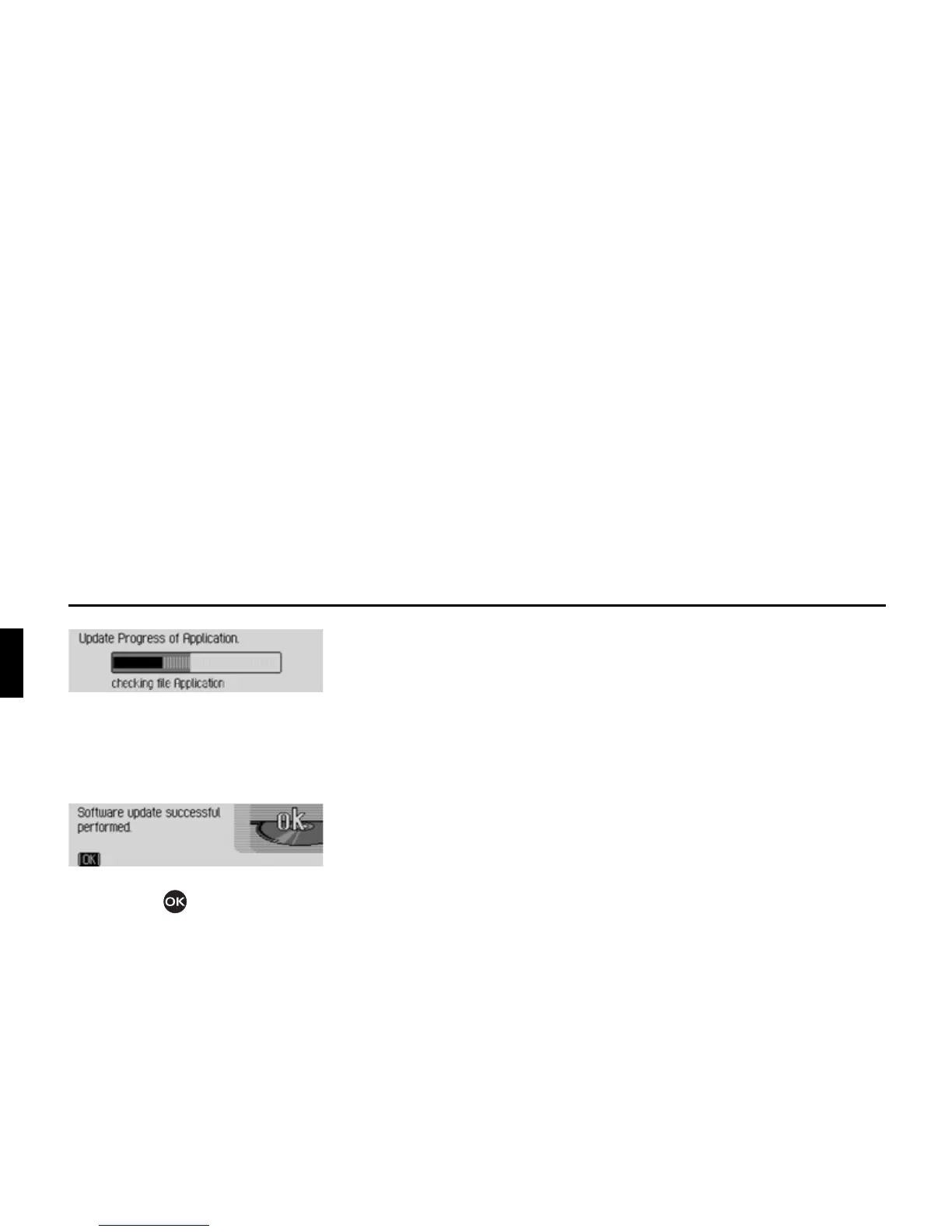
A progress indicator informs you of the
progress of the installation.
The following message appears once the
update has been completed successfully.
X Press the right-hand rotary control/
push button or wait for the menu
to disappear automatically after a few
seconds.
The Traffic Pro switches itself off briefly
and then back on again.
The software update is now complete.















 To Next Page