Configuration Mode (ConF)
Code Nam e / De s cription Adjustment range Factory setting
CHA1
nO
F2A
LI1
...
[2 parameter sets]
[No]
(nO)
Sw itching 2 parameter sets.
[No]
(nO): Not assigned
[Freq. Th.att.]
(FtA):
Sw itching via
[Freq. threshold]
(Ftd)
page 253
[Freq. Th. 2 attained]
(F2A): Sw itching via
[Freq. thre s hold 2]
(F2d) page 253
[LI1]
(LI1):
Logical input LI1
[...]
(...): See the assignment conditions on page 153
CHA2
[3 parameter sets]
[No]
(nO)
Identical to
[2 param eter sets]
(CHA1) page 230.
Sw itching 3 parameter sets.
Note:
In order to obtain 3 parameter sets,
[2 param eter s ets]
(CHA1) must also be configured.
SPS
[PARAMETER SELECTION]
This parameter can only be accessed on the graphic display terminal if
[2 param eter s ets]
(CHA1) is not set to
[No]
(nO).
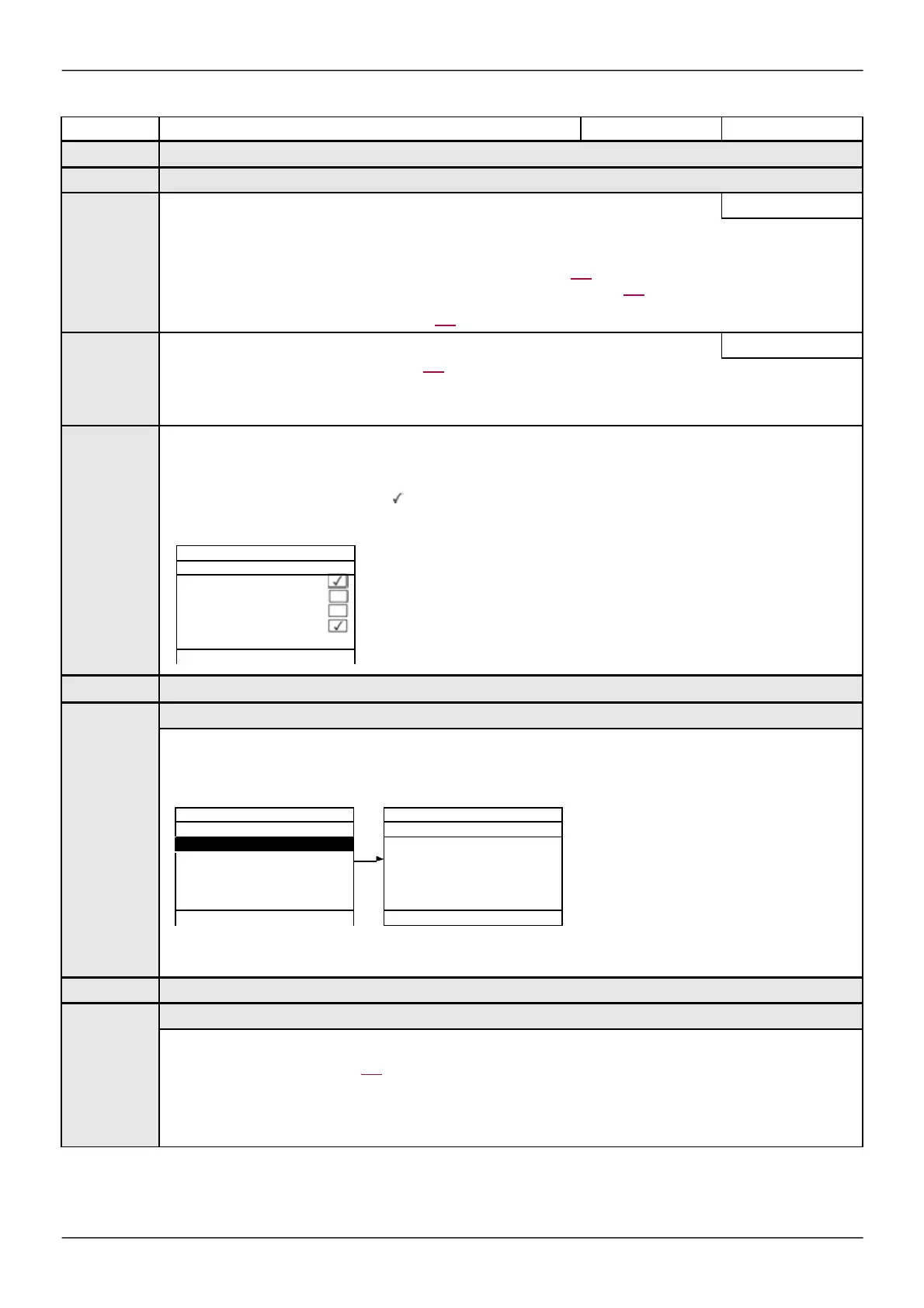
Making an entry in this parameter opens a w indow containing all the adjustment parameters that can be accessed.
Select 1 to 15 parameters using ENT (a then appears next to the parameter). Parameter(s) can also be deselected using
ENT.
Example:
*
S101
...
S115
This parameter can be accessed if at least 1 parameter has been selected in
[PARAM ETER SELECTION]
.
Making an entry in this parameter opens a settings w indow containing the selected parameters in the order in w hich they w ere
selected.
With the graphic display terminal:
SET1
Acceleration : 9.51 s
ENT
With the integrated display terminal:
Proceed as in the Settings menu using the parameters that appear.
*
S201
...
S215
This parameter can be accessed if at least 1 parameter has been selected in
[PARAM ETER SELECTION]
.
Identical to
[SET 1]
(PS1-)
page 230.
- - - - - - - - -
- - - - - - - - -
- - - - - - - - -
9.51 s
Min = 0.1 Max = 999.9



 To Next Page