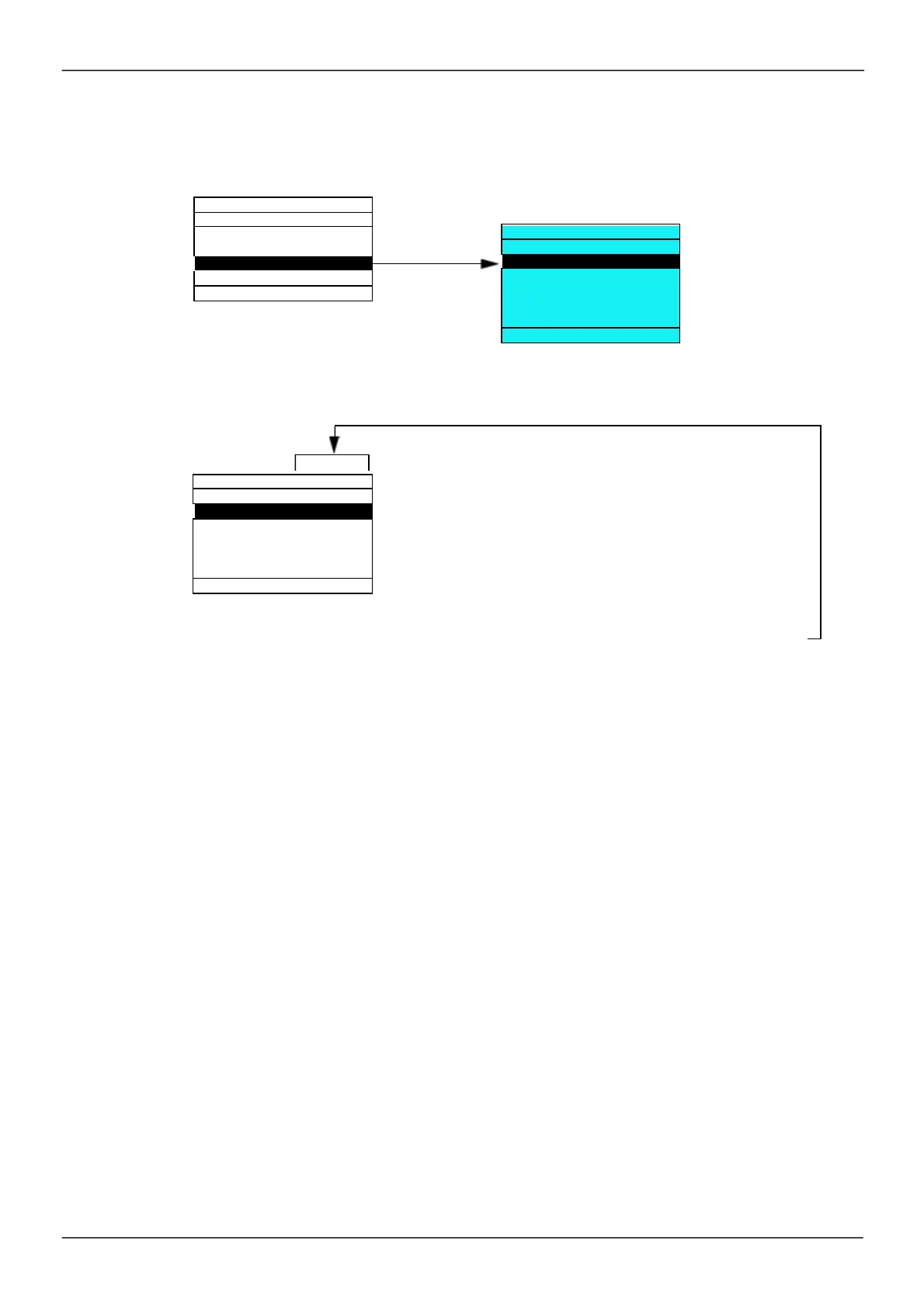
Monitoring Configuration (MCF)
This m enu can only be acces s ed with the graphic dis play term inal.
This can be us ed to configure the inform ation dis played on the graphic display s creen during operation.
COM. MAP CONFIG.
[PARAM. BAR SELECT]
: Selection of 1 to 2 param eters displayed on the top line (the first 2 cannot
be m odified).
[MONITOR SCREEN TYPE]
: Selection of param eters displayed in the centre of the s creen and the
dis play m ode (digital values or bar graph form at).
[COM. MAP CONFIG.]
: Selection of the words displayed and their form at.
ENT
3. 2
LANGUAGE
COM. MAP CONFIG.



 To Next Page