EasyManua.ls Logo

BLEMO ER24 Series - Page 284

BLEMO ER24 Series
344 pages
Print Icon
To Next Page IconTo Next Page
To Previous Page IconTo Previous Page
Loading...
Interface (ItF)
284
Code Nam e / De s cription
MCF
-
[3.3 MONITORING CONFIG]
Code Nam e / De s cription
PbS
-
[PARAM. BAR SELECT]
[AI1]
in V
[AI2]
in V
[AI3]
in mA
[AO1]
in V
[ETA s tate world]
[Alarm groups]
[Frequency ref.]
in Hz:
parameter displayed in factory configuration
[Output frequency]
in Hz
[M otor current]
in A: parameter displayed in factory configuration
[M otor s peed]
in rpm
[M otor voltage]
in V
[M otor power]
in W
[M otor torque]
as a %
[M ains voltage]
in V
[M otor thermal s tate]
as a %
[Drv. the rmal s tate]
as a %
[Cons umption]
in Wh or kWh depending on drive rating
[Run tim e]
in hours (length of time the motor has been sw itched on)
[Pow er on time]
in hours (length of time the drive has been sw itched
on)
[IGBT alarm counter]
in seconds (total time of IGBT overheating alarms)
[M in. freq time]
in seconds
[PID re fe rence]
as a %
[PID feedback]
as a %
[PID error]
as a %
[PID Output]
in Hz
[Config. active ]
CNF0, 1 or 2 (see page
232
)
[Utilis e d param. set]
SET1, 2 or 3 (see page
230
)
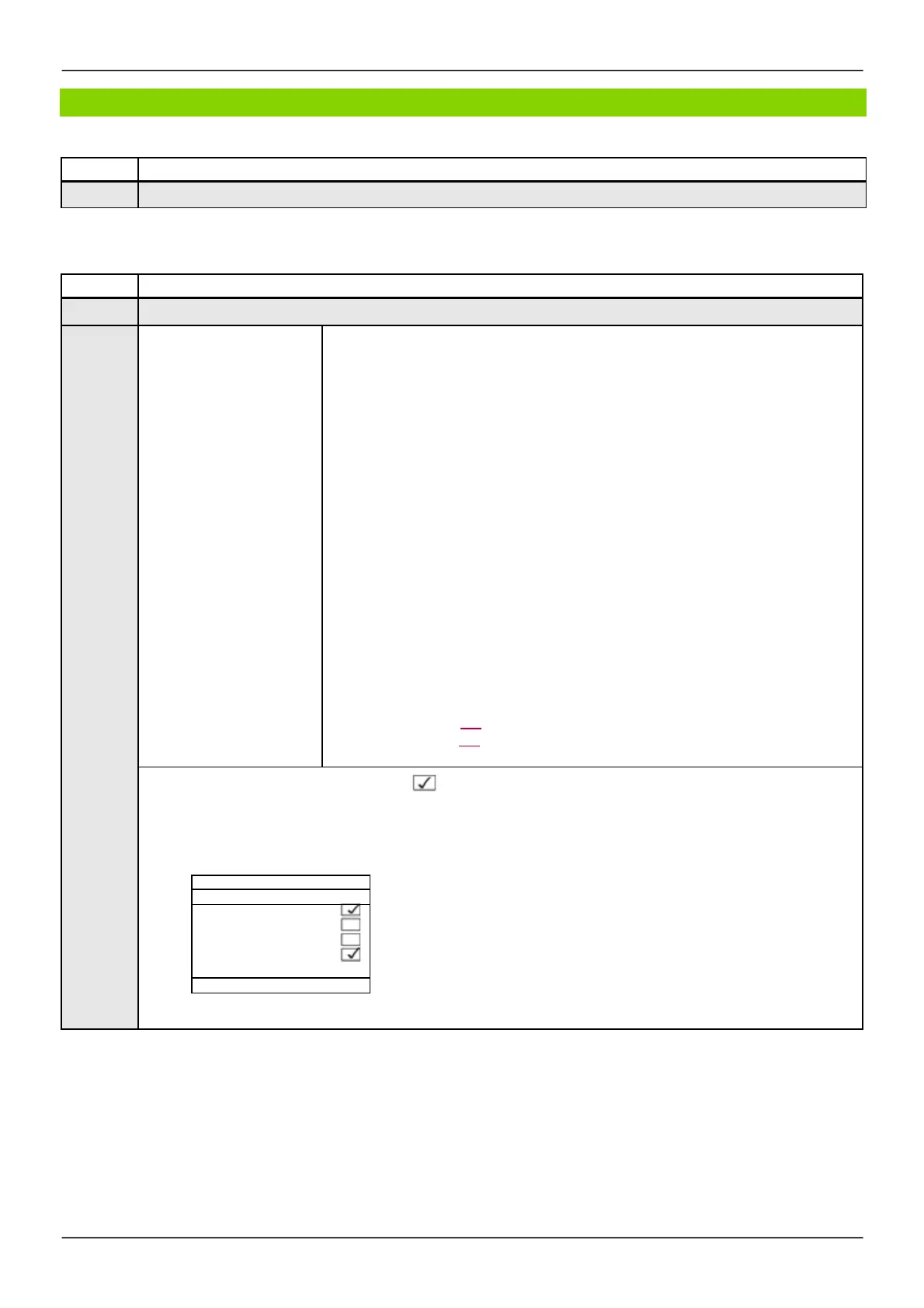
Select the parameter using ENT (a then appears next to the parameter). Parameter(s) can also be
deselected using ENT.
1 or 2 parameters can be selected.
Example:
Parameters described in this page can be accessed by:
ITF- > MCF-
PARAM. BAR SELECT
MONITORING
-
-
-
-
-
-
-
-
-
- - - - - - - - -
- - - - - - - - -


- - - - - - - - -

Table of Contents

Related product manuals