BL702/704/706 Reference Manual
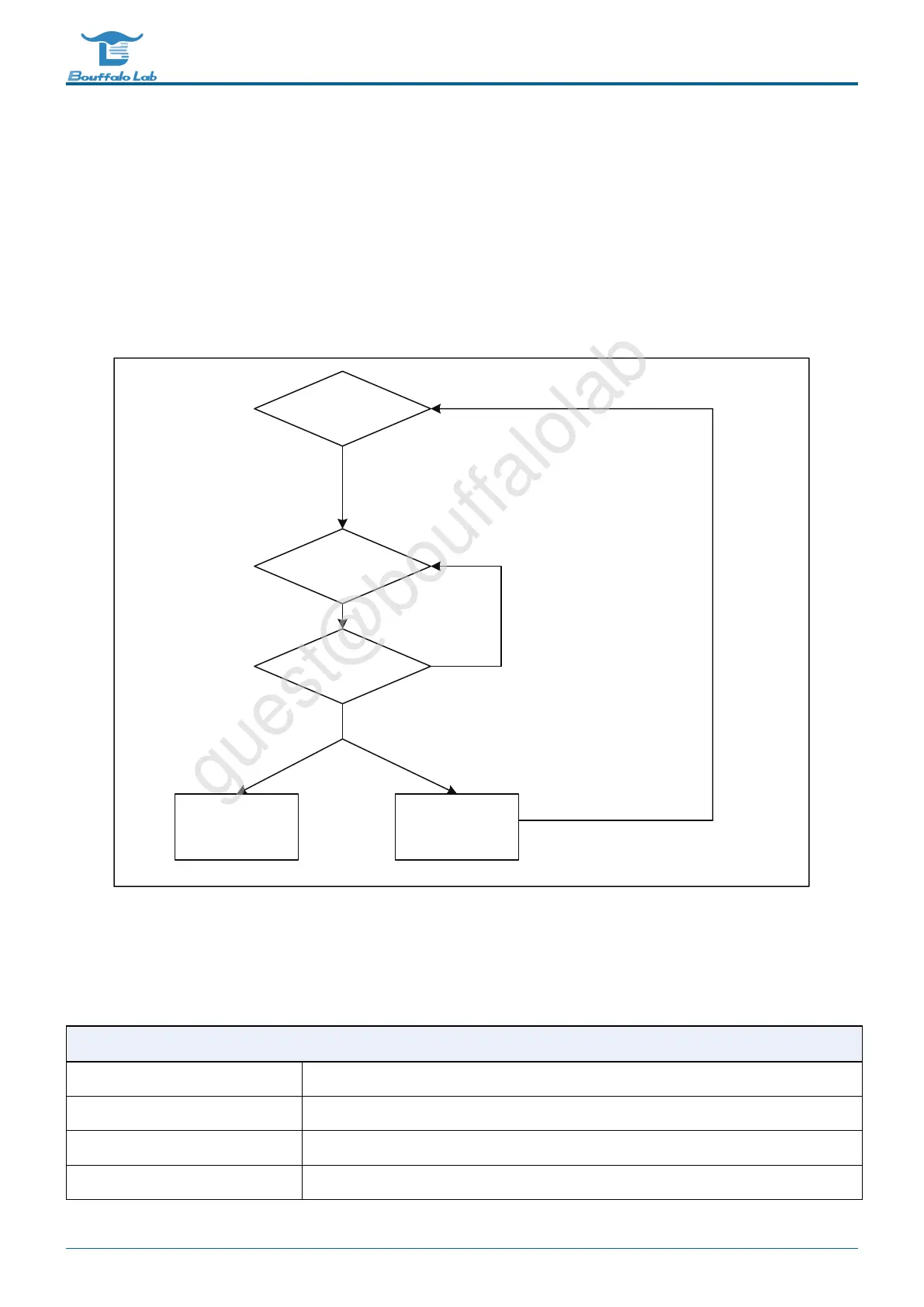
13.3.5 Watchdog alarm
A comparison value can be set for each counter. When the software fails to reset the watchdog counter to zero due to
a system error, which causes the watchdog counter to exceed the comparison value, a watchdog alarm is triggered.
There are two types of alarms. The first is to perform necessary actions through interrupt notification software. The
second is to enter the system watchdog reset. When the watchdog reset is triggered, it will notify the system reset
controller and prepare for system reset. When everything is ready, enter the system watchdog reset. It is worth noting
that software can read the WSR register through APB to know if a watchdog system reset has occurred.
wrie==0 wrie==1
Idle
Software enable
(APB)
Counter reset
Counter count
Software trigger
(APB)
Counter reaches alarm value
Interrupt alarm
Reset alarm
Status recorded in wts
Fig. 13.5: Watchdog alarm mechanism
13.4 Register description
Name
Description
TCCR Timer clock source configuration register
TMR2_0 Timer2 match register 0
TMR2_1 Timer2 match register 1
TMR2_2 Timer2 match register 2
BL702/704/706 Reference Manual 244/ 375
@2021 Bouffalo Lab



 To Next Page