BradyPrinter S3100 Sign & Label Printer User’s Manual
136
Right to Know (RTK)
Setting RTK Preferences
Organ Types
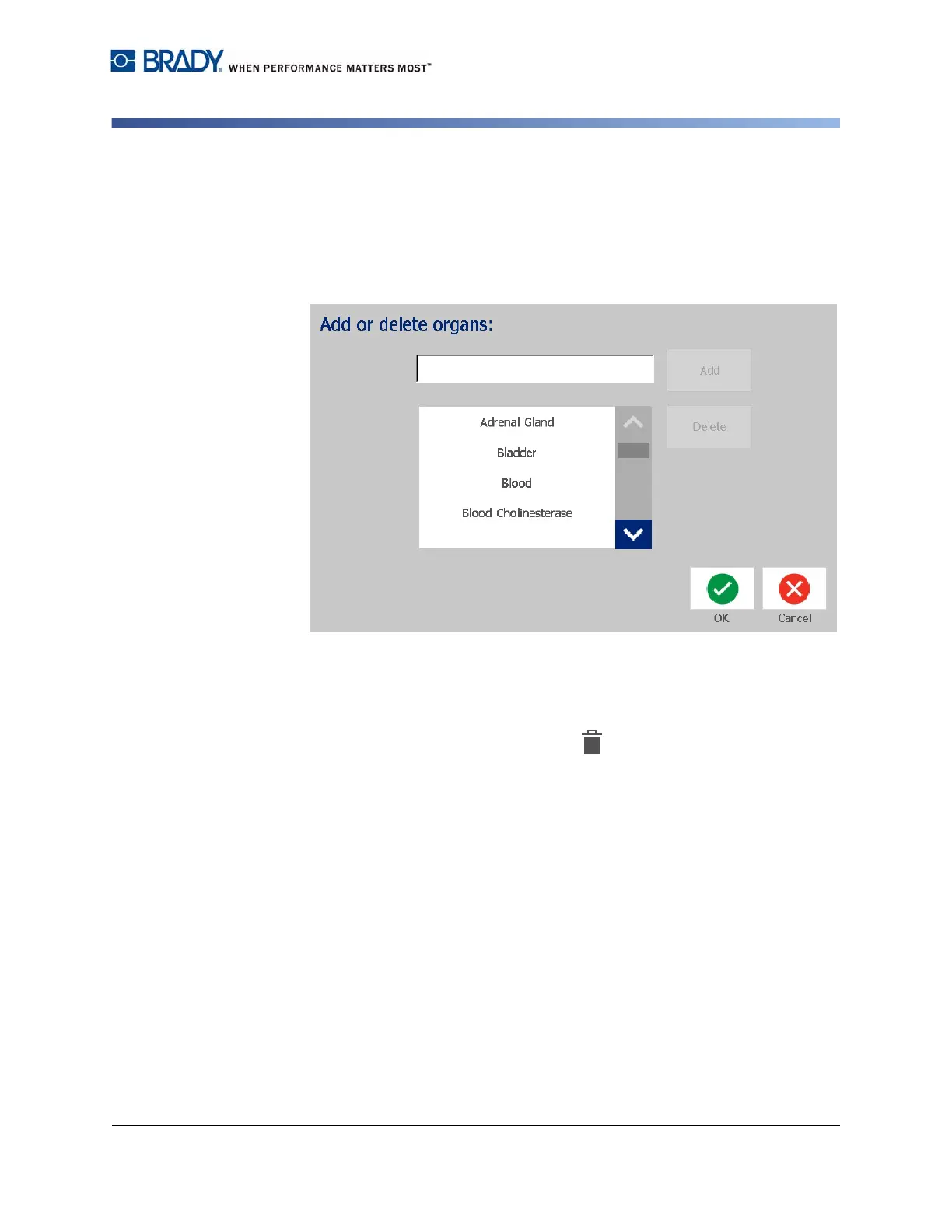
To add an organ type:
1. In the Right-to-Know Preferences dialog, touch the Organs button.
2. In the Add or delete organs dialog, type the new organ you want to include.
3. Touch the Add button. The organ will be added to the list.
To delete an organ type:
1. In the Right-to-Know Preferences dialog, touch the Organs button.
2. In the Add or delete hazards drop-down list, choose the organ you want to
delete, then touch the Delete button.














 To Next Page