BradyPrinter S3100 Sign & Label Printer User’s Manual
51
Working with Text
Typing Text and Accented Characters
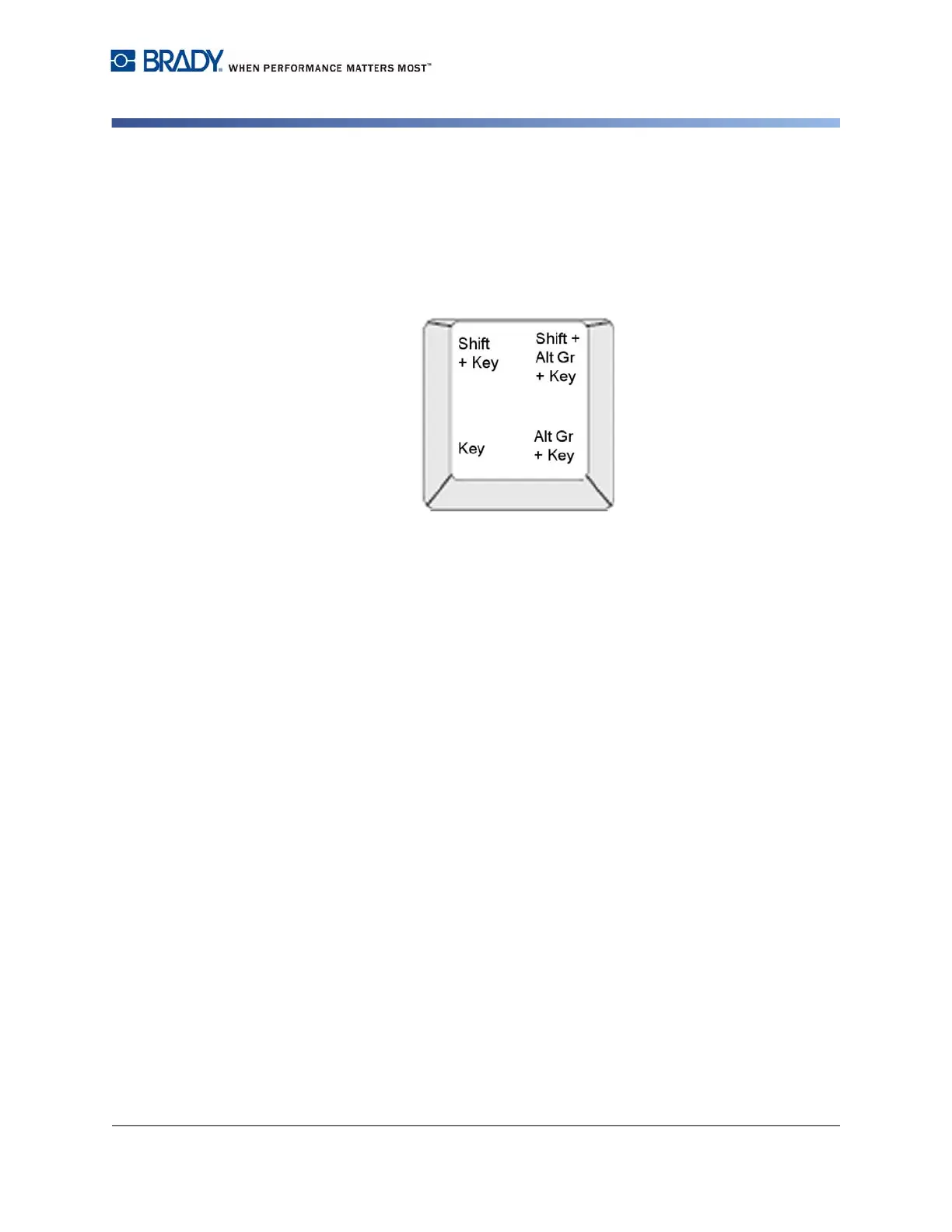
Understanding Keystroke Combinations
• The term "Key" represents the physical key on which the accent character is
located.
• The "+" sign indicates that two or more keys should be pressed simultaneously.
• A comma separating a keystroke combination indicates that the first set of keys
should be released before typing the next keystroke combination.
Figure: Keystroke Combinations














 To Next Page