Confidential
2-66
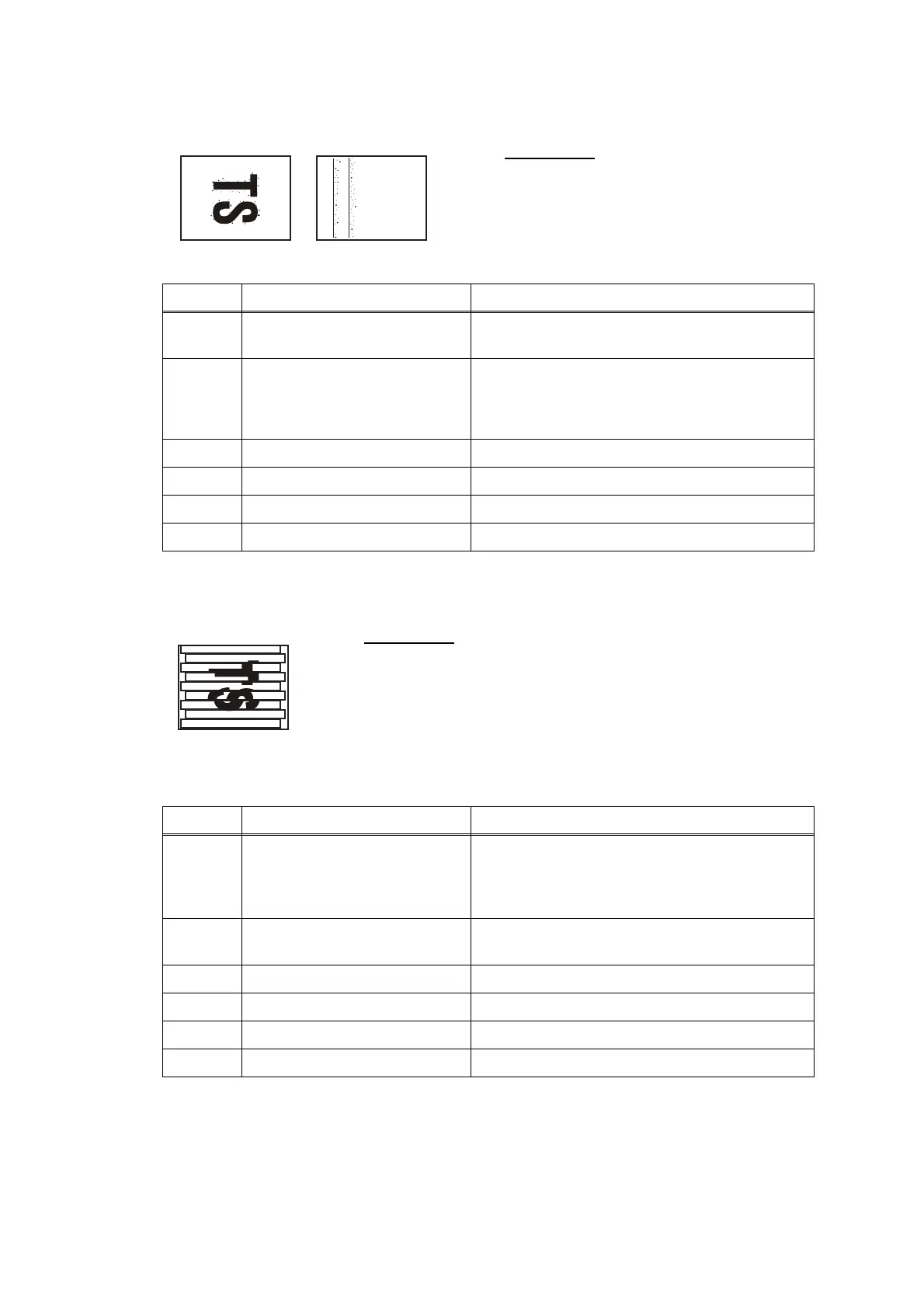
Ink splash
Print edges not aligned
User Check
- Replace the ink cartridge.
Step Cause Solution
1 Maintenance unit stained Clean the maintenance unit (refer to Fig. 2-10
(2-62).)
2 Wrong head property value
Input the head property value (refer to Chapter
5, Section 1.3.25 "Updating of Head Property
Data and Backup/Restoration of Head
Calibration Data.")
3 Carriage PCB defective Replace the carriage PCB ASSY.
4 Maintenance unit defective Replace the maintenance unit.
5 Head defective Replace the head/carriage unit.
6 Main PCB defective Replace the main PCB ASSY.
User Check
- Check whether the recording paper being used is within
the specification.
- Perform the printing position adjustment.
- Set the improvement of the ruled line offset of Selector Nos. 1
to 3 of AMS07 (refer to 1.3.35 "Assurance Mode Switch
Setting.")
Step Cause Solution
1 Vertical print lines not aligned Adjust vertical print line alignment (refer to
Chapter 5, Section 1.3.23 "Adjustment of
Vertical Print Lines/Software Correction for
Inclination/Corrugation/Ruled Lines.")
2 Head inclination is not correctly
adjusted.
Adjust the head inclination (refer to Chapter 4,
Section 2.4 "Adjust head inclination.")
3 CR encoder strip stained Clean the CR encoder strip.
4 CR encoder strip defective Replace CR encoder strip
5 Head defective Replace the head/carriage unit.
6 Main PCB defective Replace the main PCB ASSY.



 To Next Page
 Loading...











