Confidential
2-39
Error Code 67
Switchback sensor detects no paper tray 1 state.
User Check
- Set paper tray1.
Error Code 75
Head/carriage unit cannot shift to head capping position.
Error Code 76
Head/carriage unit cannot shift to head uncapping position.
User Check
Remove the jammed paper in platen part and maintenance unit part.
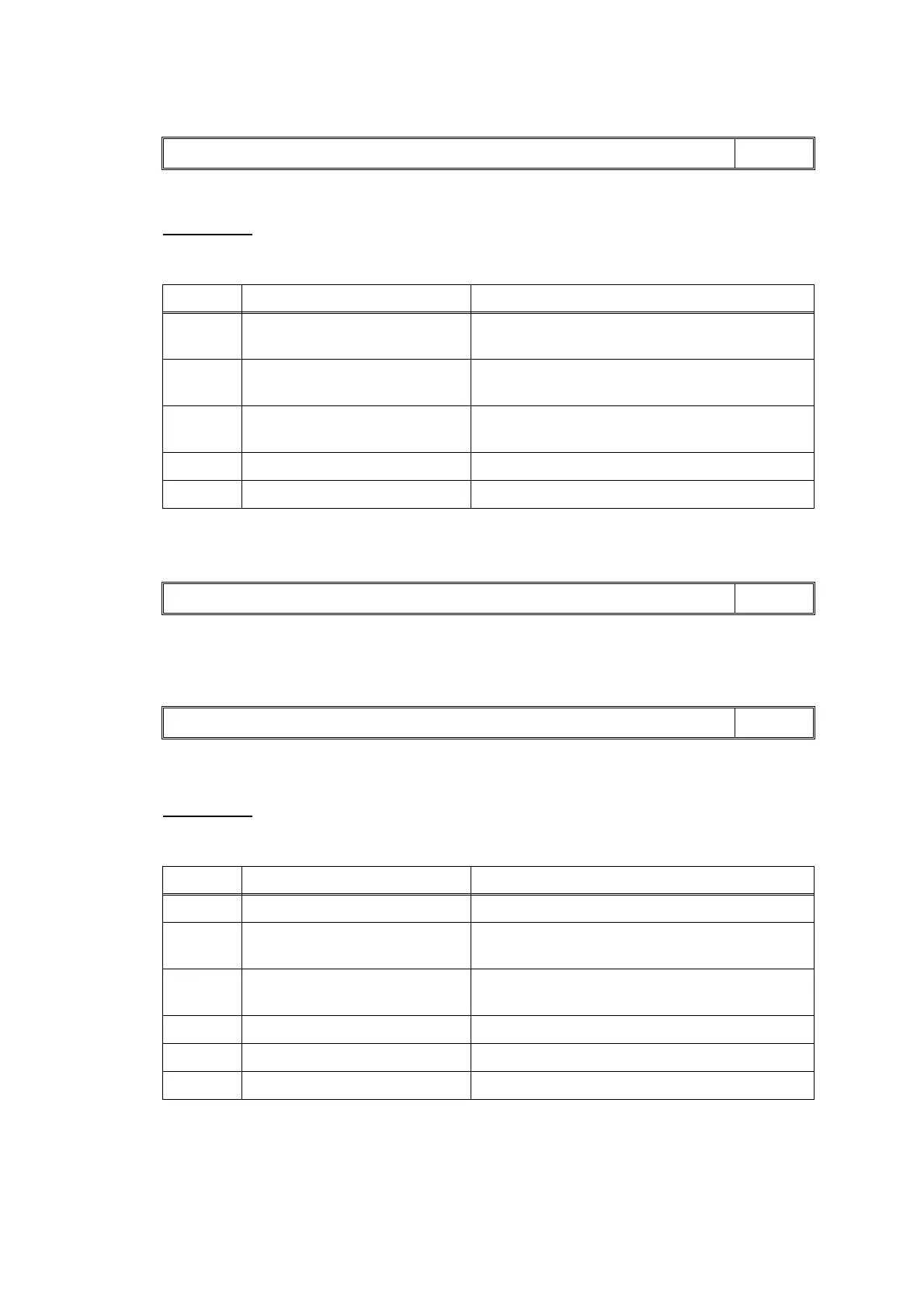
Paper tray not detected LCD
Step Cause Solution
1 Switchback actuator caught on
the surrounding parts
Set the switchback frame ASSY into place.
2 Switchback sensor harness
connection failure
Reconnect the switchback sensor harness.
3 Outer paper guide wear/
defective
Replace the outer paper guide.
4 Paper tray 1 defective Replace the paper tray 1.
5 Main PCB defective Replace the main PCB ASSY.
Unable to Print 75 LCD
Unable to Print 76 LCD
Step Cause Solution
1 CR encoder strip out of place Set the CR encoder strip into place.
2 Foreign materials in the
maintenance unit
Remove foreign materials.
3 Foreign materials in the engine
unit
Remove foreign materials.
4 Carriage motor defective Replace the carriage motor ASSY.
5 Maintenance unit defective Replace the maintenance unit.
6 Main PCB defective Replace the main PCB ASSY.



 To Next Page
 Loading...











