Confidential
2-55
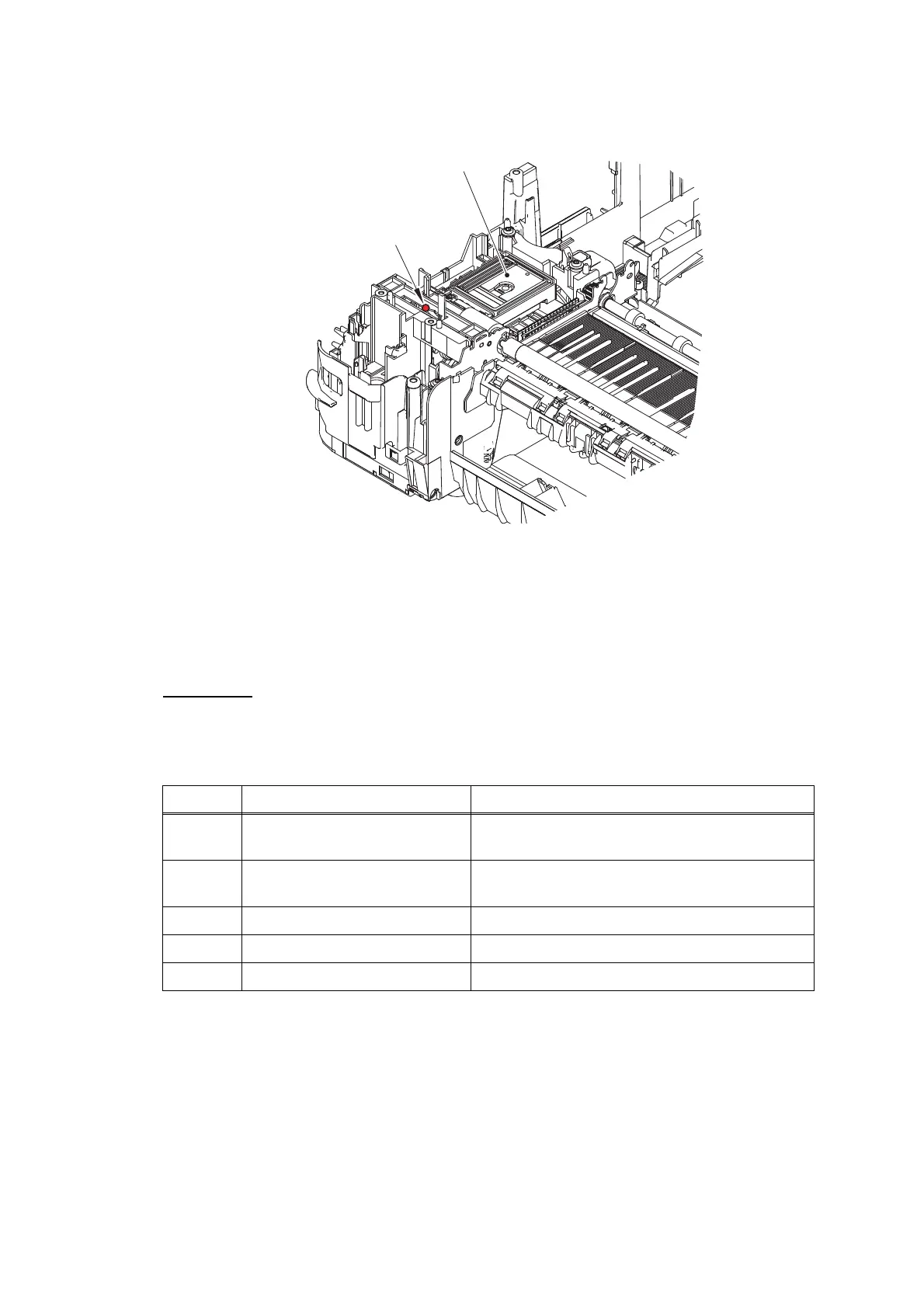
Fig. 2-8
4.2.2 Paper is not fed from manual feed slot
User Check
- Check that recording paper is loaded correctly in the manual feed slot.
- Check thickness of recording paper is within tolerance of each type.
- Check only a single recording paper enters.
Step Cause Solution
1 Paper feed motor harness
connection failure
Reconnect the paper feed motor harness.
2 Registration actuator out of
place
Set the registration actuator into place.
3 Registration sensor defective Replace the registration sensor PCB ASSY.
4 Paper feed motor defective Replace the paper feed motor.
5 Main PCB defective Replace the main PCB ASSY.
Apply grease here.
Maintenance unit
Lubricant type: Permalub BAN-5
Lubricant amount per point: 3.0 mm diameter ball



 To Next Page
 Loading...











