Confidential
2-69
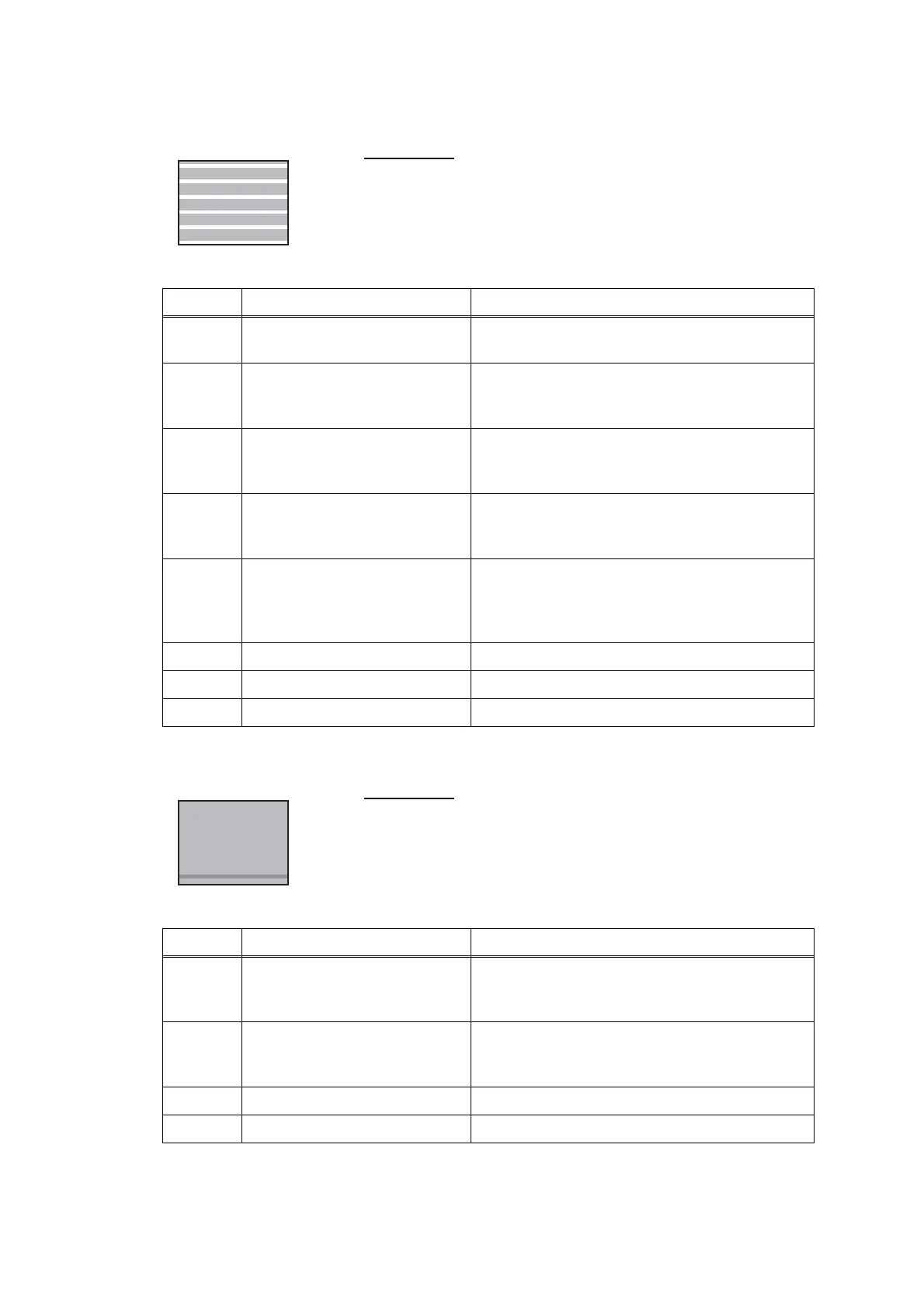
Separated lines over the whole page
Overlapping lines at the trailing edge of the recording paper
User Check
- Carry out head cleaning.
Step Cause Solution
1 Head inclination is not correctly
adjusted.
Adjust the head inclination (refer to Chapter 4,
Section 2.4 "Adjust head inclination.")
2 Head calibration uncompleted Write the head calibration data (refer to Chapter
5, Section 1.3.2 "Creating of Head Calibration
Data and Writing it into Flash ROM.")
3 Paper feeding correction value
not updated
Adjust the paper feeding correction value (refer
to Chapter 5, Section 1.3.19 "Updating of Paper
Feeding Correction Values.")
4 PF encoder disk stained Clean the PF encoder disk and flushing guide
(refer to Chapter 3, Section 1 "PRECAUTIONS
BEFORE PROCEEDING")
5 Non-discharge of ink from
head
Perform the recommended purge procedures.
(refer to the recommended procedures in
Chapter 5, Section 1.3.29 "Purge Operation
(Maintenance mode 76)".
6 PF encoder disk defective Replace the PF encoder disk.
7 Head defective Replace the head/carriage unit.
8 Main PCB defective Replace the main PCB ASSY.
User Check
- Carry out head cleaning.
Step Cause Solution
1 Paper feeding correction value
not updated
Adjust the paper feeding correction value (refer
to Chapter 5, Section 1.3.19 "Updating of Paper
Feeding Correction Values.")
2 PF encoder disk stained Clean the PF encoder disk and flushing guide
(refer to Chapter 3, Section 1 "PRECAUTIONS
BEFORE PROCEEDING")
3 PF encoder disk defective Replace the PF encoder disk.
4 Main PCB defective Replace the main PCB ASSY.



 To Next Page
 Loading...











