Confidential
2-71
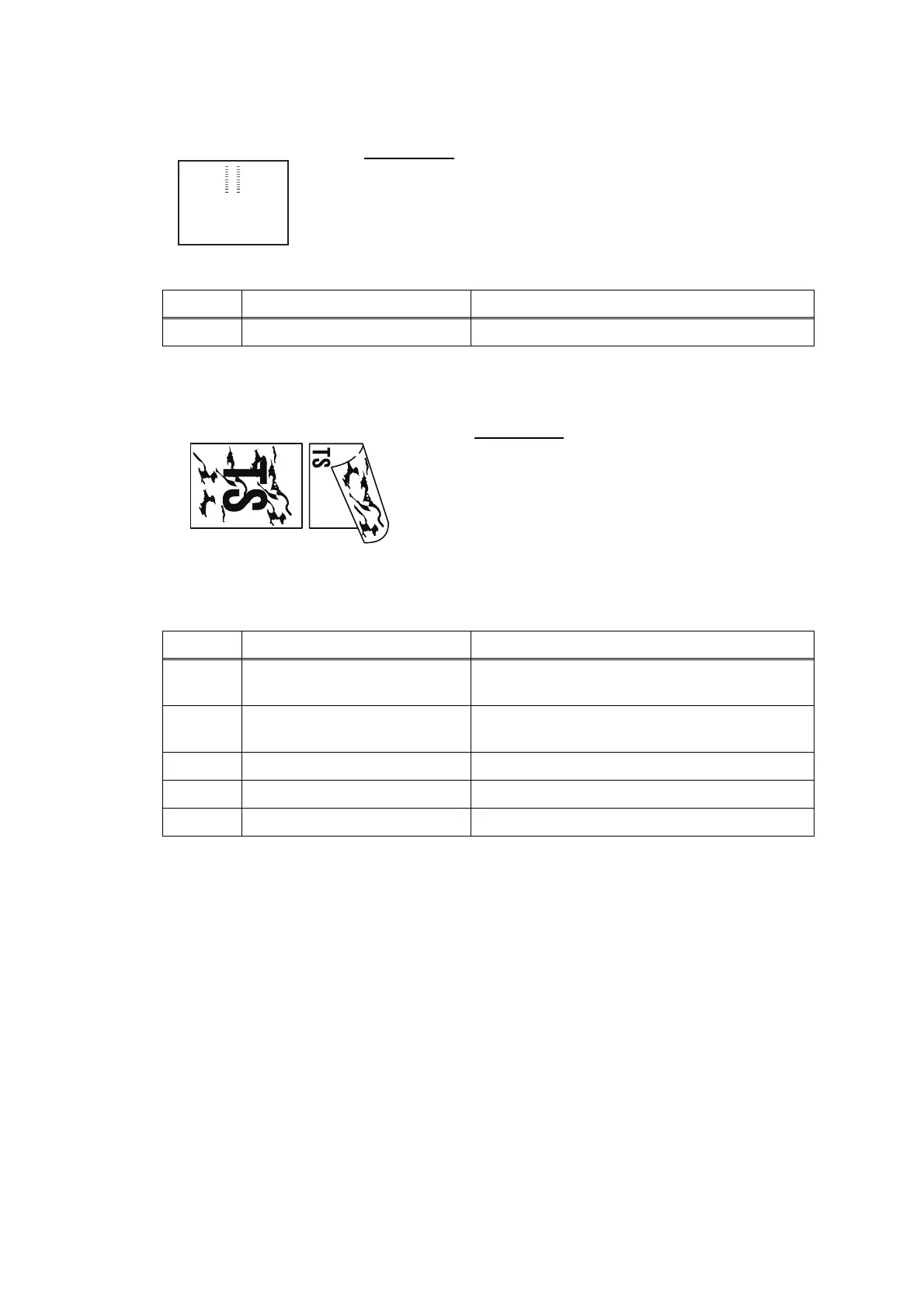
Traces of paper pull-in roller
Dirt on the paper
User Check
- Check whether the recording paper being used is within
the specification.
- Clean the paper pull-in roller.
Step Cause Solution
1 Paper pull-in roller defective Replace the paper pull-in roller.
User Check
- Check whether the recording paper being
used is not folded.
- Check whether the recording paper being
used is within the specification.
- Clean the related rollers by printing blank
paper.
- Clean the platen.
Step Cause Solution
1 Maintenance unit stained Clean the maintenance unit (refer to Fig. 2-10
(2-62).)
2 Foreign materials in the
reverse side of the head
Remove foreign materials.
3 Paper feed roller stained Replace the paper feed roller.
4 Paper ejection roller stained Replace the paper ejection roller.
5 Switchback roller stained Replace the switchback roller.



 To Next Page
 Loading...











