Confidential
2-79
Scanning position failure
(1) ADF
(2) Document scanner unit
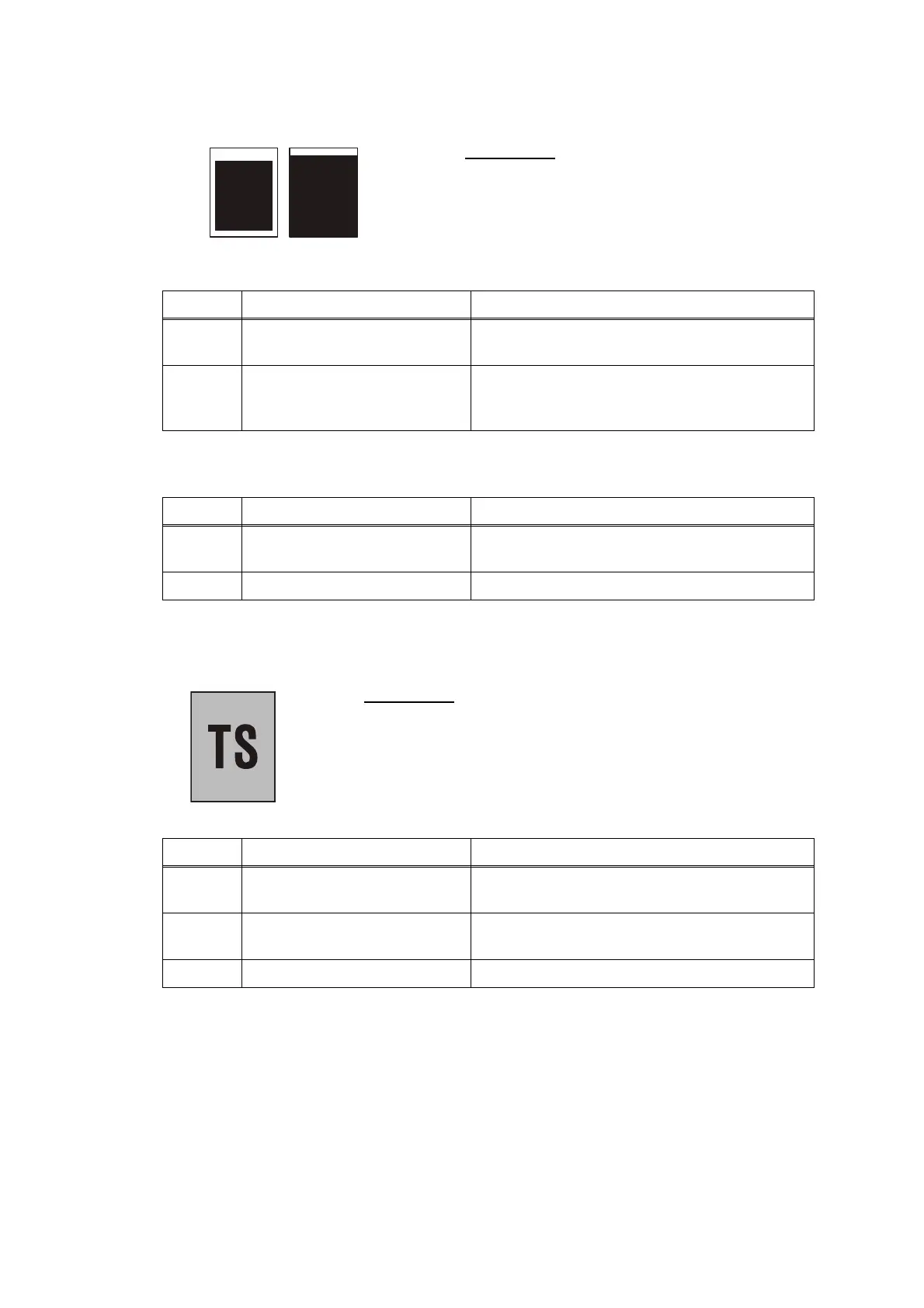
Dark
User Check
- Check that the document is placed correctly
on the
flat-bed.
Step Cause Solution
1 Scanning start position out of
alignment
Carry out maintenance 54 to adjust the
scanning start position.
2 Document scanning position
actuator caught on the
surrounding parts
Set the document scanning position actuator
into place.
Step Cause Solution
1 Scanning start position out of
alignment
Carry out maintenance 54 to adjust the
scanning start position.
2 First side CIS unit defective Replace the first side CIS unit.
User Check
- Check if the contrast is set to "Dark."
Step Cause Solution
1 White level correction data
failure
Carry out maintenance 55.
2 First side or second side CIS
unit defective
Replace the first side or second side CIS unit.
3 Main PCB defective Replace the main PCB ASSY.



 To Next Page
 Loading...











