App. 3-7
Confidential
Windows 8
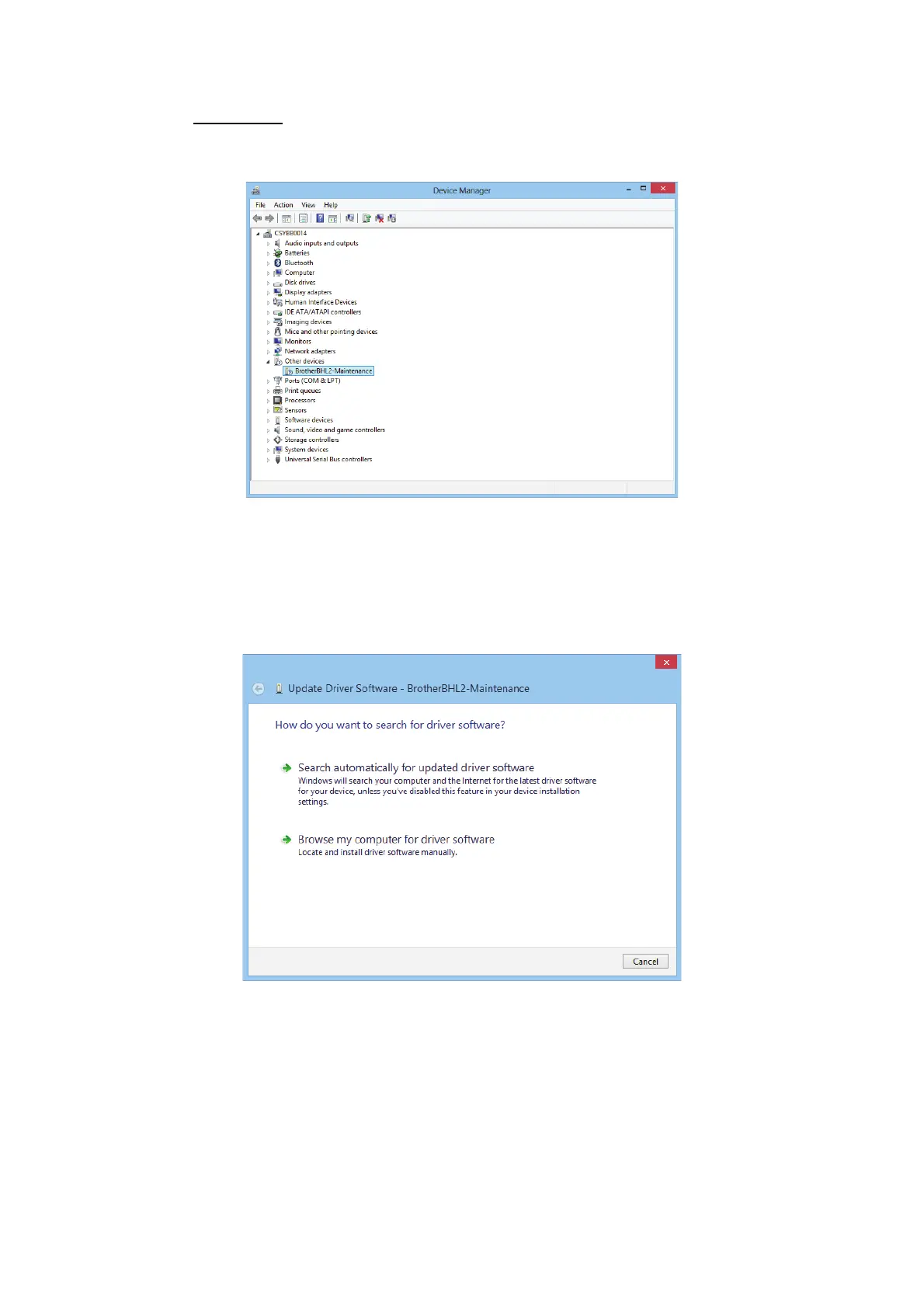
Open "Device Manager" from [Settings] → [Control Panel].
Select "Update Driver Software" from the pull-down menu of "Brother BHL2-
Maintenance" in "Other devices".
When the following screen appears, click "Search automatically for updated driver
software".
Select "Brother Maintenance USB Printer" and click [Next].



 To Next Page
 Loading...











