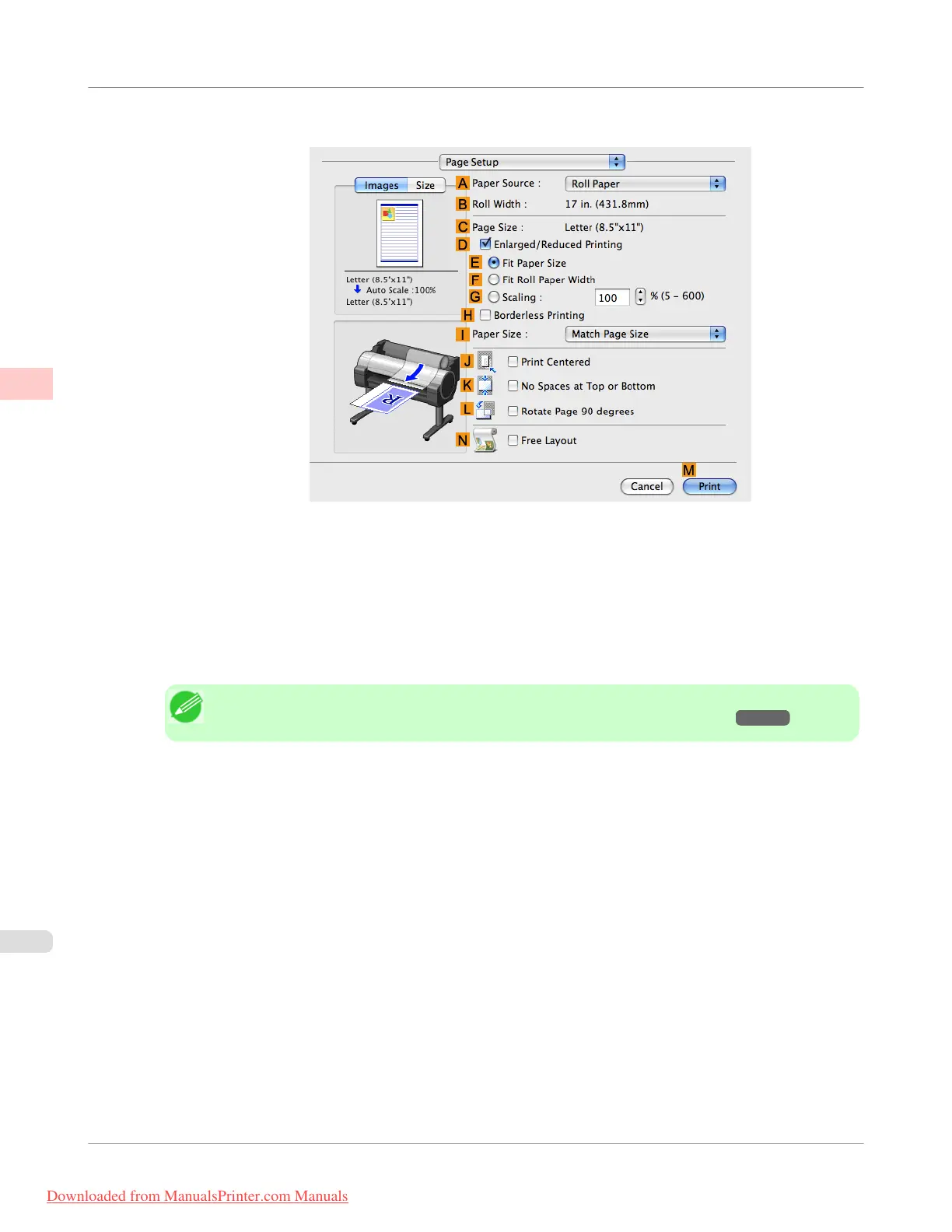
16. Access the Page Setup pane.
17. Click Cut Sheet in the A Paper Source list.
18. In C Page Size, make sure 430*430 is displayed, as registered in Page Setup.
19. Confirm the print settings, and then click M Print to start printing.
Note
• For tips on confirming print settings, see "Confirming Print Settings(Mac OS X) →P.438 "
Enhanced Printing Options
>
Printing banners or at other non-standard sizes
>
Printing on Non-Standard Paper Sizes (Mac OS X)
iPF755
2
138
Downloaded from ManualsPrinter.com Manuals


 To Next Page
 Loading...











