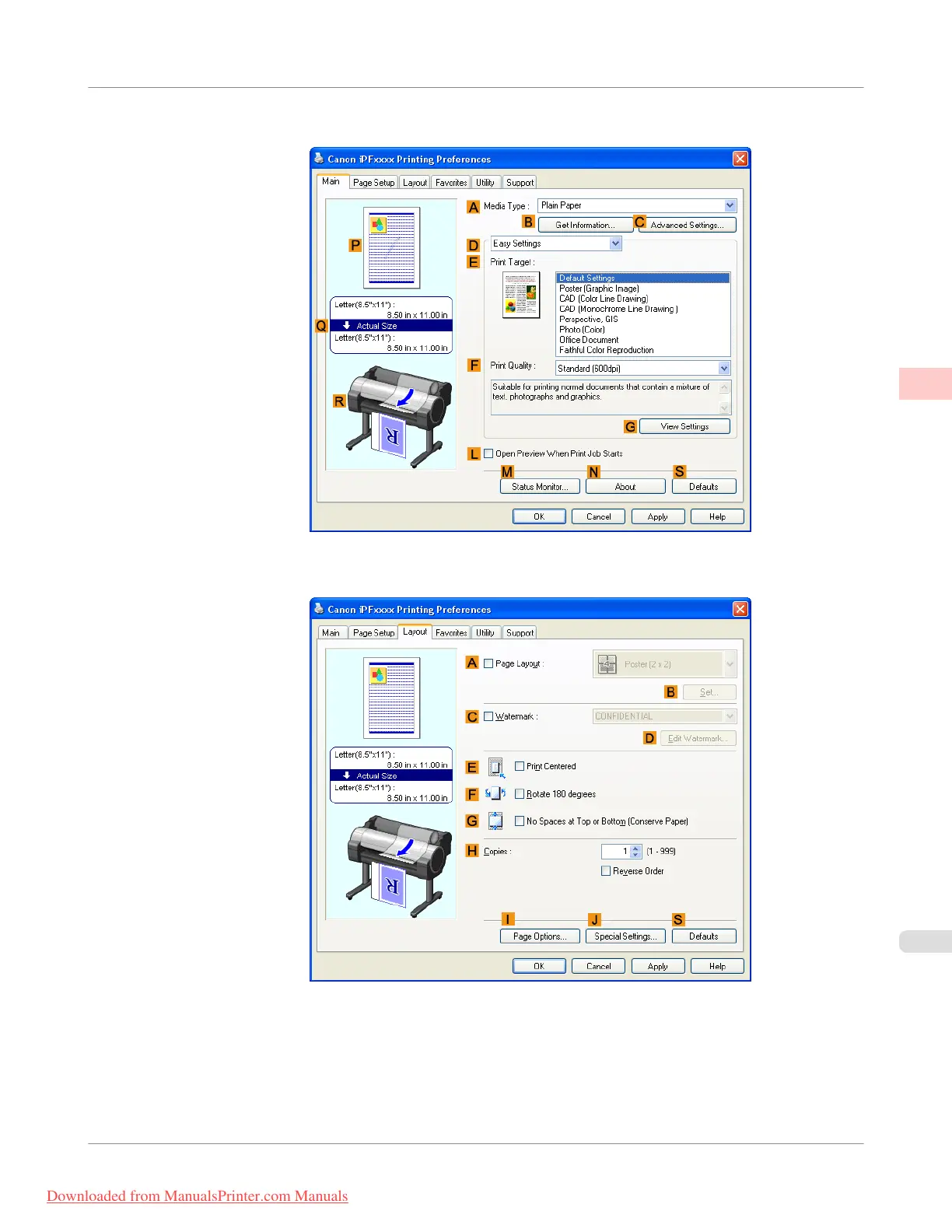
3. Make sure the Main sheet is displayed.
4. Click the Layout tab to display the Layout sheet.
5. Select the A Page Layout check box.
6. Click Free Layout in the A Page Layout list.
Enhanced Printing Options
>
Tiling and multiple pages per sheet
>
iPF755
Printing Multiple Originals Next to Each Other (Windows)
2
141
Downloaded from ManualsPrinter.com Manuals



 To Next Page
 Loading...










