•
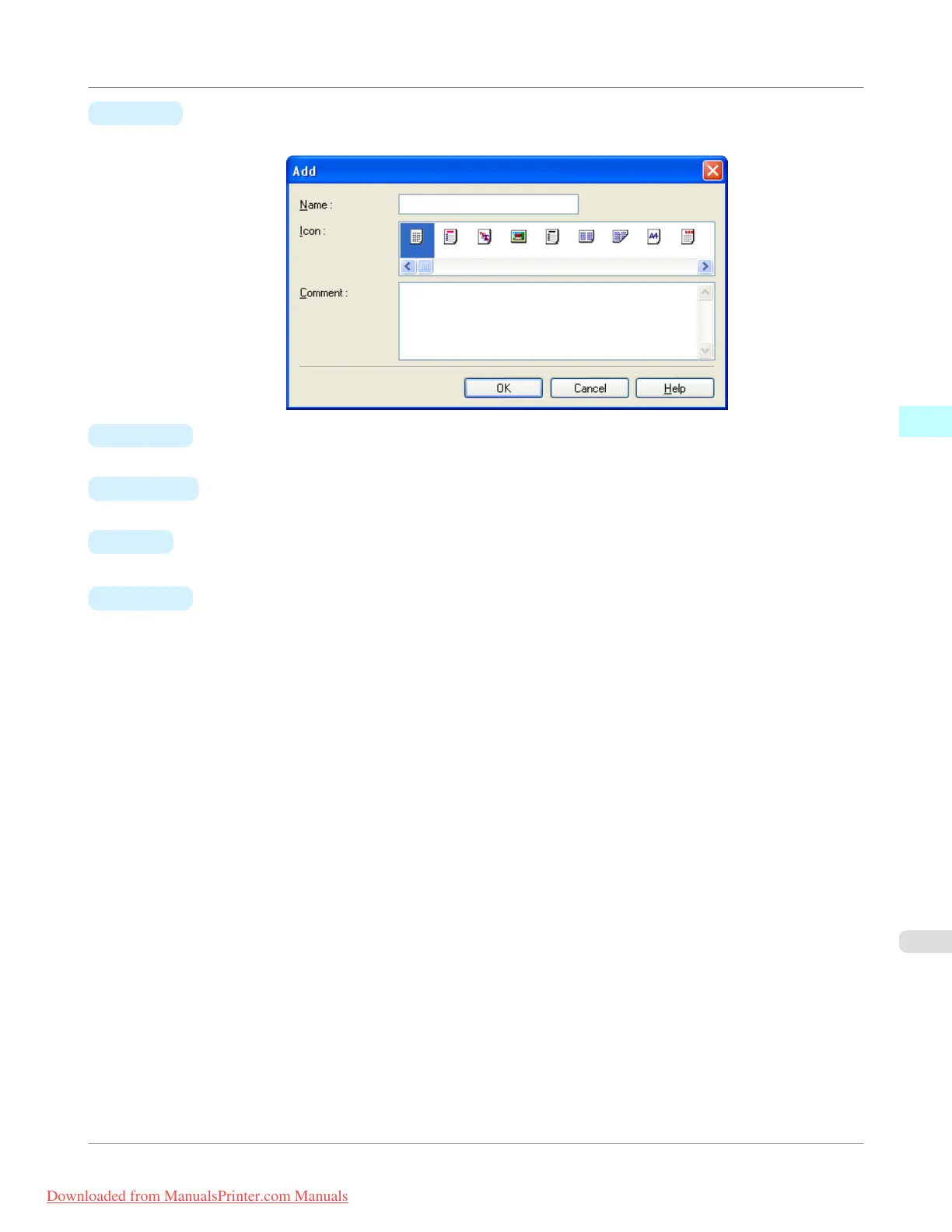
H Add
Click to display the Add dialog box, which enables you to add the current print settings as a favorite.
•
I Import
Click to display the Open dialog box, which enables you to import favorite settings saved as a file.
•
J Export
Click to display the Save As dialog box, which enables you to save the favorite settings as a file.
•
K Up
Click to move the selected favorite up in the A Favorites list.
•
L Down
Click to move the selected favorite down in the A Favorites list.
Windows Software
>
Printer Driver
>
iPF755
Favorites Sheet
3
243
Downloaded from ManualsPrinter.com Manuals


 To Next Page
 Loading...










