• Software that requires installation
imagePROGRAF Printer Driver
Installation Procedures
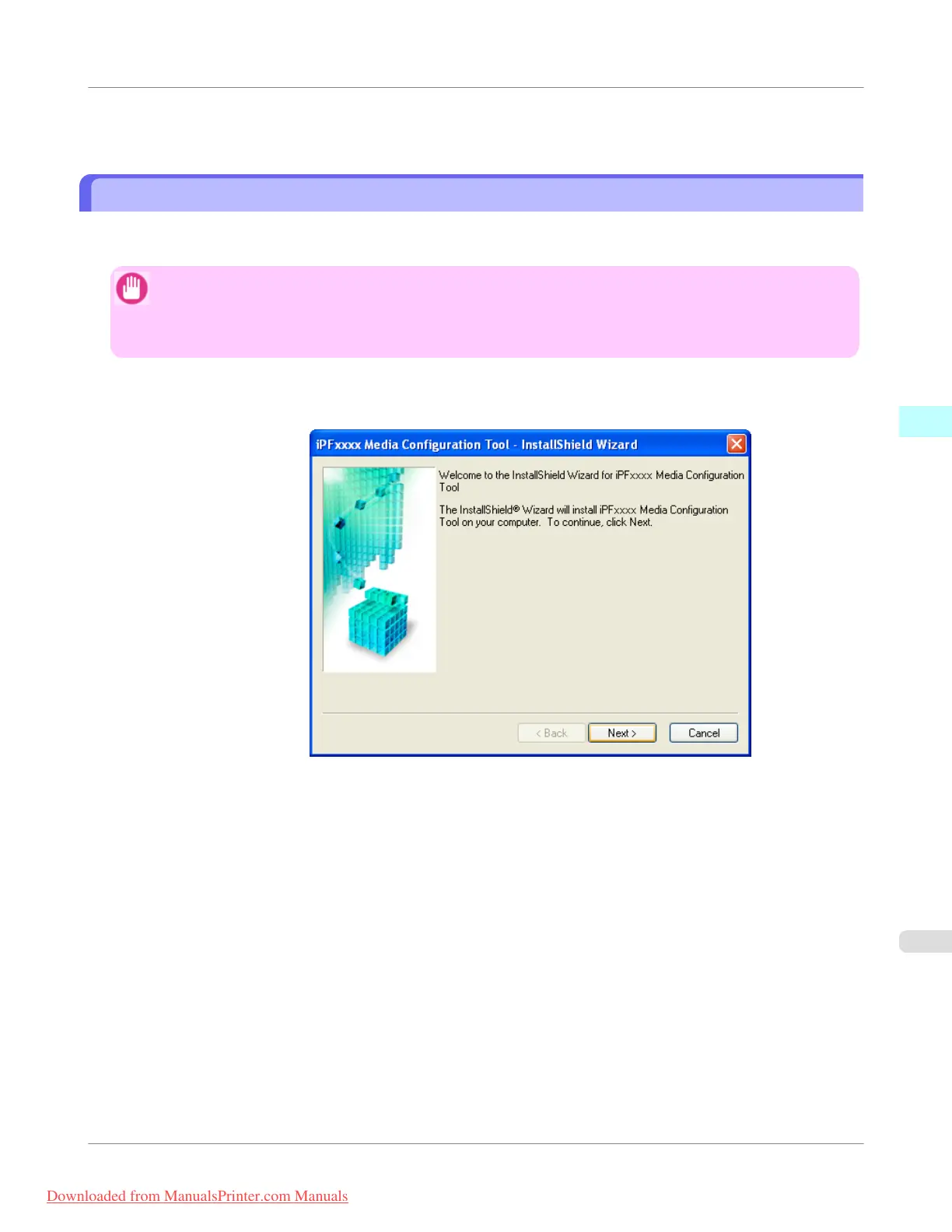
The Media Configuration Tool installation screen appears when you start the installation of a new version of the Media
Configuration Tool. The installation procedure started from this screen is described below.
Important
• The Media Configuration Tool is normally installed when you install the printer driver from the User Soft-
ware CD-ROM by selecting Install Printer Driver and media information is registered at this time.
• You must be logged in as Administrator when installing software in Windows.
1.
Start the Media Configuration Tool installer.
Click the Next button.
Windows Software
>
Media Configuration Tool
>
iPF755
Installation Procedures
3
415
Downloaded from ManualsPrinter.com Manuals


 To Next Page
 Loading...










