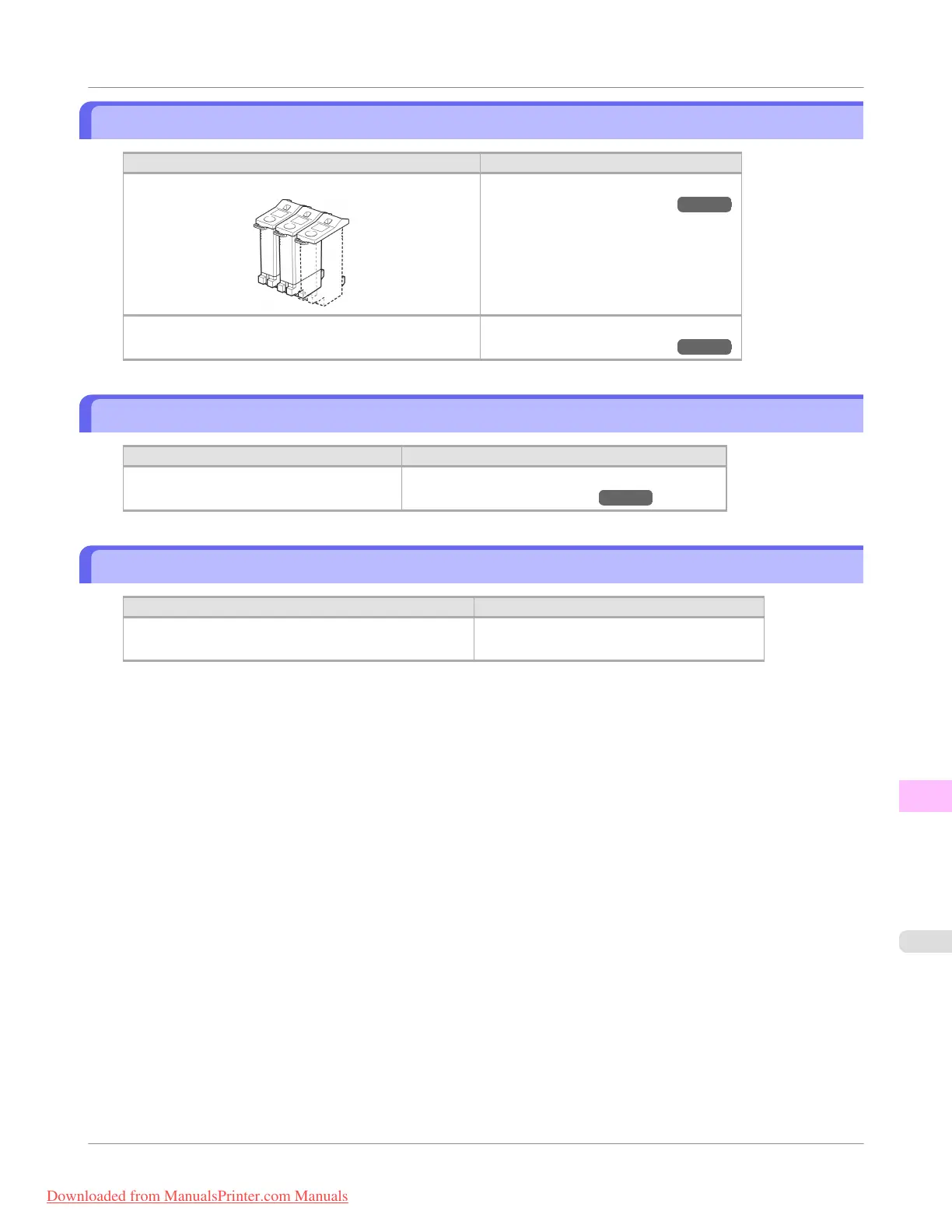
No ink tank loaded.
Cause Corrective Action
There is no Ink Tank of the indicated color in the printer. Load or reload the Ink Tank.
(See "Replacing Ink Tanks.") →P.799
There is a problem with the Ink Tank. Replace it with a new Ink Tank.
(See "Replacing Ink Tanks.") →P.799
Wrong ink tank.
Cause Corrective Action
The Ink Tank in the printer is incompatible. Load an Ink Tank specified for use with the printer.
(See "Replacing Ink Tanks.") →P.799
Do not pull out ink tank.
Cause Corrective Action
The remaining ink level could not be correctly detected. Install the Ink Tank that was removed.
The buzzer will stop once the error is cleared.
Error Message
>
Messages regarding ink
>
iPF755
No ink tank loaded.
13
891
Downloaded from ManualsPrinter.com Manuals


 To Next Page
 Loading...










