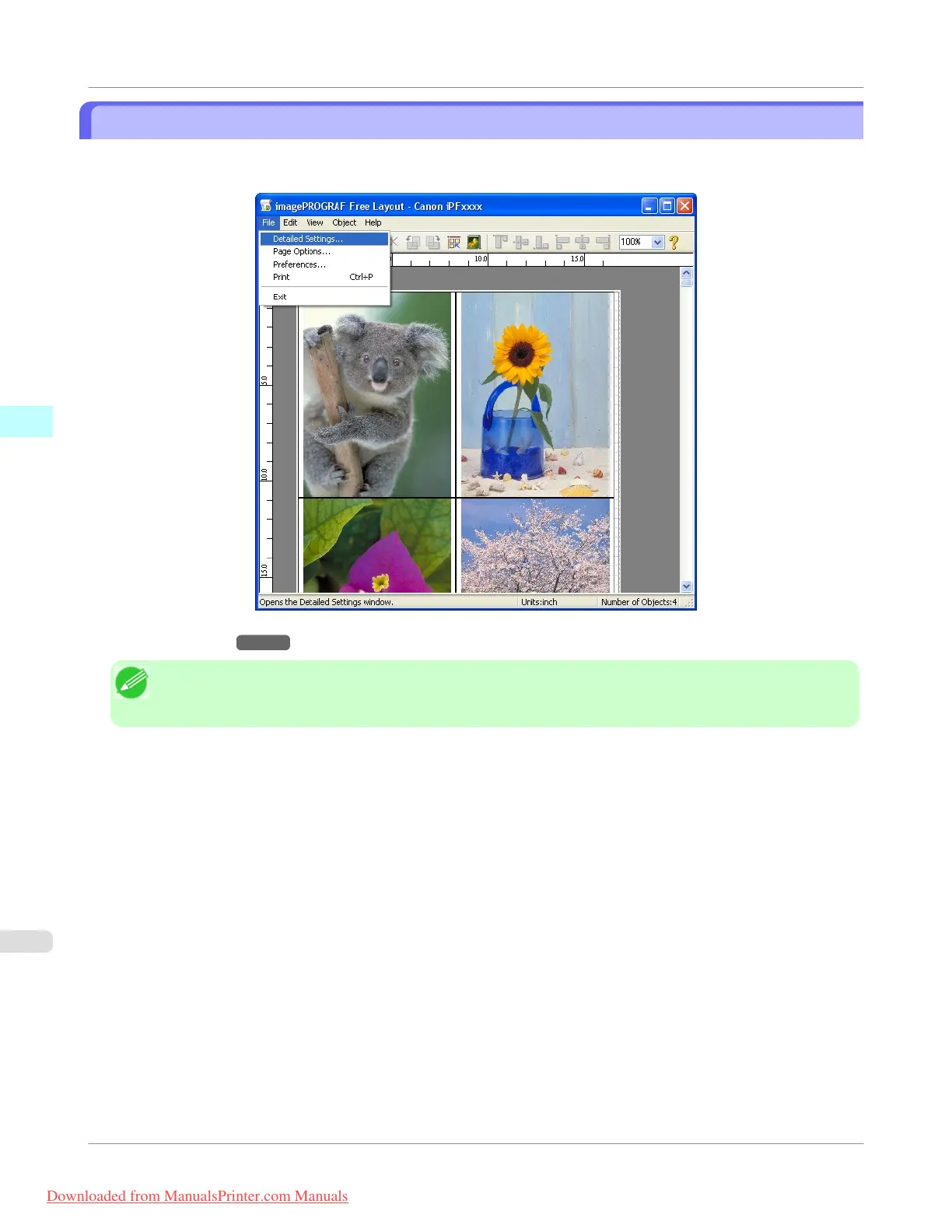
Detailed Settings
The printer driver opens when you select Detailed Settings from the File menu. The printer driver is used to configure basic
settings to match the type of media loaded in the printer.
Refer to Printer Driver →P.207 for details on the printer driver.
Note
• When you select the Detailed Settings, the only three sheets displayed are the Main sheet, the Page Setup
sheet, and the Layout sheet. Some of the printer driver settings may be disabled.
Windows Software
>
Free Layout
>
Detailed Settings
iPF755
3
266
Downloaded from ManualsPrinter.com Manuals


 To Next Page
 Loading...










