•
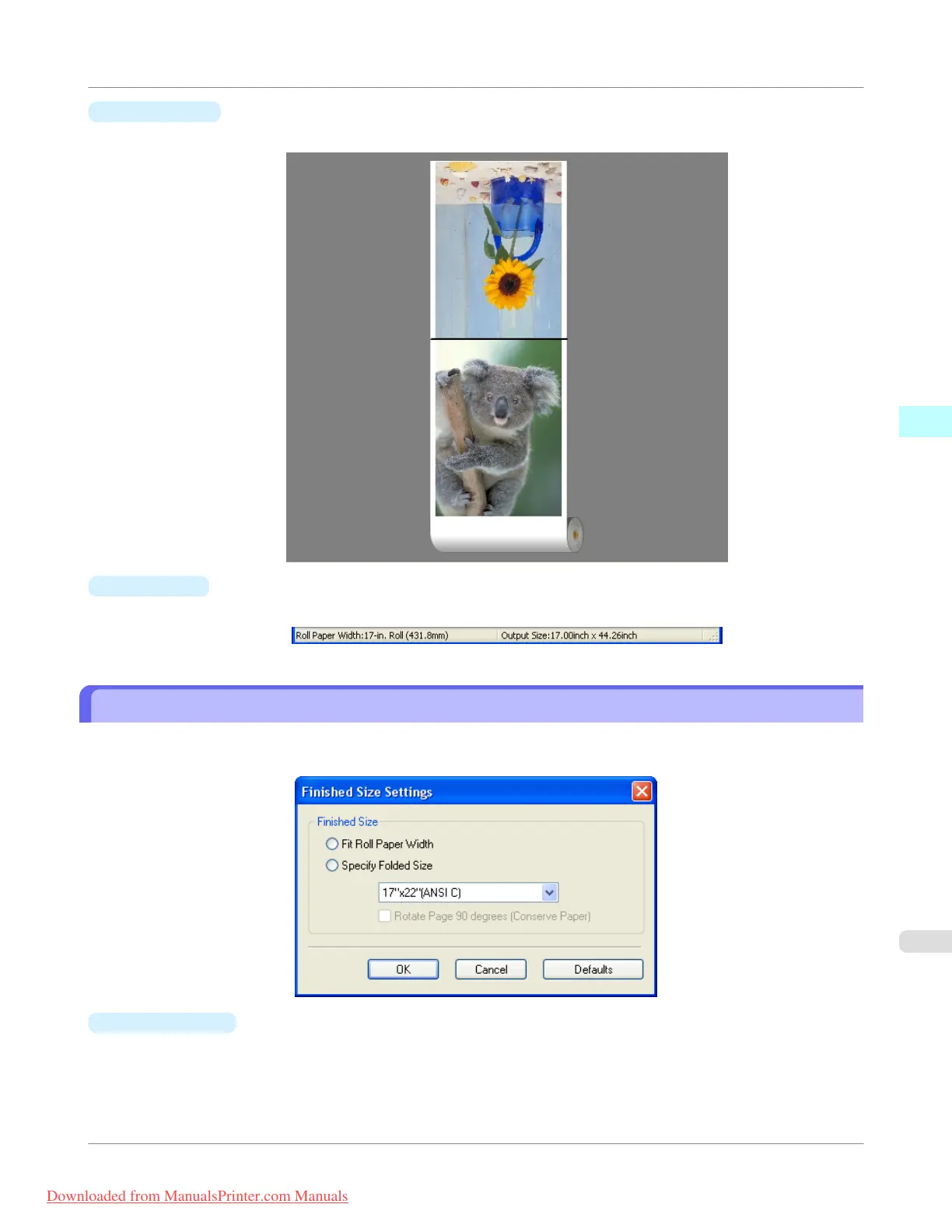
Layout Area
This allows you to check the arrangement and orientation of objects.
•
Status Bar
This shows the paper source, roll paper width, and output size.
Finished Size Settings Dialog Box
This dialog box is displayed when you select Finished Size Settings from the Edit menu. This allows you to configure
finished size settings.
•
Finished Size
Selects the method for setting the finished size.
The following settings are available for the finished size.
Windows Software
>
Free Layout
>
iPF755
Finished Size Settings Dialog Box
3
287
Downloaded from ManualsPrinter.com Manuals


 To Next Page
 Loading...










