2. Click the Set button in Configure Color imageRUNNER Enlargement Copy. to open the Color imageRUN-
NER Enlargement Copy dialog box.
Note
• You can also start the utility directly by clicking on the Color imageRUNNER Enlargement Copy.app
icon in Applications > Canon Utilities > iR Enlargement Copy.
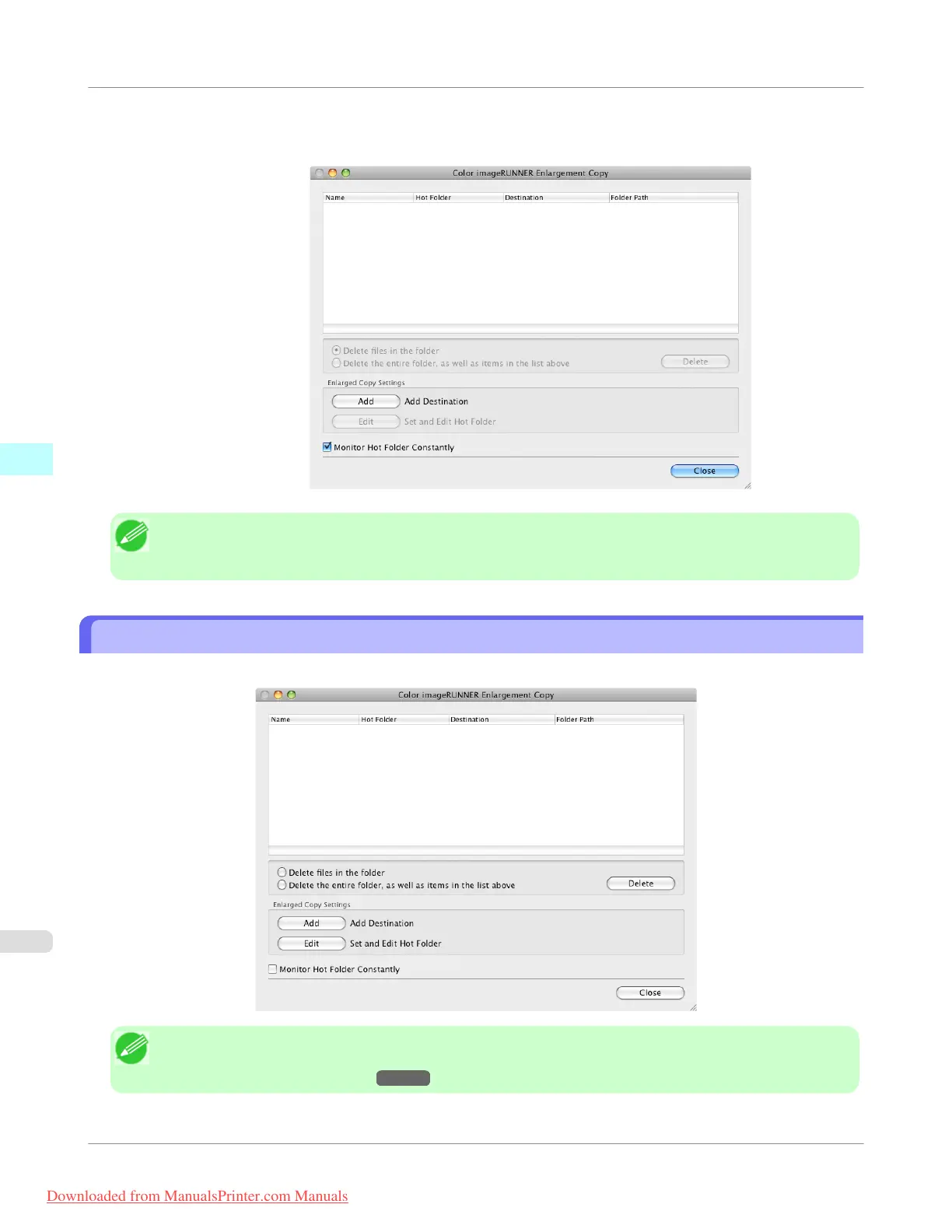
Color imageRUNNER Enlargement Copy Dialog Box
The explanation below is on the Color imageRUNNER Enlargement Copy dialog box.
Note
• For the step to open the Color imageRUNNER Enlargement Copy dialog box, see "Starting Color image-
RUNNER Enlargement Copy." →P.521
Mac OS X Software
>
Color imageRUNNER Enlargement Copy
>
Color imageRUNNER Enlargement Copy Dialog Box
iPF755
4
522
Downloaded from ManualsPrinter.com Manuals


 To Next Page
 Loading...










