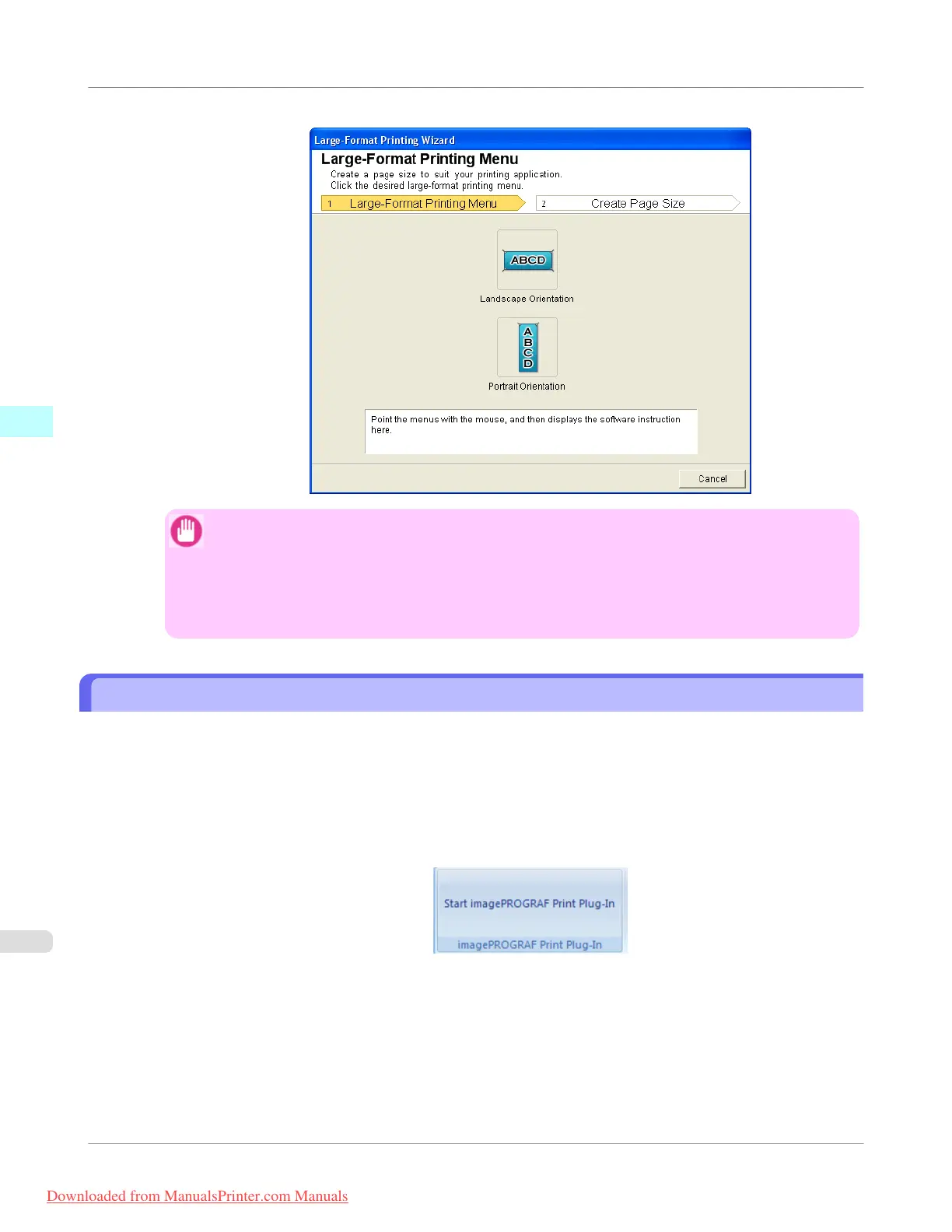
Large-Format Printing Wizard dialog box
Important
• If you want to change the display to another file or application while the Large-Format Printing
Wizard is open, close the Large-Format Printing Wizard dialog box. Otherwise, you may not be
able to change displays or operate the toolbar/ribbon.
• The layout may collapse if you create a form using existing data. If that is the case, modify the data
again.
Print Matching Roll Width (Word)
Prints to the edge of the roll width. You can print large exhibits and posters, and also print Portrait and Landscape orienta-
tions made in Large-Format Printing Wizard.
1. Start Microsoft Word.
2. If Start imagePROGRAF Print Plug-In is displayed, click it.
Windows Software
>
Print Plug-In for Office
>
Print Matching Roll Width (Word)
iPF755
3
318
Downloaded from ManualsPrinter.com Manuals


 To Next Page
 Loading...










