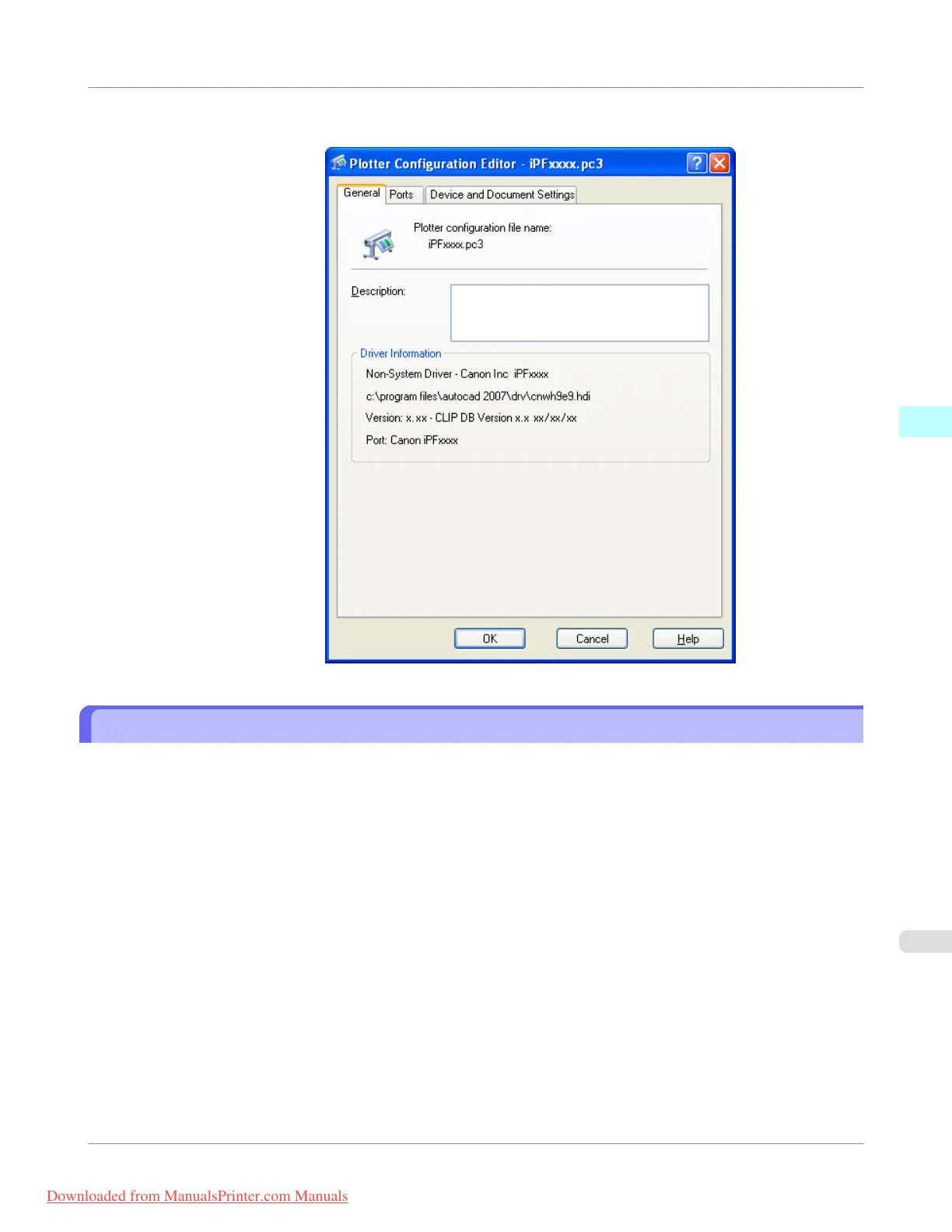
2. The Plotter Configuration Editor dialog box opens.
Opening from the Start Menu
Follow the procedure below to open the Plotter Configuration Editor dialog box from the Start menu.
1. Click the Start button then select Control Panel.
The Control Panel window opens.
Windows Software
>
HDI Driver
>
iPF755
Opening from the Start Menu
3
375
Downloaded from ManualsPrinter.com Manuals


 To Next Page
 Loading...











