•
Mac OS X
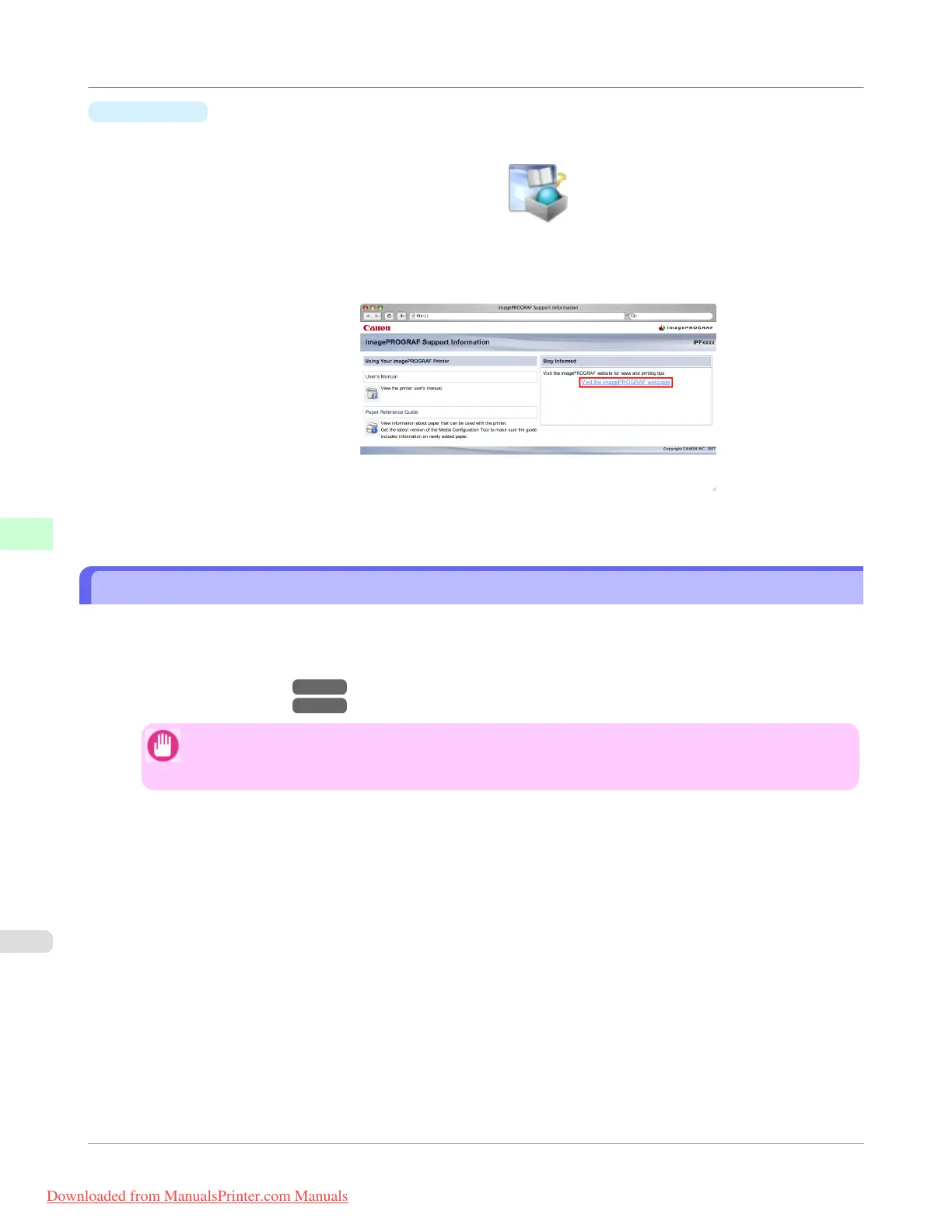
1. Click the iPF Support icon in the Dock.
The imagePROGRAF Support Information window is displayed.
2. Click Visit the imagePROGRAF webpage.
The default browser on your computer is started and the imagePROGRAF webpage is displayed.
Adding Custom Paper
Using Media Configuration Tool, you can add custom paper (paper not listed in the Paper Reference Guide) to the printer
driver and control panel of the printer.
For details on Media Configuration Tool, refer as follows.
• Media Configuration Tool →P.414 (Windows)
• Media Configuration Tool →P.546 (Macintosh)
Important
• If a malfunction occurs in the printer resulting from the use of custom paper (paper not listed in the
Paper Reference Guide), it is not guaranteed even within the warranty period.
Handling Paper
>
Paper
>
Adding Custom Paper
iPF755
6
632
Downloaded from ManualsPrinter.com Manuals


 To Next Page
 Loading...











