Creating a New Hot Folder
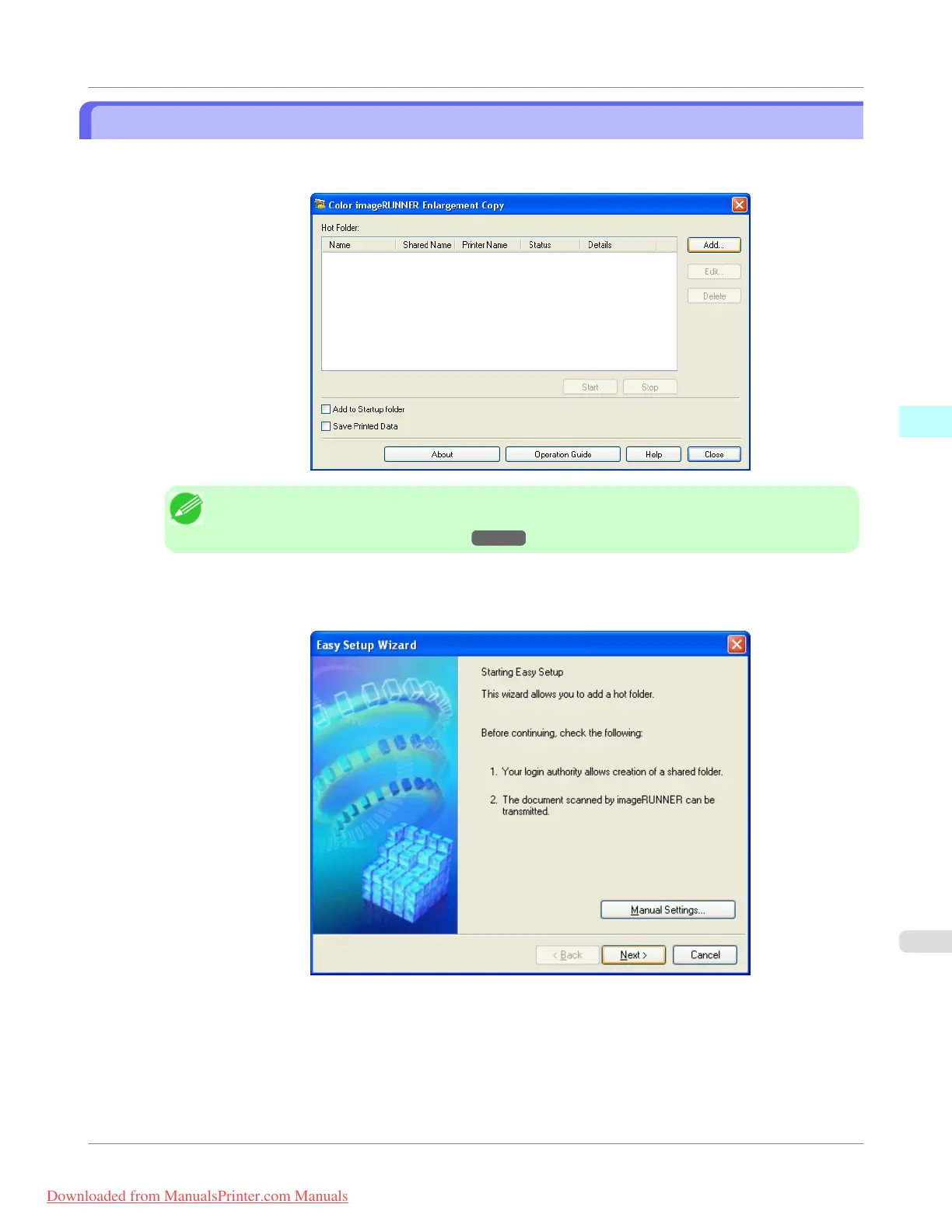
1. Open the Color imageRUNNER Enlargement Copy dialog box, and then click the Add button.
Note
• For the step to open the Color imageRUNNER Enlargement Copy dialog box, see "Starting Color
imageRUNNER Enlargement Copy." →P.292
2. The Easy Setup Wizard dialog box displays.
Click the Next button.
Windows Software
>
Color imageRUNNER Enlargement Copy
>
iPF755
Creating a New Hot Folder
3
295
Downloaded from ManualsPrinter.com Manuals


 To Next Page
 Loading...











