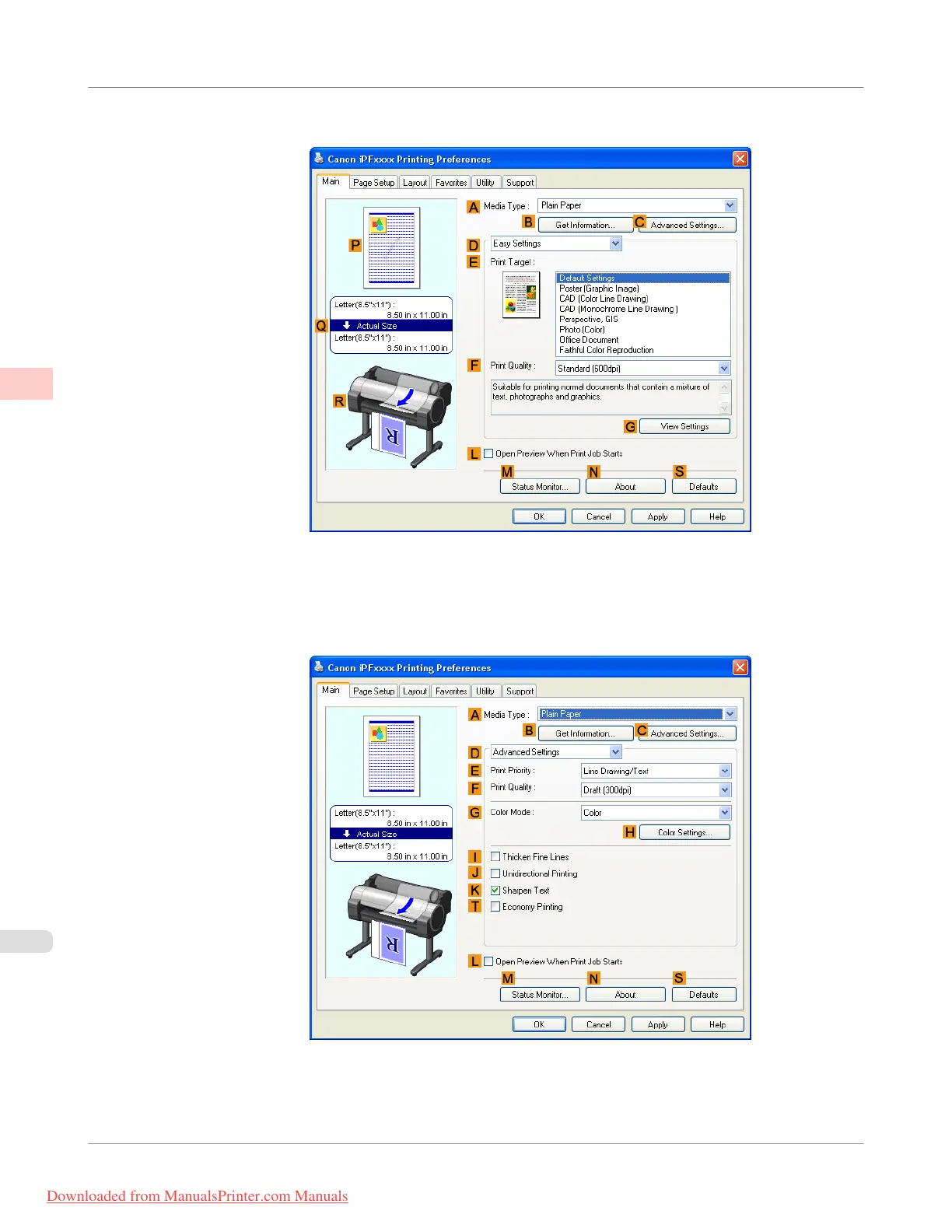
3. Make sure the Main sheet is displayed.
4. In the A Media Type list, select the type of paper that is loaded.
5. Click D Advanced Settings to switch the print mode.
6. Click Color in the G Color Mode list.
Enhanced Printing Options
>
Adjusting Images
>
Fine-Tuning Colors of Photos and Images (Windows)
iPF755
2
54
Downloaded from ManualsPrinter.com Manuals



 To Next Page
 Loading...










