2. Select the overlapping order menu from the Object menu.
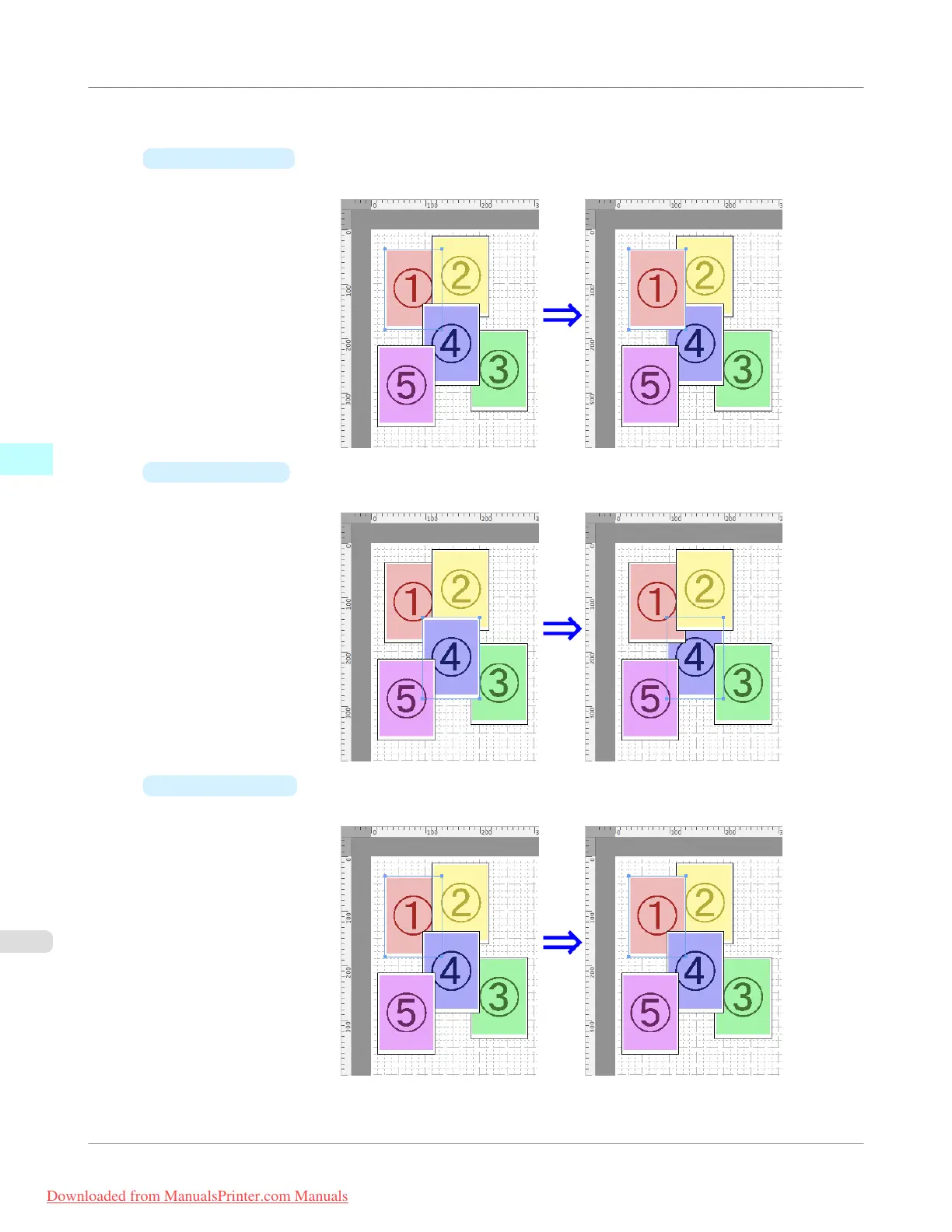
•
Bring to Front
Moves the object to the frontmost position.
•
Send to Back
Moves the object to the backmost position.
•
Bring Forward
Moves the object one position to the front.
Mac OS X Software
>
Free Layout
>
Changing the Object Overlapping Order
iPF755
4
518
Downloaded from ManualsPrinter.com Manuals


 To Next Page
 Loading...










