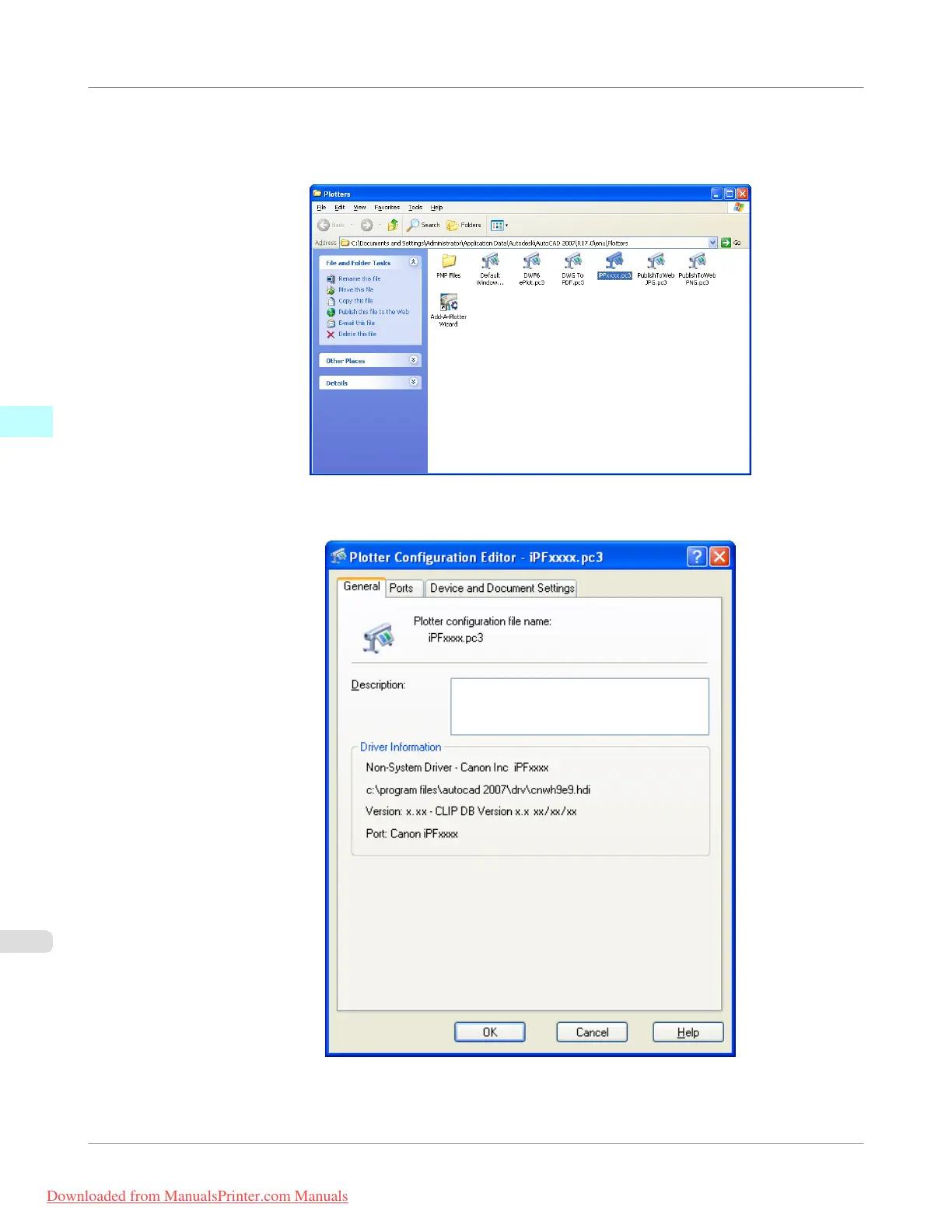
2. Double-click the Autodesk Plotter Manager icon.
The Plotters window opens.
Double-click the iPFxxxx.pc3 icon (the icon name is the name of the printer you use) to open.
3. The Plotter Configuration Editor dialog box opens.
Windows Software
>
HDI Driver
>
Opening from the Start Menu
iPF755
3
376
Downloaded from ManualsPrinter.com Manuals


 To Next Page
 Loading...










