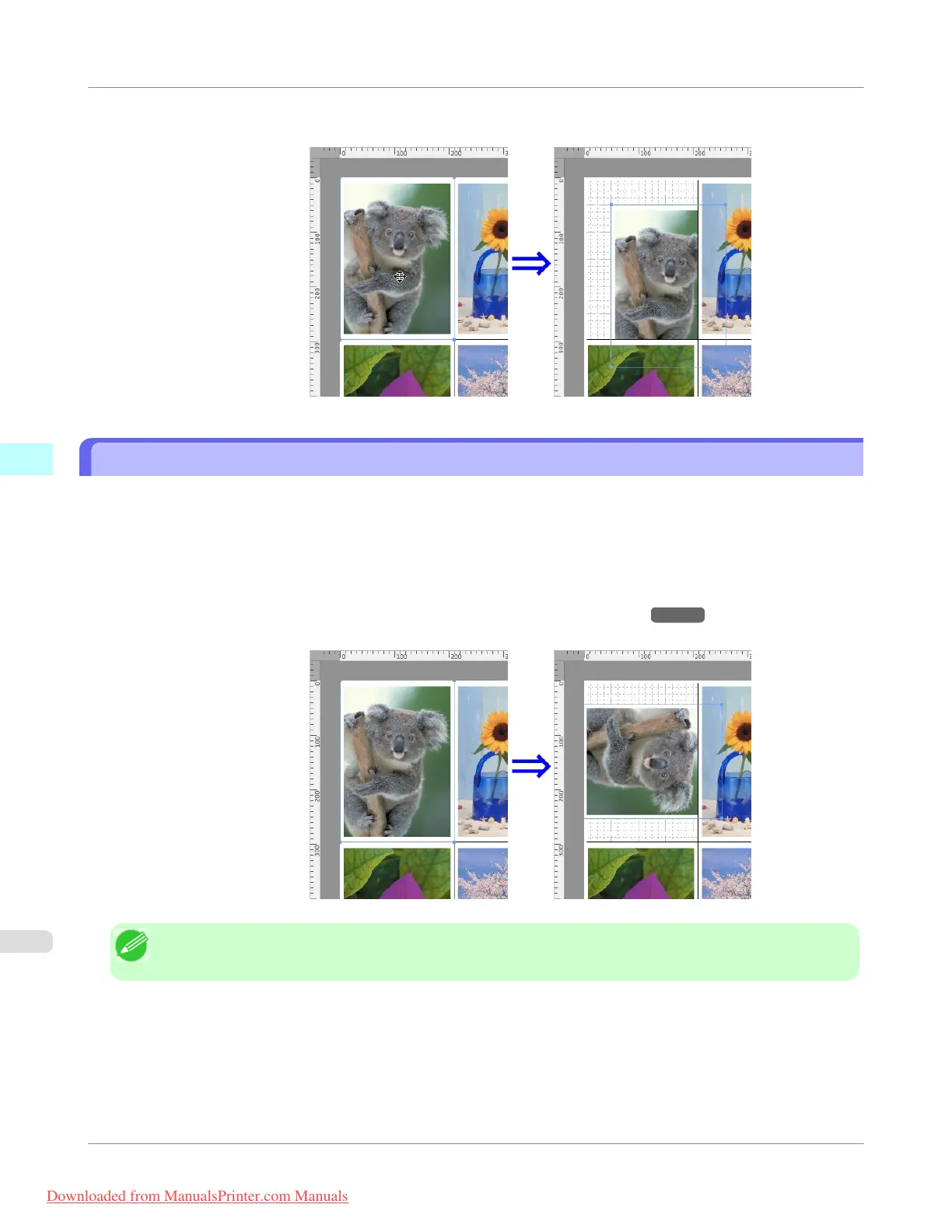
2. Place the pointer inside the selection box of the object to show the crosshair handle, and drag it to move the object.
Rotating an Object
You can rotate the object.
1. Select an object.
2. Select Rotate Left or Rotate Right from the toolbar.
Alternatively, you may click on the Rotate check box in the Format Dialog Box →P.510 then select Rotate
Right or Rotate Left, and click the OK button.
Note
• When several objects are selected, you cannot select Rotate.
Mac OS X Software
>
Free Layout
>
Rotating an Object
iPF755
4
514
Downloaded from ManualsPrinter.com Manuals


 To Next Page
 Loading...











