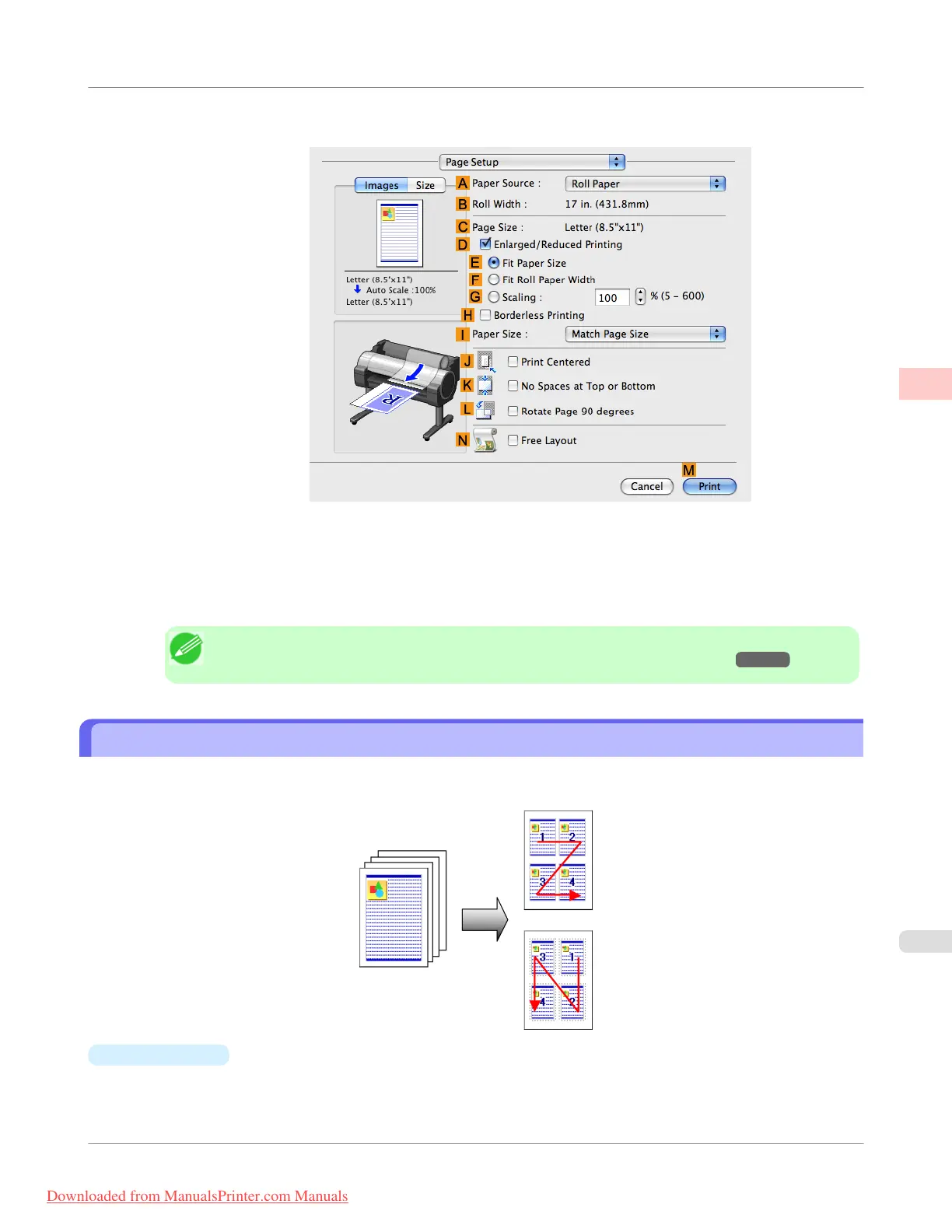
9. Access the Page Setup pane.
10. Click Roll Paper (Banner) in the A Paper Source list.
11. Confirm the print settings, and then click M Print to start printing.
Note
• For tips on confirming print settings, see "Confirming Print Settings(Mac OS X) →P.438 "
Printing Multiple Pages Per Sheet
To conserve paper, you can print several pages of the original on a single sheet by reducing the original and dividing the
sheet into areas for each page.
•
Page Layout
Specify a number of pages of the original to print on a single sheet, in a layout of multiple pages per sheet.
Enhanced Printing Options
>
Tiling and multiple pages per sheet
>
iPF755
Printing Multiple Pages Per Sheet
2
149
Downloaded from ManualsPrinter.com Manuals


 To Next Page
 Loading...











