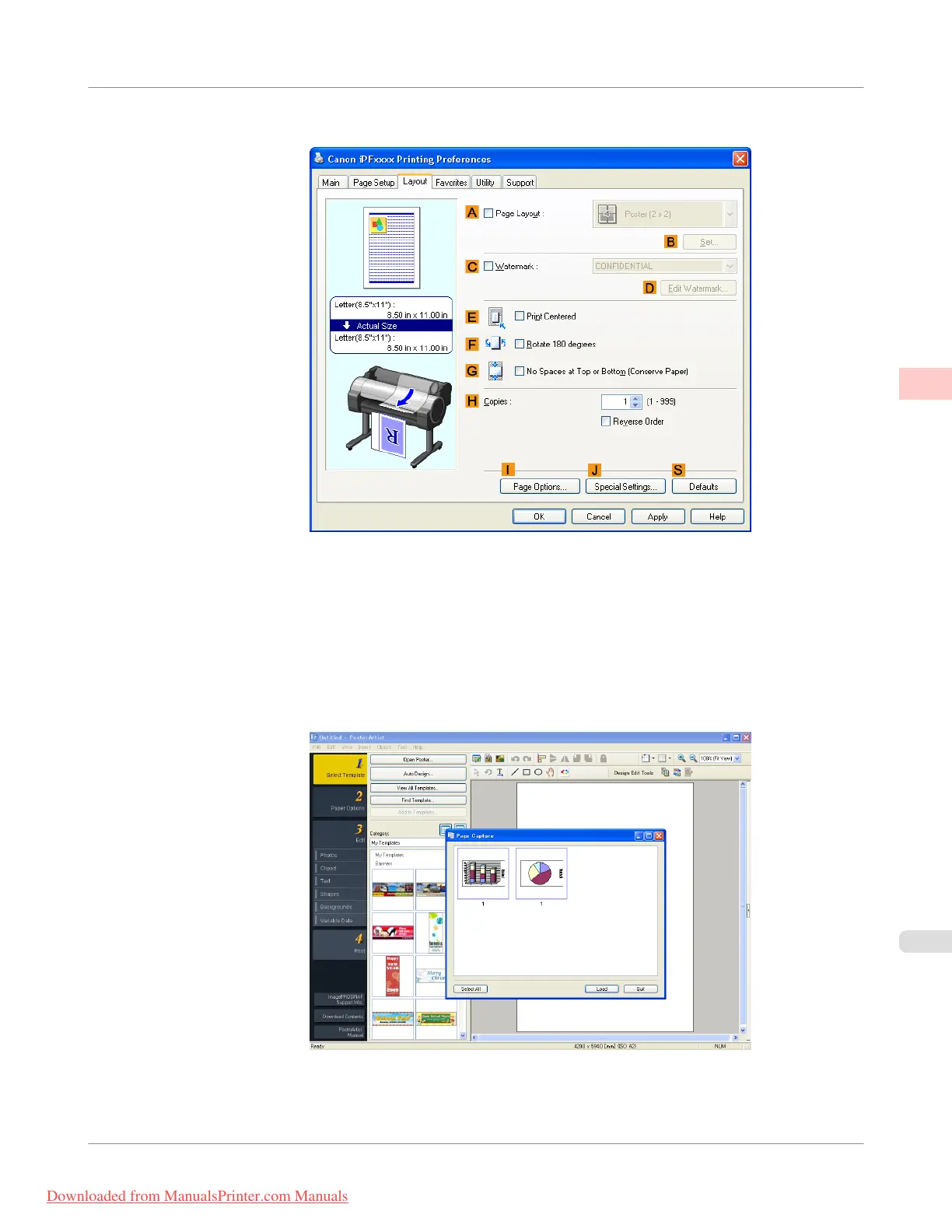
4. Click the Layout tab to display the Layout sheet.
5. Select the A Page Layout check box.
6. Click in the Edit Using PosterArtist in the A Page Layout list.
7. When you attempt to print, PosterArtist starts up and the PageCapture window is displayed. (At this point, the
document will not be printed yet.)
8. Choose the page to load in PosterArtist.
Enhanced Printing Options
>
Printing Photos and Office Documents
>
iPF755
Using PosterArtist to Compose Originals
2
37
Downloaded from ManualsPrinter.com Manuals


 To Next Page
 Loading...










