Print on the Center
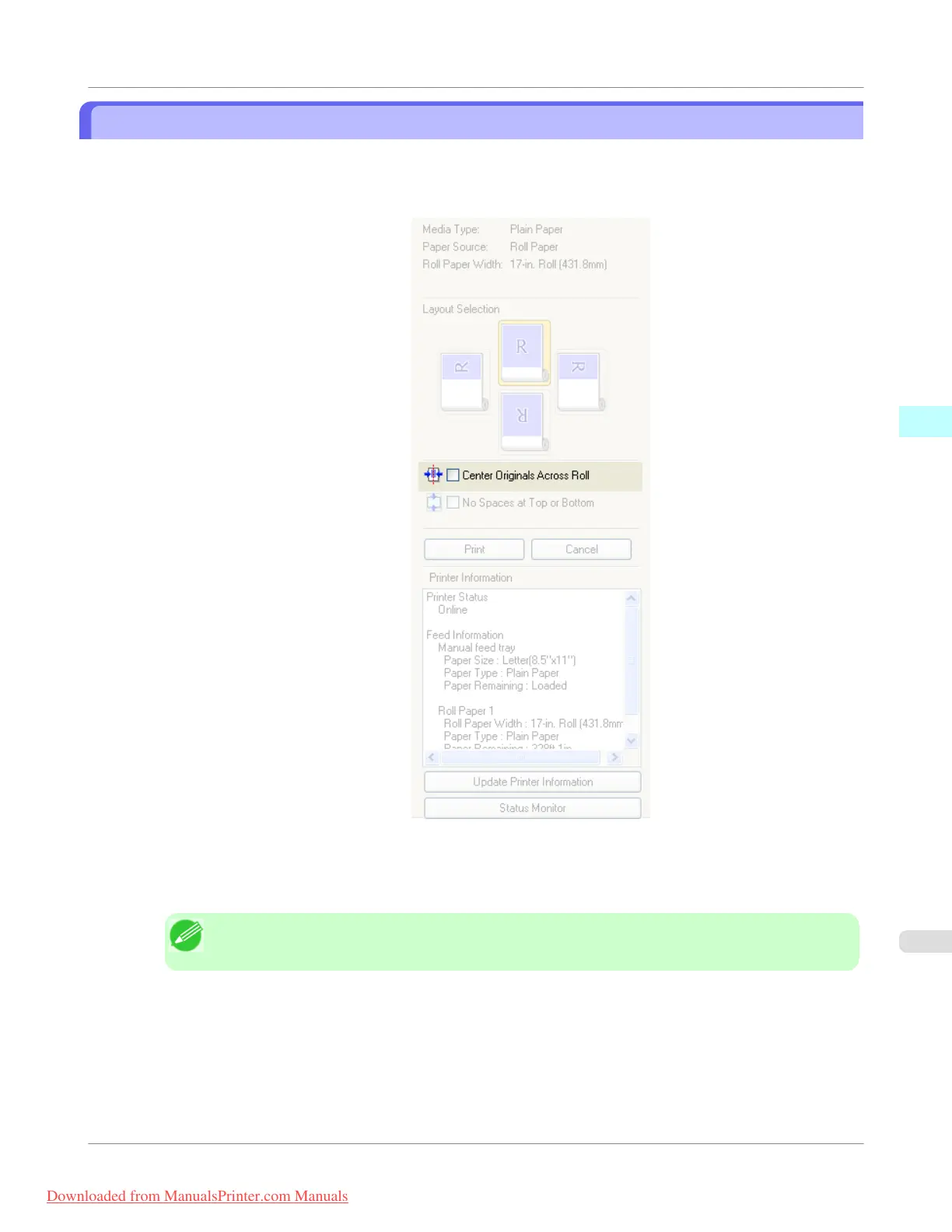
You can print on the center of the media loaded in the printer.
1. Click the Center Originals Across Roll check box on.
2. Click the Print button
Printing on the center begins.
Note
• Available only if rolls are selected in Paper Source.
Windows Software
>
Preview
>
iPF755
Print on the Center
3
259
Downloaded from ManualsPrinter.com Manuals


 To Next Page
 Loading...










