Installation Procedure
There are two ways to install the HDI driver.
• Installing with the Canon Installer
→P.361
• Installing with the Add-A-Plotter Wizard
→P.369
Installing with the Canon Installer
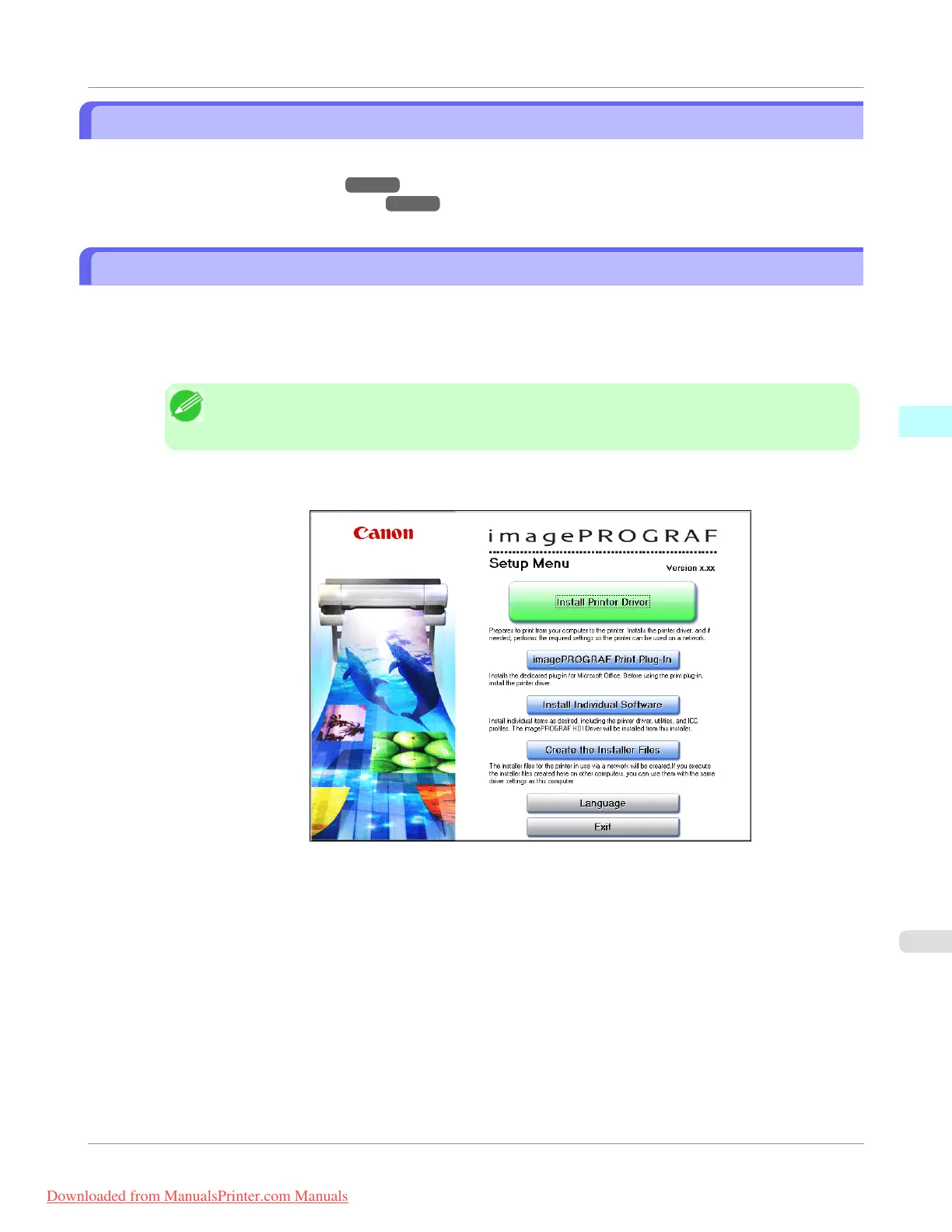
The Canon installer opens and displays as soon as you start the User Software CD-ROM provided with the printer. Follow
the procedure below to perform the installation from this screen.
1. Mount the User Software CD-ROM in the CD-ROM drive and start the Canon installer.
Note
• If the Canon installer screen does not appear, double-click the CD-ROM icon from the My Com-
puter to open the installer screen.
2. Select Install Individual Software in the Canon installer Setup Menu.
Windows Software
>
HDI Driver
>
iPF755
Installation Procedure
3
361
Downloaded from ManualsPrinter.com Manuals



 To Next Page
 Loading...










